Download Acon Digital DeBleed Drums 2026 for Mac Free. It is full Latest Version setup of Acon Digital DeBleed Drums DMG for Mac OS X.
Review On Acon Digital DeBleed Drums
Acon Digital DeBleed Drums: Say goodbye to re-voicing. Hello, hygiene! If you work with recorded drums, you’re already aware of the problem: microphone bleed between close mics can blur transients, muddy the low end, and reduce overall mix clarity. Time-consuming editing or extensive gating are frequently needed to fix problems like hi-hats leaking into snare mics, cymbals washing over tom tracks, or kick bleed creeping into overheads. A better option is provided by DeBleed:Drums.
If you work with recorded drums, you know how unwanted microphone feedback can ruin a mix, making it sound muddy and unclear. However, that is no longer the case! DeBleed:Drums is made especially to target and lessen bleed while maintaining each drum element’s inherent dynamics and tone. Sound engineers and studio professionals can easily and transparently eliminate unwanted overtones from drum recordings in real time without sacrificing quality with DeBleed:Drums, a cutting-edge AI-powered plugin. This plugin cleverly separates intended drum hits from background bleed, applying precise correction only where needed, in contrast to traditional gates that can sound abrupt or unnatural.
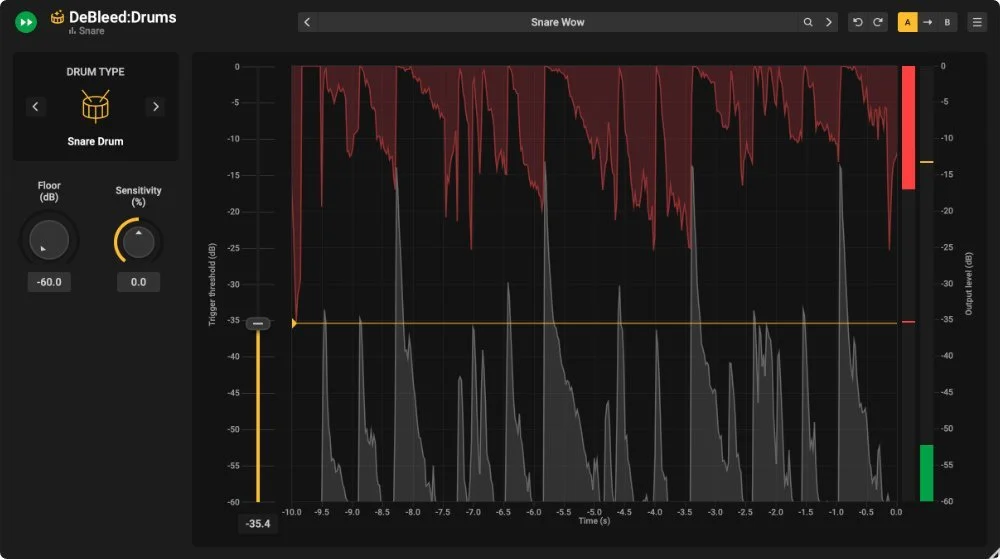
DeBleed:Drums, a crucial studio tool, was created to enhance clarity and expedite the mixing process, enabling you to produce professional-quality drum sounds more quickly and effectively than ever before. Cleaning individual tracks before applying a lot of EQ or compression makes the rest of your mix more controlled and polished. Accuracy driven by AI is one of DeBleed:Drums’ most remarkable features. The algorithm is able to distinguish between intended hits and spill with remarkable accuracy because it has been trained on hours of real drum recordings and is familiar with the characteristics of kick, snare, toms, and cymbals.
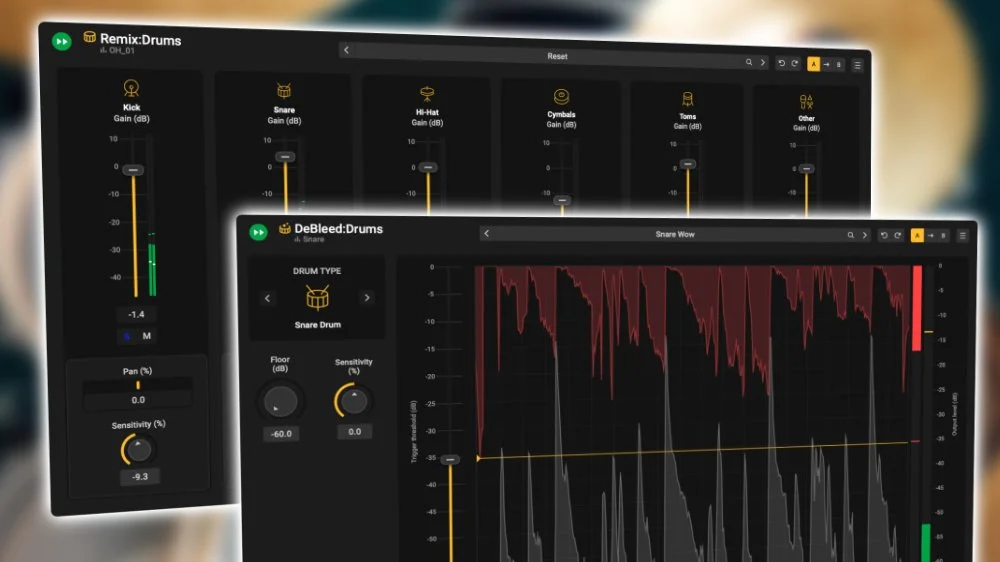
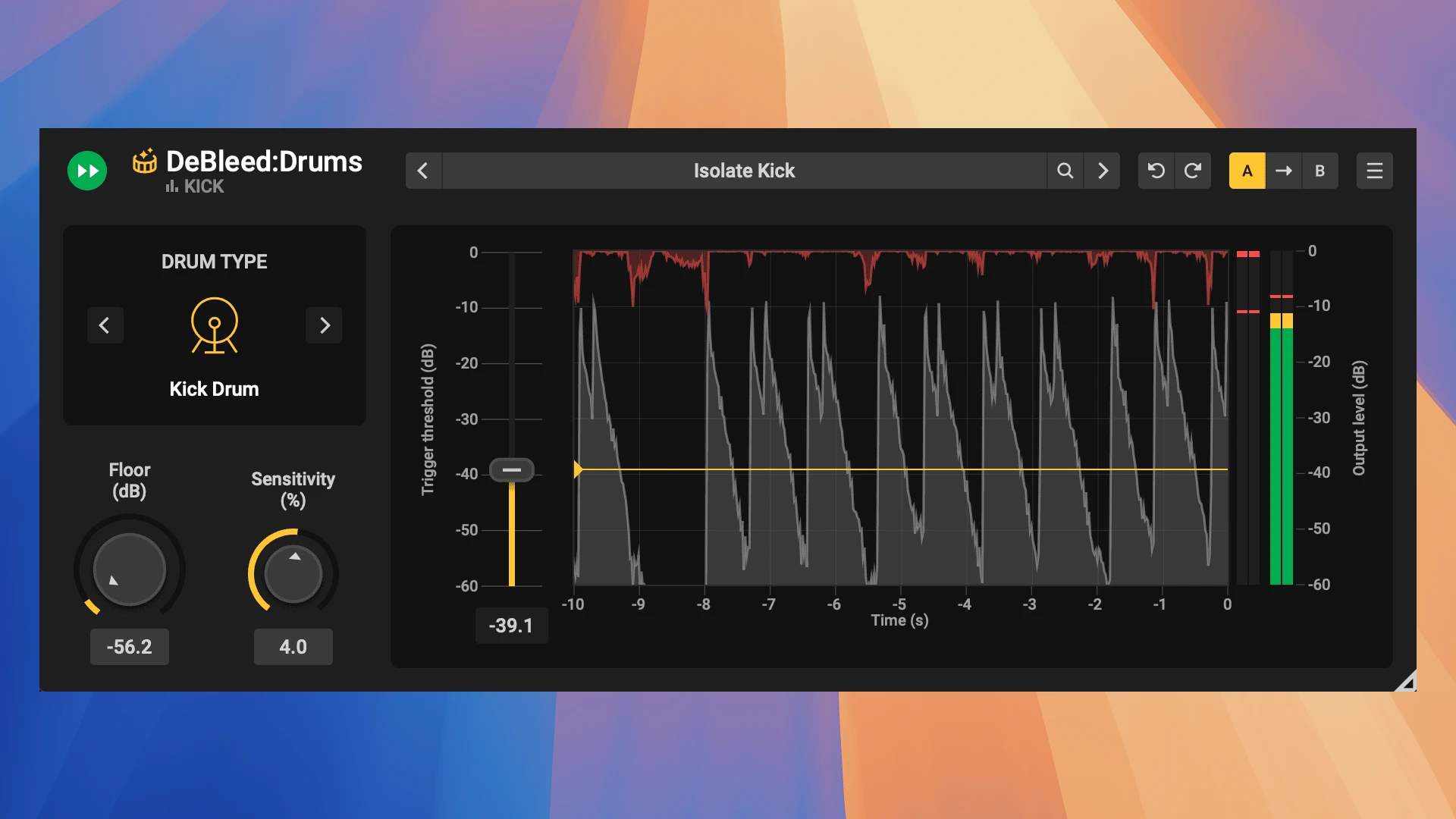
Like a typical insert effect in your DAW, the plugin operates instantly and in real time. Efficiency and data privacy are ensured because there is no need for external audio uploading or time-consuming offline processing. Because of this, it works well in professional studio settings and during hectic sessions. You can adjust the amount of bleed reduction in seconds with a powerful sensitivity control. For natural recordings, you can adjust the cleanup to be subtle, or for problematic tracks, you can apply more correction. Another layer of control is added by the response threshold parameter, which makes sure that only necessary hits are processed while maintaining the performance’s dynamic feel. You can store and recall optimized settings with the preset manager to further expedite workflow. Working with multiple drum tracks or recurring session setups makes this especially helpful.
When used practically, DeBleed Drums greatly enhances the separation of drum elements. Kick drums retain punch without undesired cymbal wash, snare tracks become tighter and more focused, and tom fills sound cleaner. More clarity, simpler compression, and more distinct EQ shaping are the outcomes. For projects recorded in less-than-ideal acoustic settings, home studio sessions, or live recordings, it’s especially helpful. With little work, transparent cleanup can be accomplished without the need for aggressive gates or manual waveform editing. One of the most prevalent issues with drum mixing can be solved with the help of Acon Digital DeBleed Drums, a clever and contemporary solution. Real-time processing, AI-powered analysis, and user-friendly controls are combined to turn untidy multitrack recordings into crisp, mix-ready drum tracks. DeBleed:Drums is an extremely useful addition to the studio toolkit for engineers looking for productivity, clarity, and expert outcomes.
Key Features
- Hours of actual drum recordings were used to train the AI-powered bleed reduction.
- Removes unwanted microphone bleed and overtones from drum tracks.
- As an insert effect, it operates in real time, with no need for offline rendering.
- Maintains natural drum tone while eliminating aggressive gating artifacts.
- Advanced sensitivity control lets you fine-tune the amount of bleed removed.
- The response threshold can be adjusted to only process intended drum hits.
- Improves clarity and separation of kick, snare, toms, and cymbals.
- enhances the output of compression, saturation processing, and downstream EQ.
- Keeps transients while reducing background spill.
- It includes a preset manager for quick workflow and reusable settings.
- No cloud processing ensures data privacy and speed.
- Excellent for studio recordings, live drum sessions, and home studio projects.
- Eliminates the need for manual editing and complicated gating configurations.
- Optimized for modern DAW integration while minimizing CPU usage.
- Mixes faster by delivering cleaner, more controlled drum tracks right away.
Technical Details
- Full Name: Acon Digital DeBleed Drums
- Setup App File Name: Acon Digital DeBleed Drums
- Full Application Size: 37 MB
- Setup Type: AU, VST, VST3
- Latest Version: 1.0.1
- Developers: Acon Digital
System Requirements
- Operating System: macOS 10.15 (Catalina) or later
- Memory (RAM): 4/8
- Hard Disk Space: 50 MB
- Processor: Apple Silicon (M1-M4) and newer or Intel Core (64-bit)
Download Acon Digital DeBleed Drums 2026 Latest Version Free
Click on the button below to start Acon Digital DeBleed Drums Download for Mac OS X. This is completely Tested and Working Latest Version Mac OS App of Acon Digital DeBleed Drums. It is offline installer and standalone setup for Acon Digital DeBleed Drums for Apple Macintosh. We provide Resumeable single direct link Acon Digital DeBleed Drums Download for Mac.