Download Photo Organizer AI Premium 2026 free. It is the full offline installer standalone setup of Photo Organizer AI Premium for Windows. Photo Organizer AI Premium 2026 is a smart photo management solution that automatically sorts, organizes, and improves large image collections using local AI technology, with no cloud upload required.
Review of Photo Organizer AI Premium 2026
Photo Organizer AI Premium 2026 is a desktop photo management tool for Windows. It uses local artificial intelligence to scan your image folders, group photos into event albums, detect duplicates, and remove low-quality shots. Everything runs on your own computer without sending a single file to the cloud. Most people have thousands of unsorted photos sitting across multiple folders and devices. Vacation shots, family events, work projects, and birthday photos all end up mixed together with no clear order. Scrolling through thousands of random files to find one specific memory takes too long. Manual sorting by date or folder is time-consuming and easy to get wrong. Photo Organizer AI Premium 2026 removes this entire problem. It scans your directories, reads each image, and groups related photos into clean, chronological event albums automatically. Weddings, trips, birthdays, and daily moments each become their own structured collection without any manual effort from you.

Automatic Event Album Creation
The software groups related pictures into logical event albums based on time, similarity, and content. Whether the photos come from a family trip, a wedding, a birthday party, or an outdoor adventure, the tool places them into organized collections that are easy to browse. Albums can be split, merged, and reorganized without changing anything in your actual physical folders. Your original files stay exactly where they are at all times.
AI Subject and Scene Classification
The software uses embedded local ONNX classifiers to automatically tag subjects and classify scenes. It can recognize mountains, rivers, beaches, rain, documents, landscapes, and many other visual categories without any manual tagging from you. This makes searching for a specific type of photo much faster. Instead of browsing folder by folder, you can filter by scene type and find exactly what you need in seconds.
Blur and Focus Quality Inspection
Not every photo from a shoot is worth keeping. Photo Organizer AI Premium automatically detects blurry, grainy, out-of-focus photos, and red-eye issues across your entire collection. A custom quality threshold slider lets you set your own standard. Any photo that falls below it gets flagged for removal. This saves hours of manual checking when you have hundreds of near-identical shots from the same event.
Duplicate and Near-Duplicate Detection
Duplicate photos waste storage and make collections harder to browse. The software scans for files with identical image checksums and for photos with extremely high visual similarity. It groups them together so you can review and keep only the best version. This works for exact copies as well as slightly different shots taken moments apart.
DirectML GPU Acceleration
Processing thousands of photos with deep learning classifiers takes significant computing power. Photo Organizer AI Premium runs all its deep learning culling networks locally using DirectML, which puts your graphics hardware to work directly. This delivers fast frame processing speeds even on large collections. For users managing tens of thousands of images, GPU acceleration makes a real difference in how long a full scan takes.
Flexible Virtual Albums
Virtual albums give you full creative control over how your collection is organized. You can split one large album into smaller ones, merge multiple events into a single collection, and rearrange photos freely. None of these actions touch your physical files or folder structure. This means you can reorganize as many times as you need without any risk of accidentally moving or deleting original photos.
Geo-Location and Date-Based Sorting
The software also sorts photos by date, geo-location, and other metadata criteria automatically. This is useful for travel collections where you want albums grouped by destination as well as by time.
Who Photo Organizer AI Premium Is For
This software fits professional photographers and digital collectors who manage large volumes of images daily and need a high-performance workspace for culling and sorting. It also suits content creators, archivists, and casual users who have years of unsorted family photos sitting in random folders. Anyone who wants their photo library organized without spending hours doing it manually will get real value from this tool.
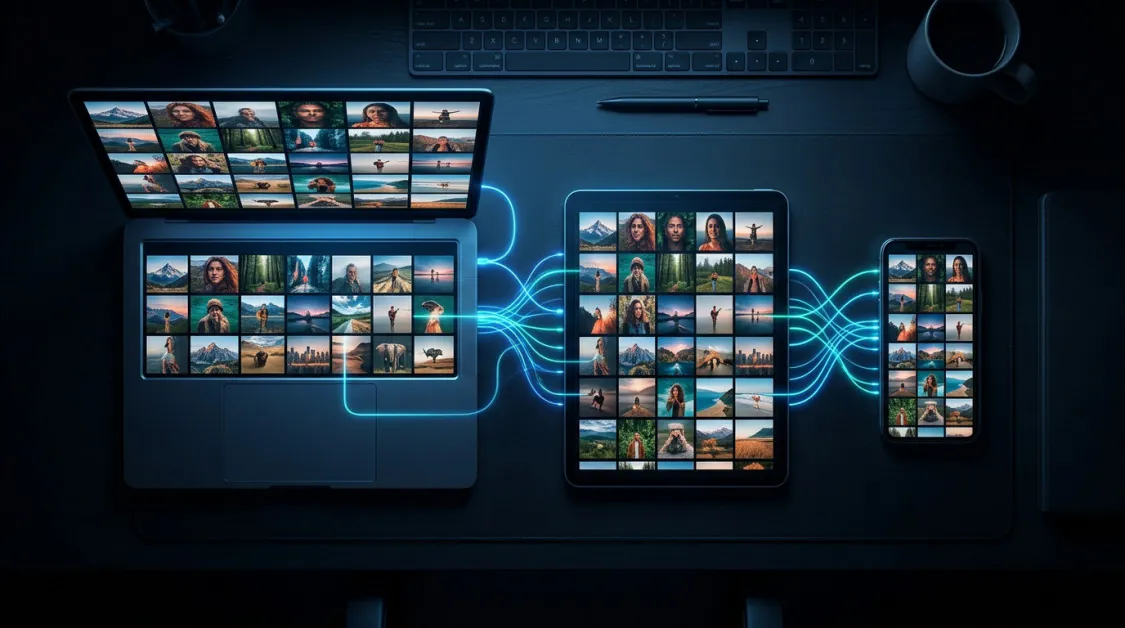
Key Features of Photo Organizer AI Premium 2026
- Automatically sorts and organizes large image collections using local AI technology
- Groups related photos into logical event albums based on time, similarity, and content
- AI subject and scene classification using embedded local ONNX classifiers
- Detects blurry, grainy, out-of-focus photos, and red eyes automatically
- Custom quality threshold slider to cull photos below your chosen standard
- Duplicate and near-duplicate detection using image checksums and visual similarity
- DirectML GPU acceleration runs all deep learning culling networks locally at high speed
- Virtual event albums that can be split, merged, and reorganized without altering physical folders
- Sorts photos by date, geo-location, and other metadata criteria
- 100 percent local processing with zero cloud uploads
Photo Organizer AI Premium 2026 Technical Setup Details
- Software Full Name: Photo Organizer AI Premium 2026
- Setup File Name: Photo_Organizer_AI_Premium_v4.7.5.rar
- Setup Size: 421 MB
- Setup Type: Offline Installer / Full Standalone Setup
- Compatibility Mechanical: 32 Bit (x86) / 64 Bit (x64)
- Developers: Photo Organizer
System Requirements for Photo Organizer AI Premium 2026
- Operating System: Windows 7/8/10
- RAM: 4 GB
- Hard Disk: 2 GB
- Processor: Intel Dual Core or higher processor
Frequently Asked Questions
What is Photo Organizer AI Premium 2026?
Photo Organizer AI Premium 2026 is a smart photo management solution for Windows. It automatically sorts, organizes, and improves large image collections using local AI technology, grouping photos into event albums based on time, similarity, and content.
Does it upload photos to the cloud?
No. All analysis, scanning, duplicate detection, and file management happen entirely on your own computer. Zero files are uploaded to any cloud server.
Can it detect duplicate photos?
Yes. It scans for files with identical image checksums and for photos with extremely high visual similarity, then groups them so you can keep only the best version.
How does scene and subject classification work?
The software uses embedded local ONNX classifiers to automatically tag subjects and classify scenes such as mountains, water, rain, and documents, all without internet access.
Will it move or modify my original photo files?
No. Virtual albums can be split, merged, and reorganized freely without altering your physical folders or original files in any way.
Does it support GPU acceleration?
Yes. It runs all deep learning culling networks locally using DirectML, which uses your graphics hardware to deliver fast processing speeds across large image collections.
Can it detect blurry or low-quality photos?
Yes. It automatically detects blurry, grainy, out-of-focus, and red-eye photos. A custom quality threshold slider lets you decide which photos get flagged for removal.
Who is Photo Organizer AI Premium built for?
It is built for professional photographers, content creators, archivists, digital collectors, and casual users who have large or unsorted photo libraries and want them organized automatically without manual effort.
Download Photo Organizer AI Premium 2026 Free
Click the button below to start the Photo Organizer AI Premium 2026 download. This is the full latest version offline installer for 64-bit Windows 10 and 11.