Download SketchBook Pro 9.4.7.0 full latest version program free setup for Windows. SketchBook Pro is a professional drawing and painting app that turns your PC into a full digital art studio.
SketchBook Pro 2026 Review
Many drawing apps either feel too cluttered with menus or lack the precision tools that serious artists need. SketchBook Pro takes a different approach. It keeps the canvas clean and puts the tools out of your way, so you can focus on drawing instead of hunting through panels. SketchBook Pro is now developed by Sketchbook Inc, after moving on from Autodesk. It works well for illustrators, concept artists, comic and manga creators, architects, and hobbyists. You can use it for quick thumbnail sketches or fully finished digital paintings, and it runs on Windows, macOS, iOS, and Android with the same tools across every device.
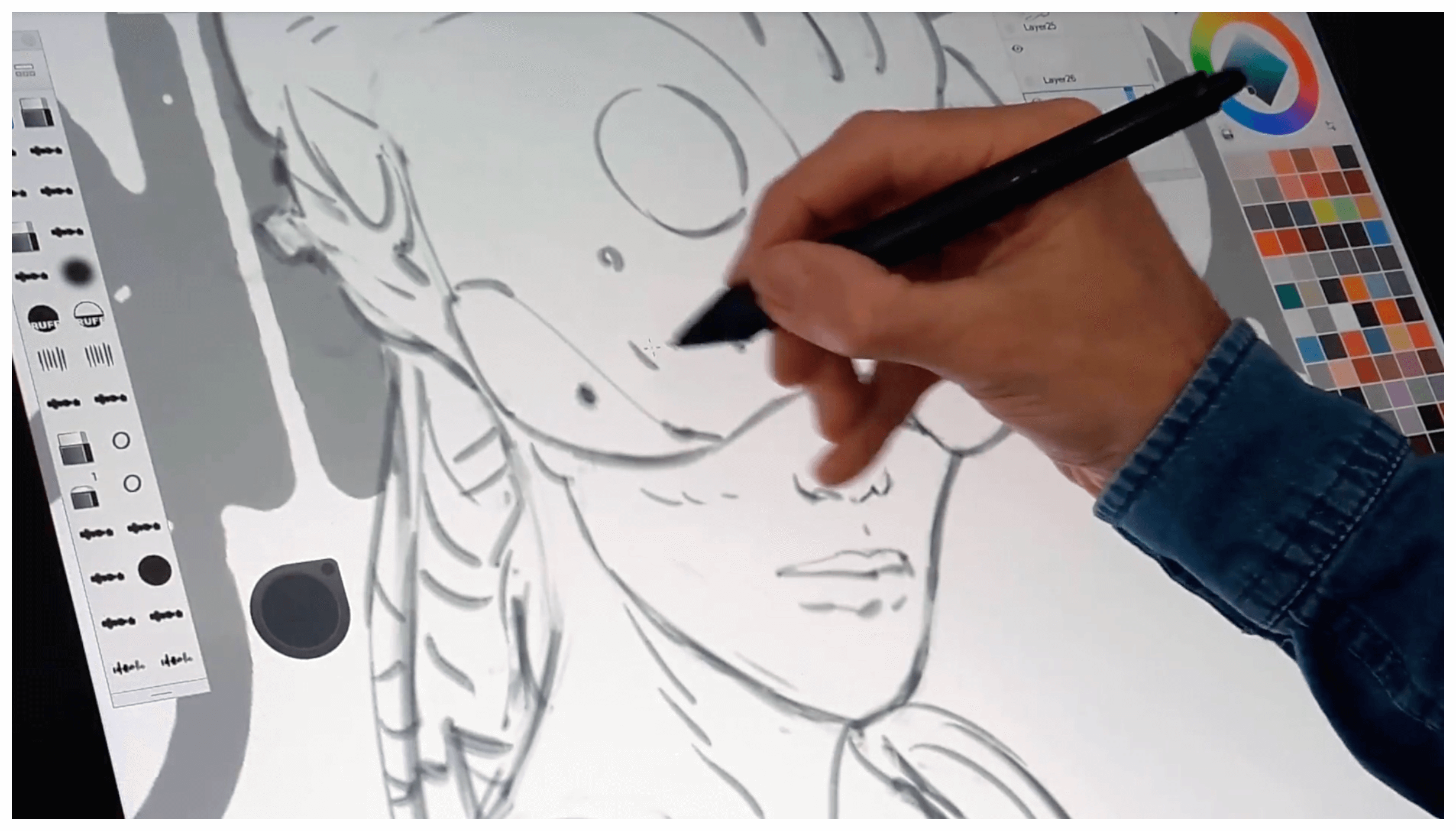
The brush engine is one of the app’s strongest points. It supports pressure and tilt sensitivity, so pencils, markers, synthetic oils, and texture smears all feel close to real drawing tools. Built in perspective guides make architectural or environmental sketches much easier. You get 1 point, 2 point, 3 point, and fisheye perspective options, so vanishing points and horizon lines line up correctly without manual guesswork. The layer editor supports large canvases with unlimited layers, grouping, clipping masks, and full blend modes. This gives you the flexibility needed for detailed illustrations or complex character designs. A Flipbook tool is also included, which lets you sketch simple 2D animations and motion studies directly inside the app.
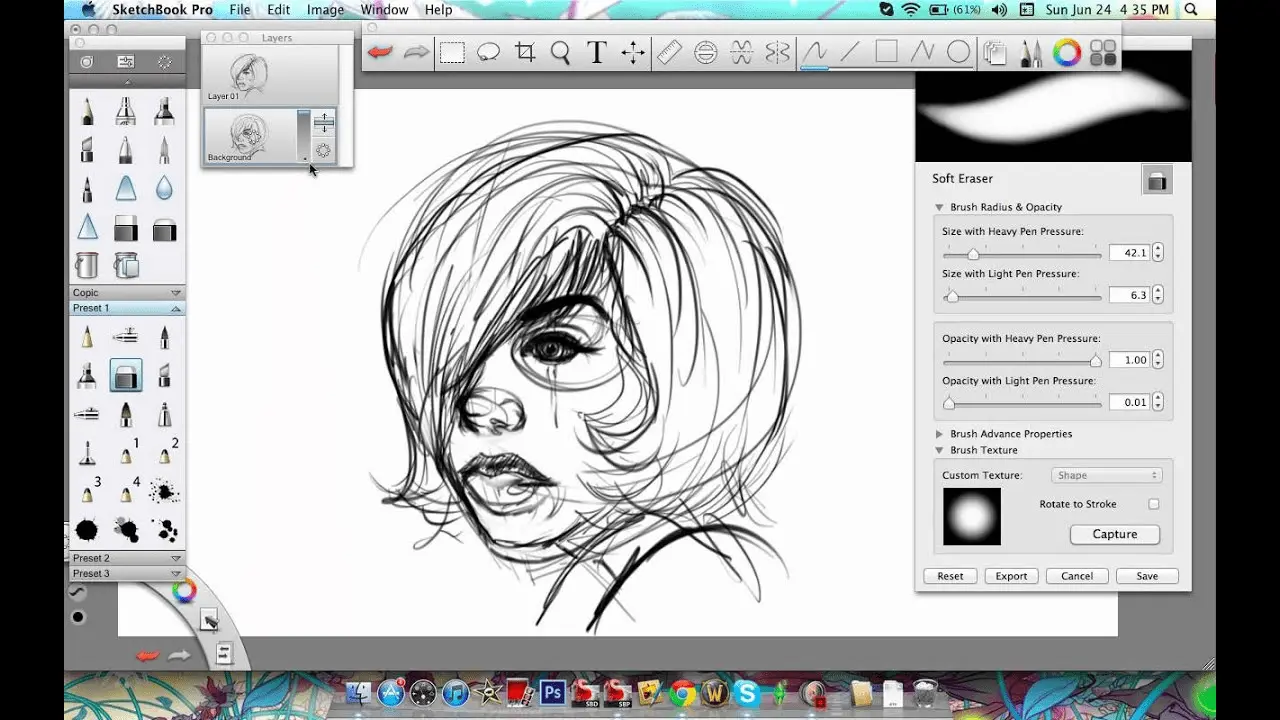
Extra tools round out the experience. Steady Stroke helps smooth out shaky lines. Symmetry tools assist with balanced character or object designs. Dynamic flood fills support solid, linear, and radial gradients, and a distort transform tool helps you adjust perspective after you have already started drawing. When you are done, you can export your work as JPG, PNG, BMP, TIFF, or PSD, which keeps your files easy to move into other programs.
Key Features
- Pressure and tilt sensitive brushes, including pencils, markers, and synthetic oils
- Built in 1 point, 2 point, 3 point, and fisheye perspective guides
- Layer editor with unlimited layers, grouping, clipping masks, and blend modes
- Flipbook tool for simple 2D animations and motion studies
- Steady Stroke tool for smoother, more controlled lines
- Symmetry tools for balanced designs
- Dynamic flood fills with solid, linear, and radial gradients
- Distort transform tool for adjusting perspective
- Export to JPG, PNG, BMP, TIFF, and PSD formats
SketchBook Pro 2026 Technical Setup Details
- Software Full Name: SketchBook Pro 2026
- Setup File Name: Sketchbook_Pro_9.4.7.0.rar
- Setup Size: 138 MB
- Setup Type: Offline Installer / Full Standalone Setup
- Compatibility: 32 Bit (x86) / 64 Bit (x64)
- Developers: SketchBook Pro
System Requirements for SketchBook Pro 2026
- Operating System: Windows 7/8/10
- RAM: 4 GB
- Hard Disk: 500 MB
- Processor: Intel Dual Core or higher processor
SketchBook Pro 9.4.7.0 Free Download
Download SketchBook Pro 2026 free latest full version offline direct download link for full offline setup by clicking the button below.