Download Fl Studio 2026 full latest version program free setup for Windows. FL Studio 2026 is the latest release of Image-Line’s industry-leading digital audio workstation featuring a completely rebuilt FLEX synthesizer, the new Transmitter plugin, Gopher AI agentic assistance, FL Cloud project backup, Audio Logger, and a wide range of workflow improvements delivered free to all existing users through the Lifetime Free Updates policy.
FL Studio 2026 Review
FL Studio 2026 is the latest version of the FL Studio digital audio workstation developed by Image-Line. It is built for music producers, beatmakers, electronic musicians, hip-hop and trap artists, and beginners who need a powerful and flexible DAW on Windows. The update was released on July 7, 2026 and is available immediately as a free download for all existing FL Studio users through the company’s Lifetime Free Updates policy. The update covers four main areas: a completely rebuilt FLEX synthesizer, the new Transmitter plugin, expanded Gopher AI assistance, and integrated FL Cloud project backup.
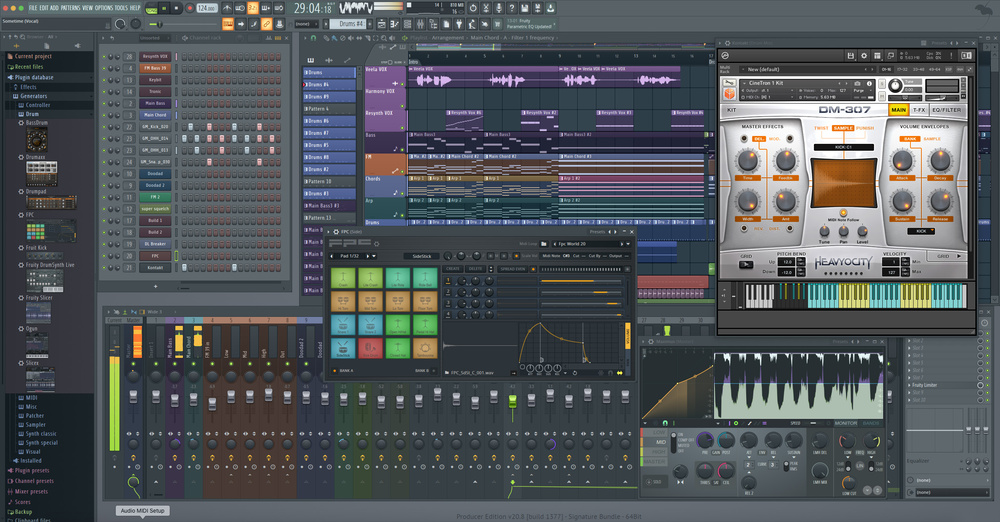
Every producer using FL Studio faces the same friction points in a session. Finding the right sound inside FLEX used to mean slow scrolling and limited filtering. Recovering a lost project after a crash or accidental close meant hoping an autosave existed. Getting help with a workflow task inside the DAW meant leaving the session to look it up elsewhere. FL Studio 2026 removes all three of these barriers at once. The rebuilt FLEX browser makes sound discovery fast and genre-filtered. FL Cloud backs up every project automatically on each save. Gopher AI can now answer questions and complete real tasks inside your project without you leaving the session. Image-Line CEO Constantin Koehncke summarized the release directly: every second spent searching, organizing, or recovering work is time taken away from creating.
Rebuilt FLEX Synthesizer
The centerpiece of FL Studio 2026 is a completely rebuilt version of FLEX, FL Studio’s most widely used virtual instrument. The previous FLEX engine has not seen this level of overhaul since the plugin was first introduced in 2019. The new engine is faster to load and lighter on CPU. The interface has been redesigned around speed and simplicity with streamlined controls and a new two-page layout.
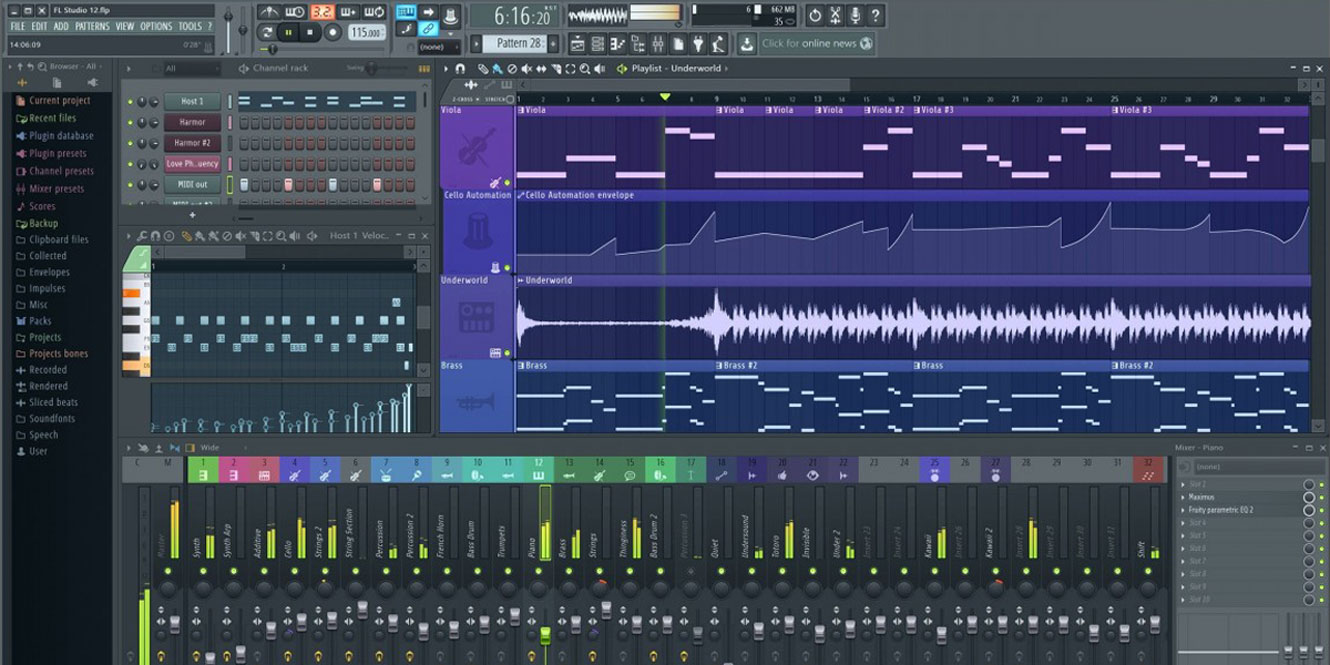
The new Library page gives producers instant access to pro-quality presets. The new Store page points to fresh sounds and expansion packs. The browser now lets users search across all installed packs simultaneously, preview sounds quickly, and filter results by genre so the right sound takes seconds to find instead of minutes. A completely refreshed factory sound library is included with the rebuild. Eight new free sound packs are also included with this update. Producers open a preset, shape it with the streamlined controls, and keep the idea moving.
Key Features of FL Studio 2026
- Completely rebuilt FLEX synthesizer with faster engine, new browser, and refreshed factory library
- Eight new free sound packs included with FLEX rebuild
- New FLEX Library page for preset browsing and Store page for additional sound packs
- Transmitter plugin separating audio into independent transient and sustain components (All Plugins Edition)
- Gopher AI expanded to complete tasks inside the project including track organization and Piano Roll content
- Gopher does not train on user data and works in multiple languages
- Auto-backup to FL Cloud on every save via Project Settings
- Audio Logger continuously buffering the last 60 seconds of master output
- Upgraded Chord Panel with chord detection from MIDI, typing keyboard, and Piano Roll
- In-app Stem Separation tool
- 1-click Remix a Song tool
- Audio Clip Gain Controls with Normalize option per clip or relative to loudest clip
- Pan audio clips without making them unique first
- Piano Roll note renaming for better project organization
- Low Lifter bass harmonic enhancement effect (Signature Bundle and higher)
- Spreader non-destructive stereo enhancer (Signature Bundle and higher)
- Blend2D UI rendering for faster graphics and lower CPU usage
- Apple Silicon optimization using Apple’s audio workgroups API to reduce dropouts
- Channel Rack sorting by type: samplers, instruments, automation clips, audio clips
- Plugin manager with faster scan speed for large plugin folders
- Browser tabs with inline waveform previews for samples
- Separate macOS Audio Input and Output device selectors
Fl Studio 2026 Technical Setup Details
- Software Full Name: Fl Studio 2026
- Setup File Name: FL_Studio_Producer_Edition_26.1.0.5530.rar
- Setup Size: 1.1 GB
- Setup Type: Offline Installer / Full Standalone Setup
- Compatibility Mechanical: 32 Bit (x86) / 64 Bit (x64)
- Developers: Fl Studio
System Requirements for Fl Studio 2026
- Operating System: Windows 7/8/10
- RAM: 4 GB
- Hard Disk: 4 GB
- Processor: Intel Dual Core or higher processor
FL Studio 2026 Free Download
Download Fl Studio 2026 free latest full version offline direct download link for full offline setup by clicking the button below.