Download Arturia Analog lab V Pro for Mac Free. It is full Latest Version setup of Arturia Analog lab V Pro DMG for Mac OS X.
Arturia Analog Lab V Pro for Mac Review
Arturia Analog Lab Pro is a music production plugin for Mac that gives musicians access to thousands of sounds inspired by classic and modern keyboards and synthesizers. Previously known as Analog Lab V, it is designed for producers who want ready-to-use sounds without opening multiple virtual instruments. The plugin includes more than 2,000 presets covering pianos, organs, basses, synth leads, pads, and other sounds. It suits beatmakers, composers, songwriters, and electronic music producers who need a flexible sound library for different projects.
A Large Sound Library for Different Music Styles
One of the main strengths of Analog Lab Pro is its wide selection of sounds. You can find warm electric pianos, classic synth leads, deep bass sounds, atmospheric pads, and bright keyboard tones in one place. This variety makes it useful for hip-hop, pop, electronic music, film scoring, and other styles. The presets are designed to help you start creating quickly. Rather than building every sound from scratch, you can browse the library, test different options, and choose one that fits your track. This is especially helpful when you are working on a deadline or need inspiration for a new melody.
Easy Preset Browsing
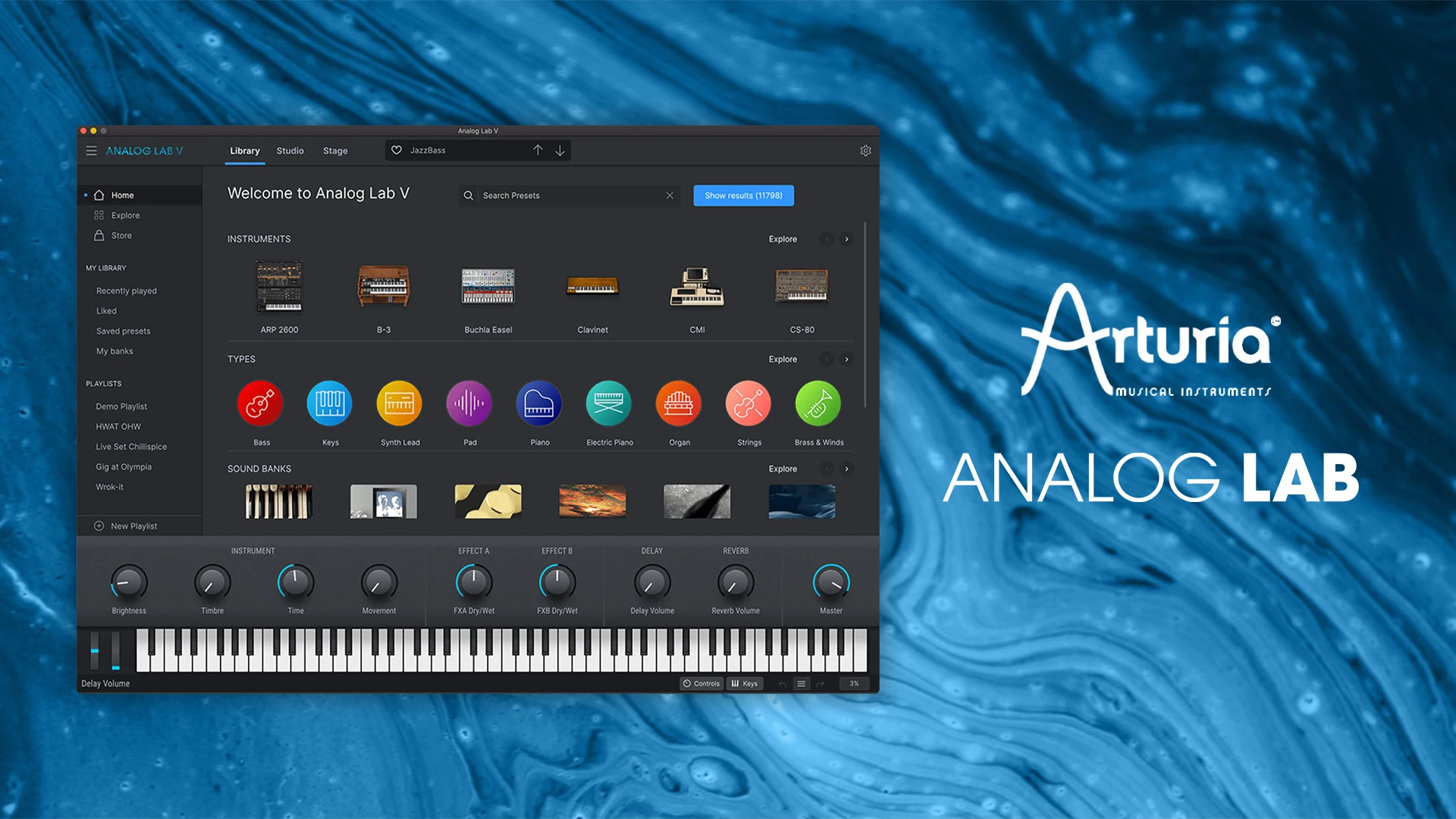
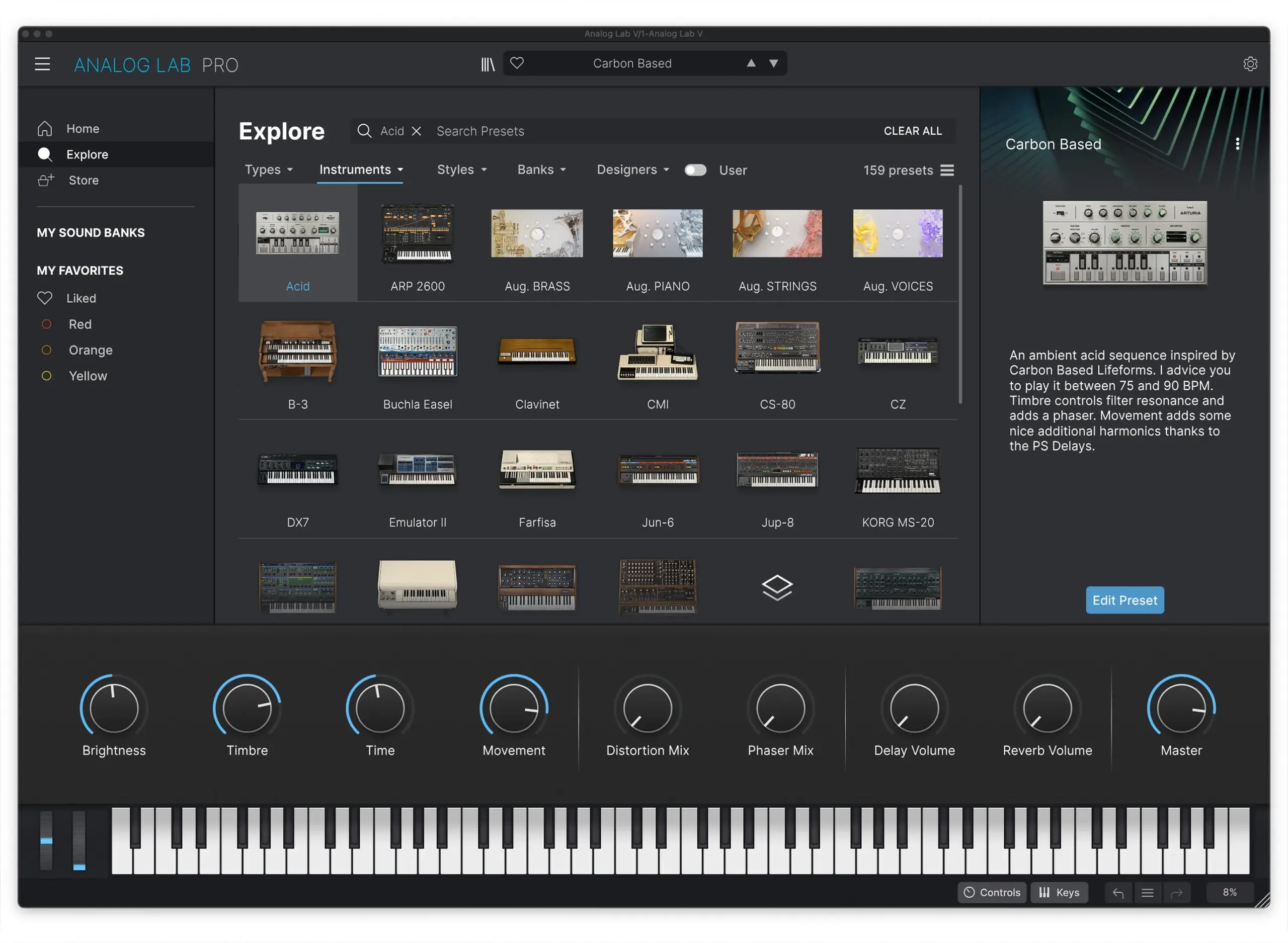
Finding the right sound is easier with the built-in browser. Presets can be filtered by instrument type, sound character, and musical genre. For example, you can look for bass sounds, pads, or leads and narrow the results according to the style you want. This saves time compared with searching through separate instrument libraries. You can audition sounds before settling on one, which helps you compare options without interrupting your creative process.
Shape Sounds Without a Complicated Workflow
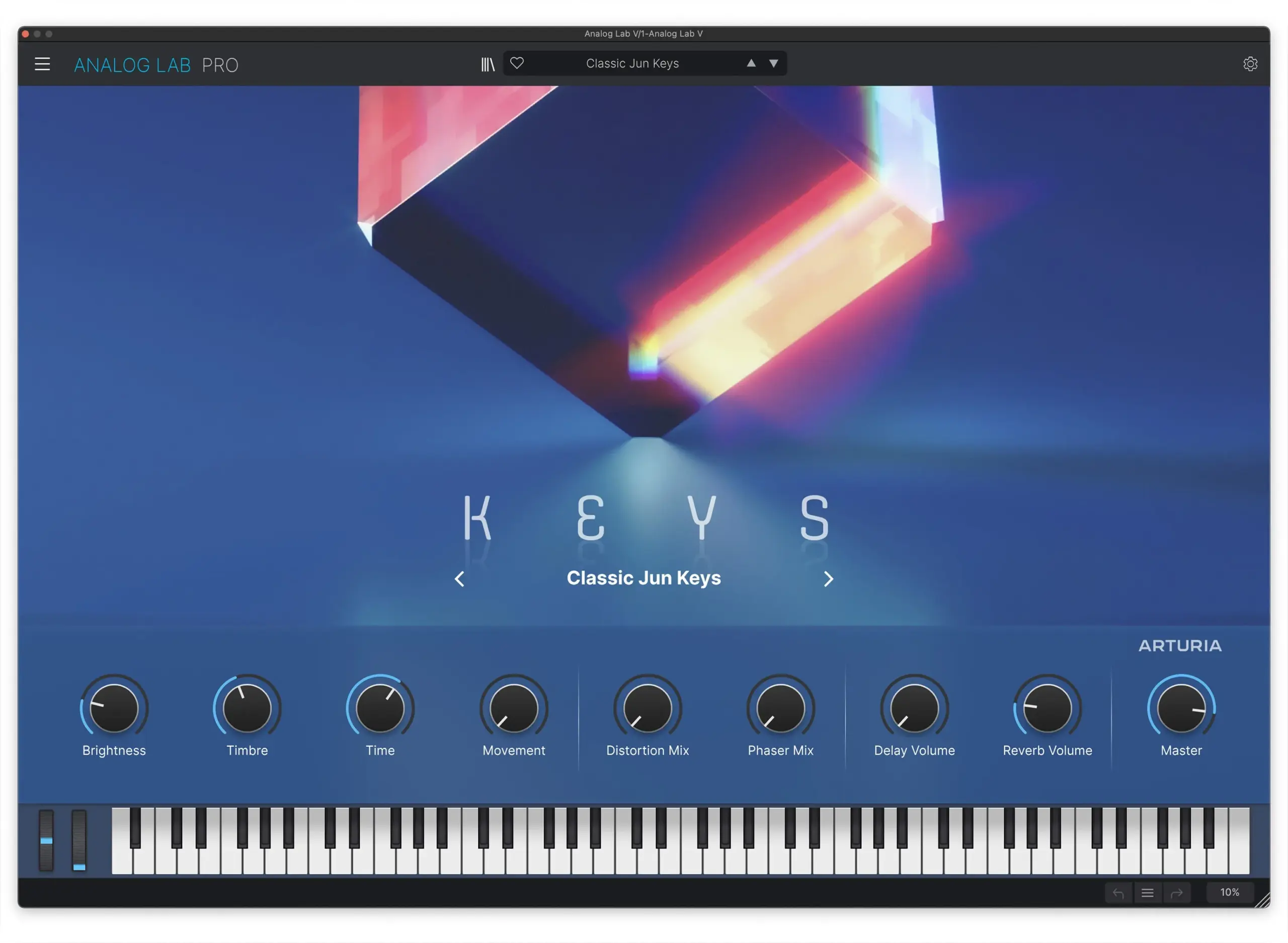
Analog Lab Pro provides quick controls that let you adjust important parts of a preset. You can change selected sound characteristics and use available effects to make a sound fit your track more closely. However, it is important to understand that Analog Lab Pro focuses on preset browsing and accessible editing. It does not provide full access to every control inside every instrument. If you own a compatible Arturia instrument or Pigments, you may be able to open the full instrument for deeper editing. For beginners, this simpler approach can make music production less intimidating. Experienced producers may also appreciate being able to make quick changes without opening a detailed synthesizer interface.
Combine Two Sounds
The Multi feature lets you combine two presets by layering them or splitting them across a compatible keyboard. Layering can create a fuller sound, such as combining a piano with a soft pad. Splitting allows one sound to play in one part of the keyboard and another sound in a different range. You can also apply effects to the sounds to create more interesting combinations. This is useful for building custom keyboard parts, richer chords, and sounds that work well in live performances.
Useful Tools for Live Performers
Analog Lab Pro is not limited to studio production. Its Stage mode and Playlists help musicians organize sounds for live shows. Instead of searching for presets during a performance, you can prepare the sounds you need in advance and move between them as required. The software also supports compatible MIDI controllers. Arturia keyboards offer convenient integration, while other supported controllers can be mapped to available parameters. This gives keyboard players more control over sounds while performing.
Performance and Workflow
Analog Lab Pro is designed to keep sound selection straightforward, but your overall experience will depend on your Mac, audio setup, controller, and music software. A compatible system and audio interface can help maintain a smooth workflow, especially during larger projects. The library also takes up several gigabytes of storage, so make sure your Mac has enough free space before installing it. If you use many virtual instruments in the same project, available memory and processor performance will also affect your setup. Overall, Analog Lab Pro is best suited to musicians who want variety, quick access to sounds, and simple editing. Its main limitation is the lack of deep editing for instruments you do not own separately.
Key Features of Arturia Analog Lab Pro
- More than 2,000 included presets inspired by classic and modern instruments.
- Sounds for keyboards, basses, pads, leads, and other musical parts.
- Search filters for instrument types, sound character, and genre.
- Quick controls for adjusting selected sound parameters.
- Built-in effects for shaping presets.
- Multi mode for layering two sounds or splitting them across a keyboard.
- Stage mode and Playlists for organizing live performances.
- MIDI controller support and integration with compatible Arturia instruments.
- Support for compatible music production applications on Mac.
Best Alternatives to Arturia Analog Lab Pro
-
Arturia V Collection
Arturia V Collection is a good alternative for musicians who want a wider range of virtual instruments and more detailed sound editing. It includes individual instruments inspired by classic synthesizers, keyboards, and other electronic or acoustic sound sources.
Unlike Analog Lab Pro, which focuses on browsing and playing presets, V Collection gives owners access to the full controls of its included instruments. It is better suited to producers who want to adjust sounds in detail or build their own patches. The main drawback is that its larger collection requires more storage and may take longer to explore.
-
Arturia Pigments
Arturia Pigments is a powerful synthesizer for creating original sounds. It is suitable for electronic music producers who want to design basses, leads, pads, and evolving textures rather than rely mainly on ready-made presets.
Its sound-design tools provide more freedom to shape a sound from the beginning. This makes it a strong choice for experimental music and detailed synthesizer work. However, beginners may need more time to understand its controls, and it does not replace Analog Lab Pro’s broad preset-browsing workflow.
-
Native Instruments Kontakt
Native Instruments Kontakt is worth considering if your music depends on sampled instruments. Its ecosystem offers libraries covering pianos, orchestral instruments, guitars, percussion, and many other sounds.
Kontakt is particularly useful for composers, soundtrack creators, and producers who need realistic instruments. The available sounds depend on the libraries you own, and some collections require additional storage. If your priority is sampled instruments rather than a collection of keyboard and synthesizer presets, Kontakt may be the better option.
Which Alternative Should You Choose?
Choose Arturia Analog Lab Pro if you want a large collection of ready-to-play sounds and a simple way to find presets for your music. Choose V Collection if you want a wider instrument collection with deeper editing, Pigments if you want to design your own synthesizer sounds, or Kontakt if you need a broad selection of sampled instruments.
Conclusion
Arturia Analog Lab Pro is a useful option for Mac musicians who want a large collection of keyboard and synthesizer sounds without managing many separate instruments. Its preset browser, quick editing controls, sound combinations, and live performance tools make it suitable for beginners and experienced producers alike. Its biggest advantage is convenience, while its main limitation is the lack of full instrument editing unless you own the relevant software. If you want to find sounds quickly and spend more time making music, Analog Lab Pro is worth considering. If detailed sound design is your priority, Arturia Pigments or V Collection may be a better fit.
Technical Details
- Full Name: Arturia Analog lab V Pro
- Setup App File Name: Arturia Analog lab V Pro
- Full Application Size: 2 GB
- Latest Version: 5.12.6
- Setup Type: AU, VST3
- Developers: Arturia
System Requirements
- Operating System: macOS 11 (Big Sur) or later
- Memory (RAM): 4 GB
- Hard Disk Space: 4 GB
- Processor: Apple Silicon (M1-M6 or newer) and Intel Core (64-bit)
Download Arturia Analog lab V Latest Version Free
Click on the button below to start Arturia Analog lab V Download for Mac OS X. This is completely Tested and Working Latest Version Mac OS App of Arturia Analog lab V. It is offline installer and standalone setup for Arturia Analog lab V for Apple Macintosh. We provide Resumeable single direct link Arturia Analog lab V Download for Mac.