Download Slate Digital MetaPitch for Mac Free. It is full Latest Version setup of Slate Digital MetaPitch DMG for Mac OS X.
Slate Digital MetaPitch 2026 for Mac Review
Slate Digital MetaPitch is a pitch and formant-shifting plugin for Mac users who want more control over vocal character and creative audio effects. It works with monophonic sources such as lead vocals and individual instruments. Rather than acting as a traditional automatic tuning tool, it focuses on changing pitch, adjusting formants, and creating unusual vocal textures.
The plugin is useful for vocal production, background harmonies, electronic music, and sound design. Its interface brings the main controls together, so you can make changes without building a complicated effects chain. You can also use it on instruments when you want to change their pitch or create a different tonal character.
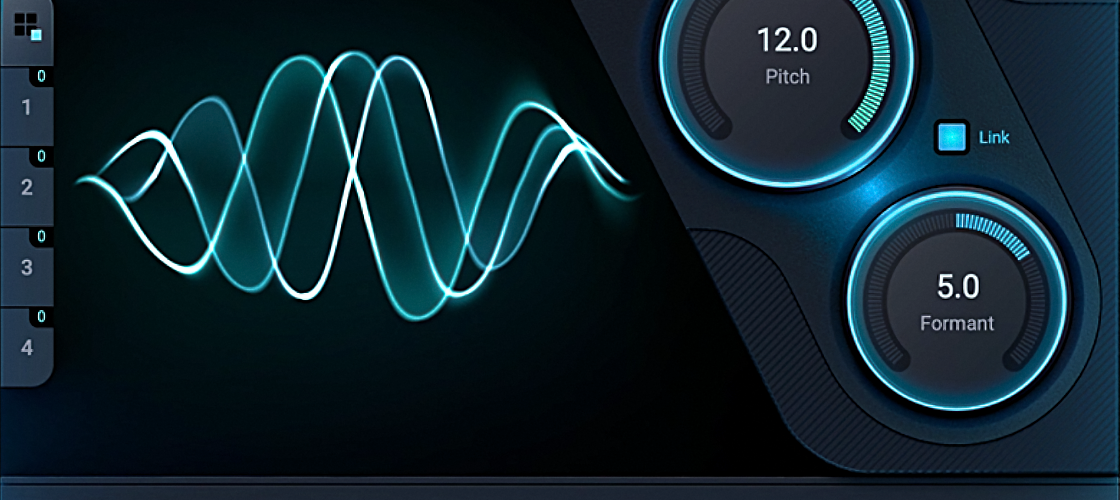
Pitch and Formant Adjustment
MetaPitch provides separate Pitch and Formant controls. Pitch changes the musical note, while Formant changes the tonal character of the source. You can adjust them independently or activate the Link option to move both controls together.
This flexibility is useful when creating vocal doubles or changing the character of a recorded performance. For example, you can lower a voice while keeping its formant character closer to the original, or combine pitch and formant changes for a more dramatic effect. Fine adjustment is also available when you need more precise control.
Robotic Mode and MIDI Control
The Robotic mode locks the processed audio to a selected pitch, creating a vocoder-style effect. You can choose the target note using the plugin’s controls or play MIDI notes from your DAW. This makes it possible to turn a recorded vocal into a different melody without recording the entire performance again.
It can be useful for electronic music, robotic vocal effects, and experimental arrangements. You can also use it to create unusual vocal layers behind a main performance. The final sound depends on the original recording and the MIDI notes you play.
Built-In Effects and Sound Shaping
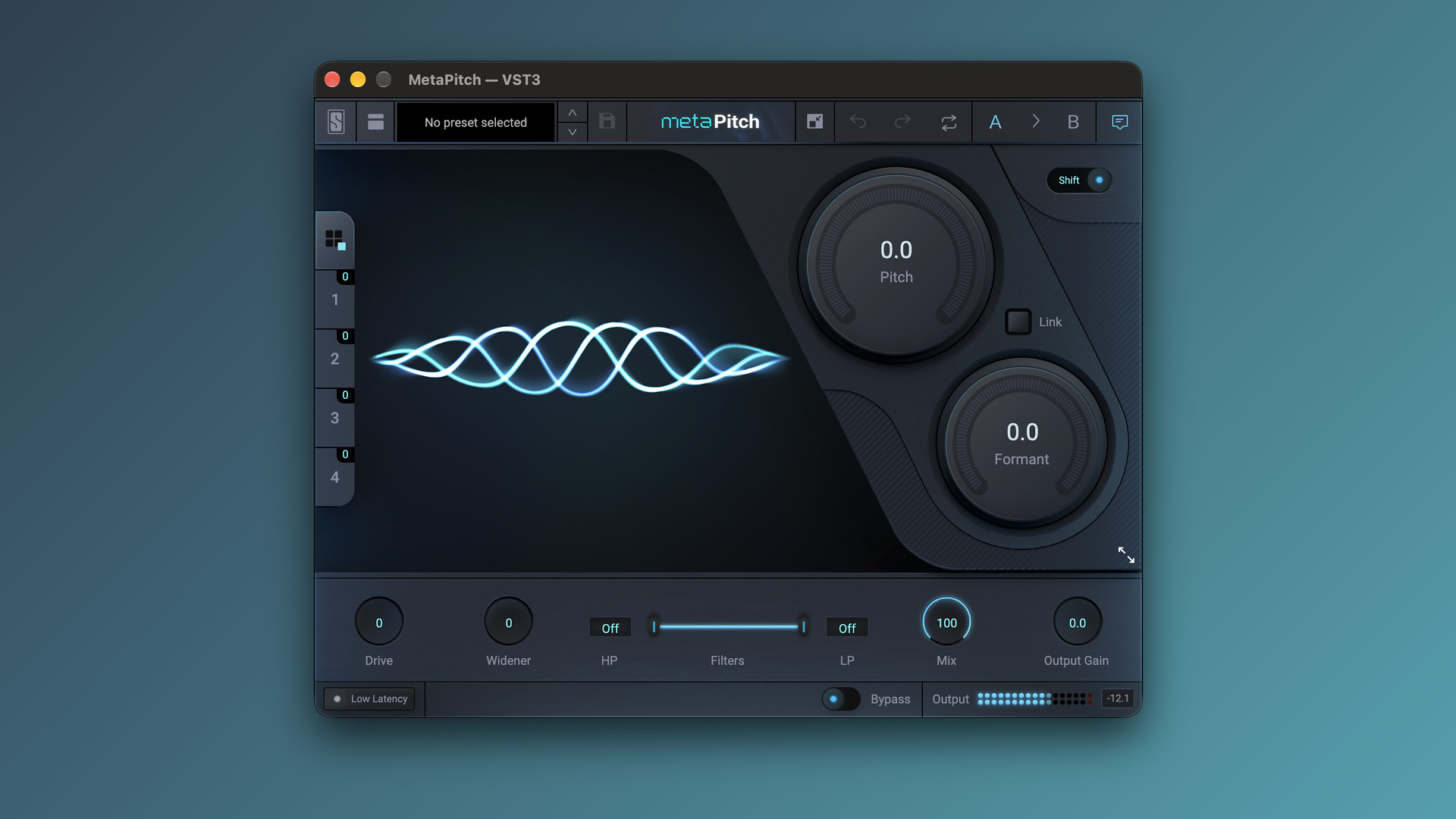
MetaPitch includes Drive, Widener, high-pass and low-pass filters, Mix, and Output Gain controls. Drive adds saturation, while Widener expands the stereo image. The filters help remove unwanted low or high frequencies before the processed sound reaches the rest of your mix.
The Mix control balances the original and processed signals, which is helpful when you want a less extreme result. These built-in tools make MetaPitch useful as a creative vocal effect, although it does not replace a complete vocal mixing chain with dedicated EQ, compression, and other processors.
Grouped Instances and Low Latency
The Groups feature lets you connect multiple MetaPitch instances so that adjustments made to one can affect the others in the same group. This is particularly helpful when working with several background vocals, ad-libs, or layered tracks that need matching settings. The plugin supports up to four groups.
Low Latency mode is designed for recording and live monitoring. It reduces processing delay so performers can hear the processed signal more comfortably while recording. Slate Digital notes that this mode trades some pitch and formant processing quality for lower latency, so switching it off during final mixing can provide better processing quality.
Mac Compatibility and Setup
MetaPitch supports both Intel and Apple Silicon Macs. Slate Digital’s updated system requirements list macOS Big Sur 11 or later as the minimum, with macOS Monterey 12 or later recommended. The plugin is available in AU, VST2, VST3, and AAX formats for compatible 64-bit DAWs.
It works with supported applications such as Logic Pro, Ableton Live, Cubase, Pro Tools, Reaper, and Studio One. An iLok account is required for licensing and activation. You can use supported machine-based activation, iLok Cloud, or a compatible USB dongle, depending on your license. Check your DAW version and plugin format before installation, especially if you use Logic Pro, which requires the AU version.
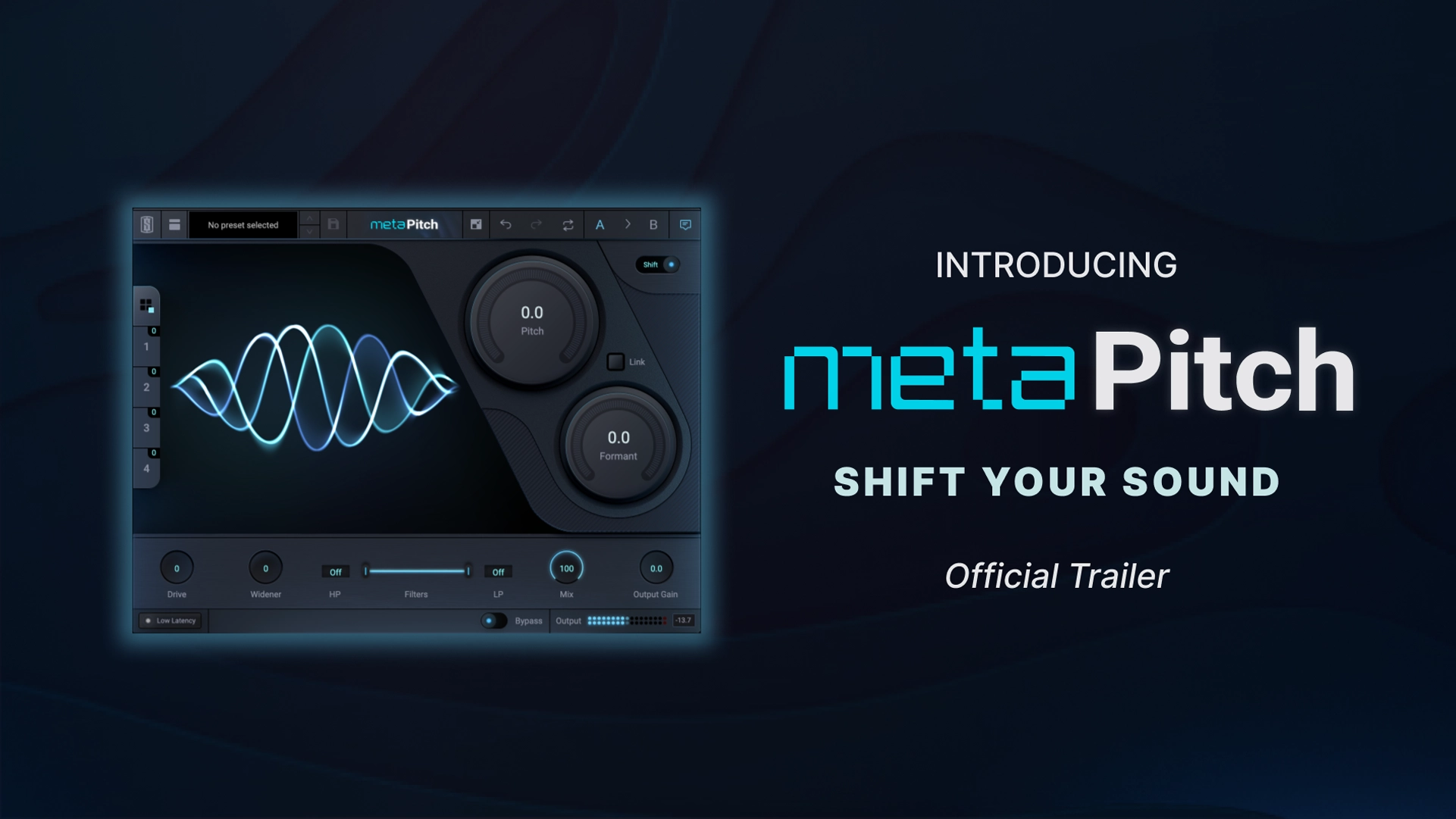
Key Features of Slate Digital MetaPitch
- Pitch Shifting:Change the pitch of vocals and individual instruments.
- Formant Control:Adjust the tonal character of a voice independently from its musical pitch.
- Link Control:Move pitch and formant settings together when needed.
- Robotic Mode:Lock audio to a selected note for robotic and vocoder-style effects.
- MIDI Control:Play MIDI notes to control the target pitch in Robotic mode.
- Drive:Add saturation and extra character to processed sounds.
- Stereo Widener:Expand the stereo image of vocals and instruments.
- High-Pass and Low-Pass Filters:Shape the frequency range directly inside the plugin.
- Mix Control:Blend the original recording with the processed signal.
- Grouped Instances:Share settings across multiple plugin instances, with up to four groups.
- Low Latency Mode:Reduce delay during recording and monitoring.
- Large and Compact Views:Choose an interface size that suits your workspace.
Best Alternatives to Slate Digital MetaPitch
Soundtoys Little AlterBoy: A strong alternative for vocal pitch and formant manipulation. It includes Hard Tune, Robot mode, MIDI control, and tube-style saturation. It is particularly useful for producers who want bold vocal transformations and recognizable electronic vocal effects.
Waves Vocal Bender: This plugin focuses on real-time vocal manipulation with pitch and formant controls. Its modulation and sequencing features provide more options for creating moving vocal effects, altered doubles, and robotic sounds.
Eventide H910 Harmonizer: A good choice for producers who want classic-style pitch shifting, harmonizing, modulation, and delay effects. It works with vocals and instruments and offers MIDI control for creative pitch changes.
Conclusion
Slate Digital MetaPitch is a useful Mac plugin for producers who want creative pitch shifting and formant control without using several separate effects. Its Robotic mode, MIDI control, Drive, Widener, filters, and grouped instances make it suitable for vocal layers, electronic music, and sound design.
It is not a replacement for a dedicated automatic vocal tuner. Its main purpose is to change the character and pitch of recorded audio while keeping the controls straightforward. If you regularly work with vocals or monophonic instruments and want more creative processing options in your Mac DAW, MetaPitch is worth considering.
Technical Details
- Full Name: Slate Digital MetaPitch
- Setup App File Name: Slate Digital MetaPitch
- Full Application Size: 265 MB
- Latest Version: 1.1.2.0
- Setup Type: AU, VST3
- Developers: Slate Digital
System Requirements
- Operating System: macOS 11 (Big Sur) or later
- Memory (RAM): 4/8 GB
- Hard Disk Space: 273.2 MB
- Processor: Apple Silicon (M1-M6 or newer) and Intel Core (64-bit)
Download Slate Digital MetaPitch Latest Version Free
Click on the button below to start Slate Digital MetaPitch Download for Mac OS X. This is completely Tested and Working Latest Version Mac OS App of Slate Digital MetaPitch. It is offline installer and standalone setup for Slate Digital MetaPitch for Apple Macintosh. We provide Resumeable single direct link Slate Digital MetaPitch Download for Mac.