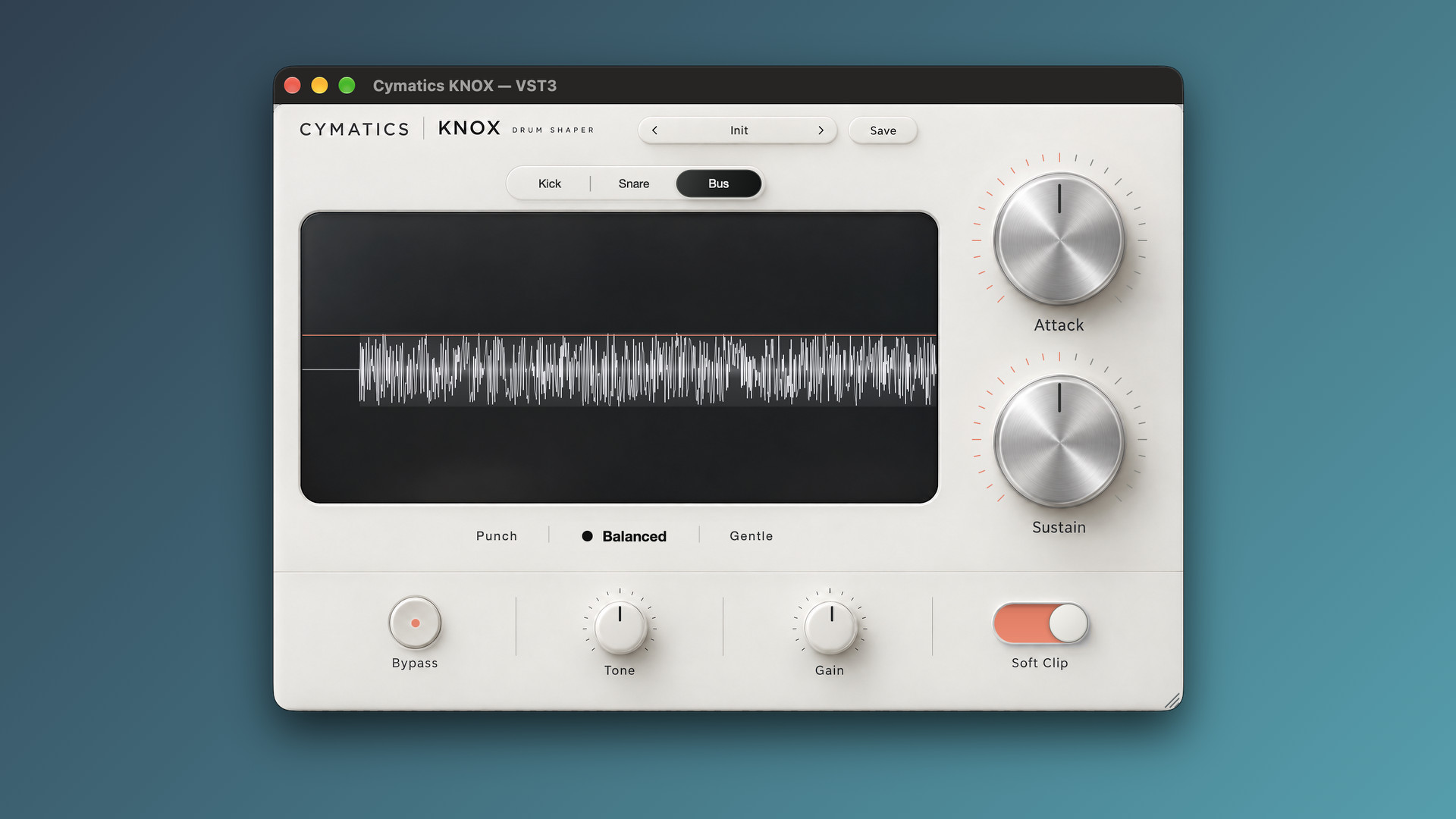
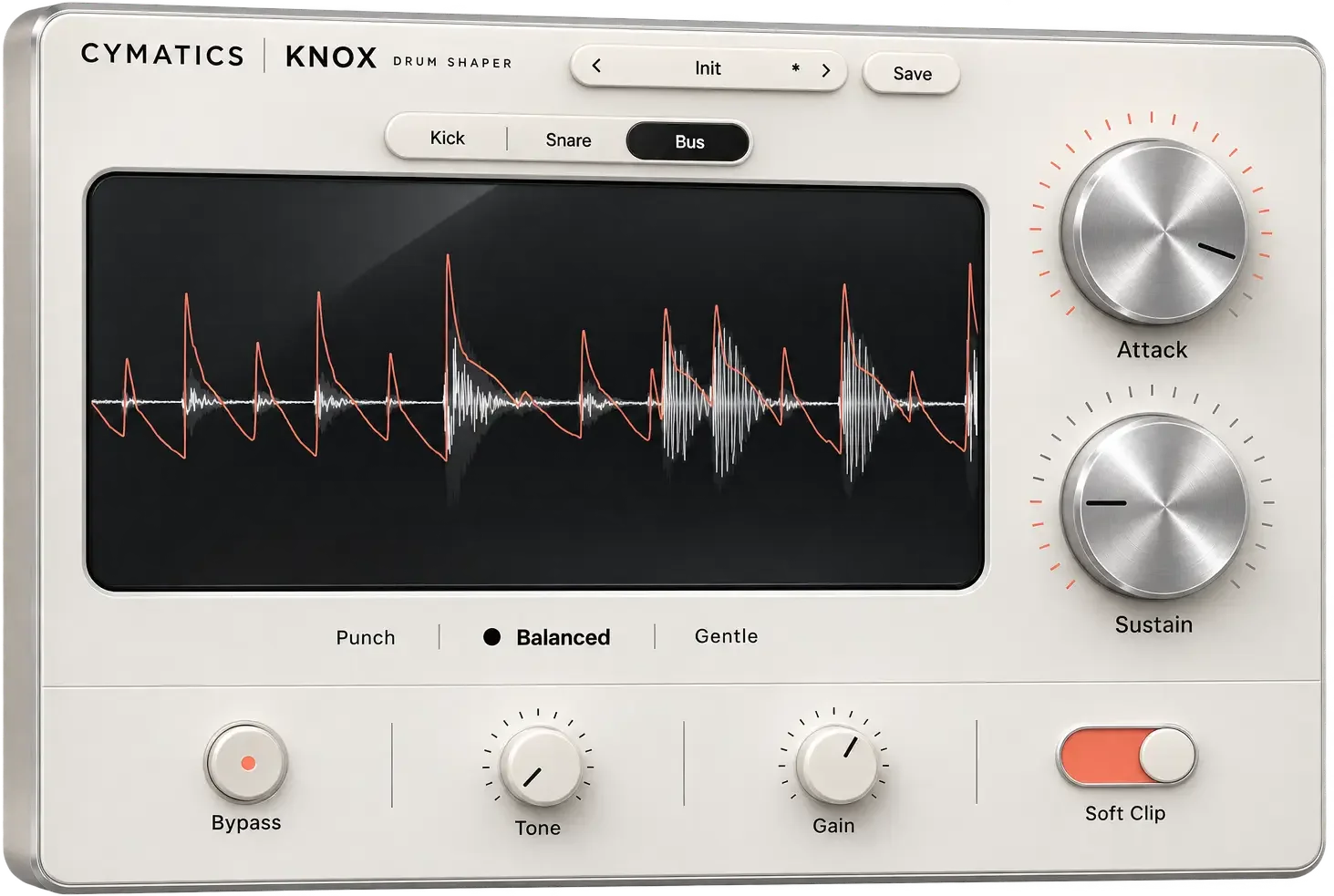
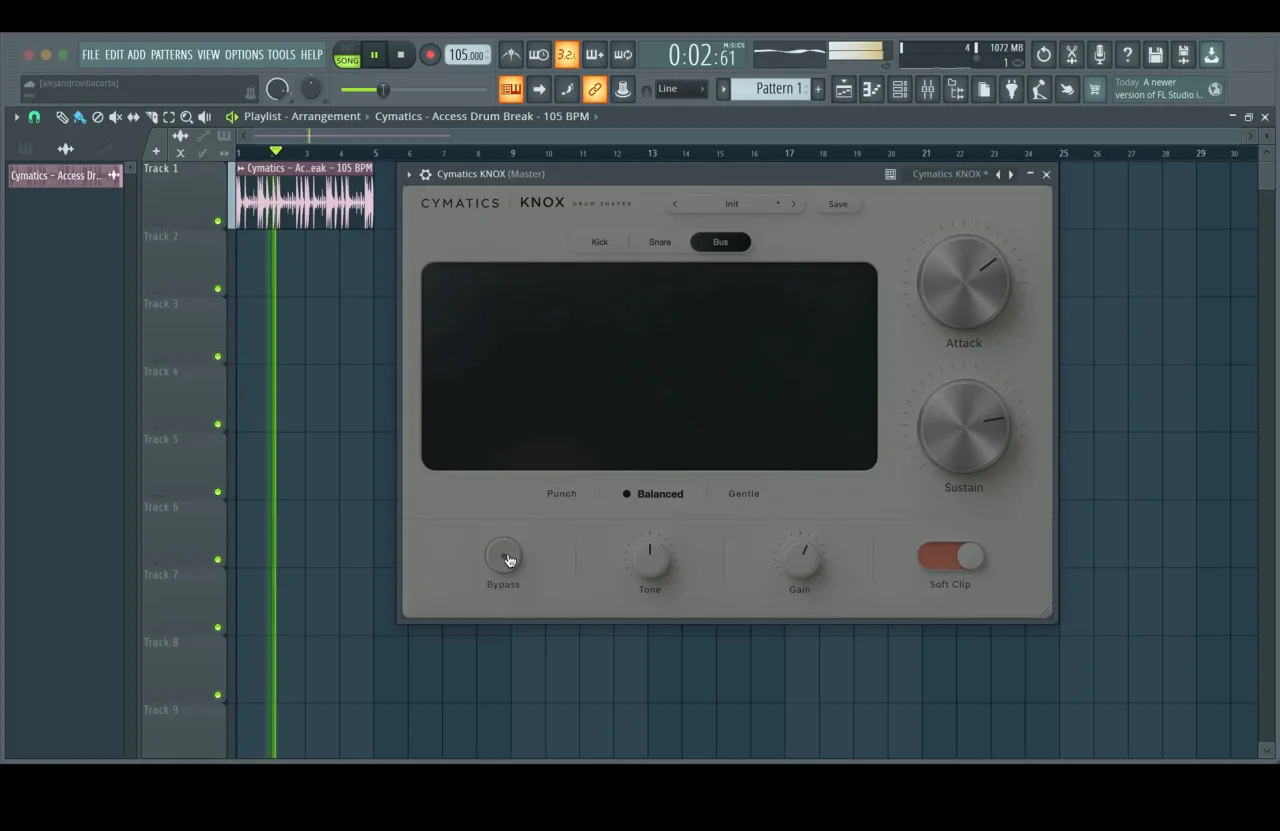
Download Cymatics KNOX for Mac Free. It is full Latest Version setup of Cymatics KNOX DMG for Mac OS X.
Dragonrise Games YoloX 2026 for Windows Review
Dragonrise Games YoloX 2026 is a Windows utility designed for players who want more control over their in-game crosshair. It adds a customizable overlay to first-person shooters and other games, allowing users to change crosshair shapes, colors, sizes, animations, and positions. It also includes zoom, sound-reactive effects, motion feedback, and per-game profiles.
Unlike basic crosshair tools that only place a small dot in the center of the screen, YoloX offers an editor for creating more advanced designs. Players can build layered crosshairs, adjust their appearance, and assign different effects to actions such as firing or jumping. The software is developed by Dragonrise Games and is available for Windows through Steam and the developer’s website.
Custom Crosshair Editor
YoloX includes a visual editor for creating personalized crosshairs. Users can combine different shapes, lines, images, and effects to create a design that suits their preferred games. The editor supports multiple layers, allowing more complex designs than a standard fixed reticle.
Players can also adjust crosshair size, position, color, and visibility. If they do not want to create everything themselves, they can choose from included designs or browse additional options shared through the Steam Workshop.
Dynamic Colors and Effects
One of YoloX’s useful features is dynamic color inversion. It changes the crosshair’s appearance against different backgrounds, helping it remain visible when the game scene becomes bright, dark, or visually crowded.
The software also includes blur and other visual effects. Separate animations can be assigned to actions such as primary fire, alternate fire, jumping, and other supported inputs. These options make the overlay more flexible for players who want a crosshair that responds to gameplay instead of remaining static.
Zoom and Sonar
YoloX goes beyond crosshair customization with its zoom and sonar tools. The zoom feature adds a scope-like view and can adjust mouse sensitivity while zoomed in. Crosshair scaling can also be synchronized with the zoom level, which is useful when aiming at distant targets.
The audio sensor can visualize important game sounds, including footsteps and gunshots. Its sonar feature helps show the direction of detected audio events. These visual indicators can provide additional awareness, although their usefulness depends on the game’s audio and the player’s settings.
Motion Feedback and Game Profiles
The motion sensor creates visual responses to mouse movement and other supported inputs. Players can use these effects to make their crosshair react to movement rather than relying on a single fixed design.
YoloX also supports individual profiles for different games. Users can save crosshair styles, zoom settings, offsets, and hotkeys separately, then switch between them when changing games. This is convenient for players who regularly move between shooters with different aiming requirements.
Fullscreen Support and Anti-Cheat Considerations
YoloX is designed to work as an overlay without modifying game files or using traditional game-process hooks. It also supports Xbox Game Bar integration and includes code signing and other measures intended to improve compatibility with anti-cheat systems.
However, no overlay can guarantee acceptance by every anti-cheat system or game developer. Players should check the rules of each game and tournament before using YoloX, especially in competitive multiplayer matches. Some fullscreen configurations may also require additional graphics settings.
Key Features of Dragonrise Games YoloX
- Custom Crosshairs:Create and adjust crosshair designs using shapes, images, colors, and effects.
- Layer-Based Editor:Combine multiple layers to build more detailed reticles.
- Dynamic Color Inversion:Improve crosshair visibility against changing backgrounds.
- Zoom and Scope:Add a customizable zoom view with optional mouse sensitivity adjustment.
- Sonar Effects:Visualize the direction of important sounds such as footsteps and gunshots.
- Audio Sensor:Make crosshairs respond to detected game audio.
- Motion Feedback:Add visual reactions to mouse movement and supported controller input.
- Action Animations:Assign different animations to firing, jumping, and other actions.
- Game Profiles:Save separate crosshair designs, offsets, zoom settings, and hotkeys for individual games.
- Steam Workshop:Discover and share additional crosshair designs with other users.
- Fullscreen Overlay:Support dedicated fullscreen and other display modes.
- Xbox Game Bar Support:Use the Windows Game Bar overlay option for supported configurations.
- Hotkey Controls:Change crosshairs, adjust their size, toggle visibility, and control zoom.
- Controller Support:Use supported Xbox and other controller inputs for visual feedback.
Best Alternatives to Dragonrise Games YoloX
- Crosshair X
Crosshair X is a Windows crosshair overlay that provides a large collection of community designs and customization tools. Users can adjust crosshair shapes, colors, sizes, and positions, then save designs for different games. It is a good alternative for players who mainly want a customizable reticle and an established community library. YoloX offers additional audio-reactive, motion-reactive, and sonar features.
- HudSight
HudSight is a Windows utility for displaying custom crosshairs over games. It supports built-in designs and user-provided images, with options for different rendering modes and fullscreen configurations. It is suitable for players who want a straightforward overlay with flexible display support. YoloX is more focused on interactive crosshair effects, zoom, and sound-based feedback.
- Crosshair V2
Crosshair V2 is a simpler option for players who want a basic crosshair without spending time designing one. It provides ready-made styles and straightforward customization for Windows games. It is worth considering for users who only need a visible center marker, although it does not offer the same advanced editing and gameplay-reactive features as YoloX.
Conclusion
Dragonrise Games YoloX 2026 for Windows is more than a basic crosshair overlay. Its layered editor, dynamic color inversion, zoom, sonar, motion feedback, and per-game profiles give FPS players several ways to customize their aiming experience. The Steam Workshop also provides access to designs created by other users. Its main appeal is the combination of visual customization and gameplay-responsive effects. However, players should check individual game rules before using any crosshair overlay, as anti-cheat compatibility is not guaranteed. If you want a lightweight Windows utility with more control than a standard crosshair tool, YoloX is worth considering.
Technical Details
- Full Name: Cymatics KNOX
- Setup App File Name: Cymatics KNOX
- Full Application Size: 43 MB
- Latest Version: 0.1.1
- Setup Type: AU, VST3
- Developers: Cymatics
System Requirements
- Operating System: macOS 11 (Big Sur) or later
- Memory (RAM): 4/8
- Hard Disk Space: 85.5 MB
- Processor: Apple Silicon (M1-M6 or newer) and Intel Core (64-bit)
Download Cymatics KNOX Latest Version Free
Click on the button below to start Cymatics KNOX Download for Mac OS X. This is completely Tested and Working Latest Version Mac OS App of Cymatics KNOX. It is offline installer and standalone setup for Cymatics KNOX for Apple Macintosh. We provide Resumeable single direct link Cymatics KNOX Download for Mac.