Download True Stage Audio Stage Focus Pro for Mac Free. It is full Latest Version setup of True Stage Audio Stage Focus Pro DMG for Mac OS X.
True Stage Audio Stage Focus Pro for Mac Review 2026
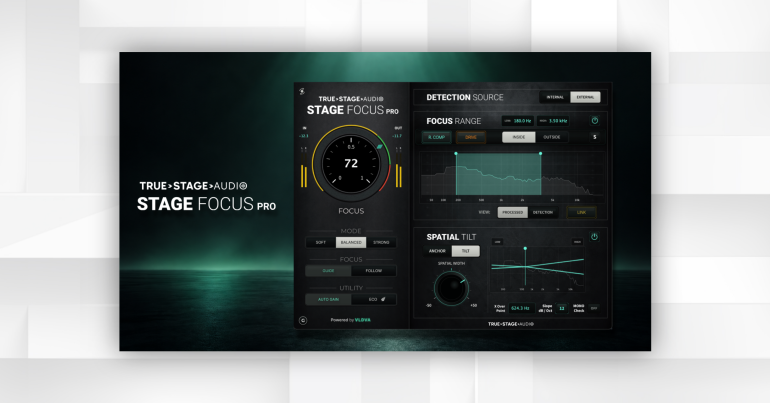
True Stage Audio Stage Focus Pro is a spectral and spatial processing plugin designed to improve clarity, separation, and focus in music mixes. Instead of working like a traditional EQ, it uses an adaptive focus engine to identify areas that need attention and reduce masking while keeping the original character of the sound. Stage Focus Pro is aimed at mixing, mastering, sound design, and music production. It combines dynamic clarity processing with targeted spectral control, external detection, harmonic saturation, and stereo shaping. The plugin is available for Mac in VST3, AU, and AAX formats, with the current version listed as 1.0.0.
Dynamic Clarity and Masking Reduction
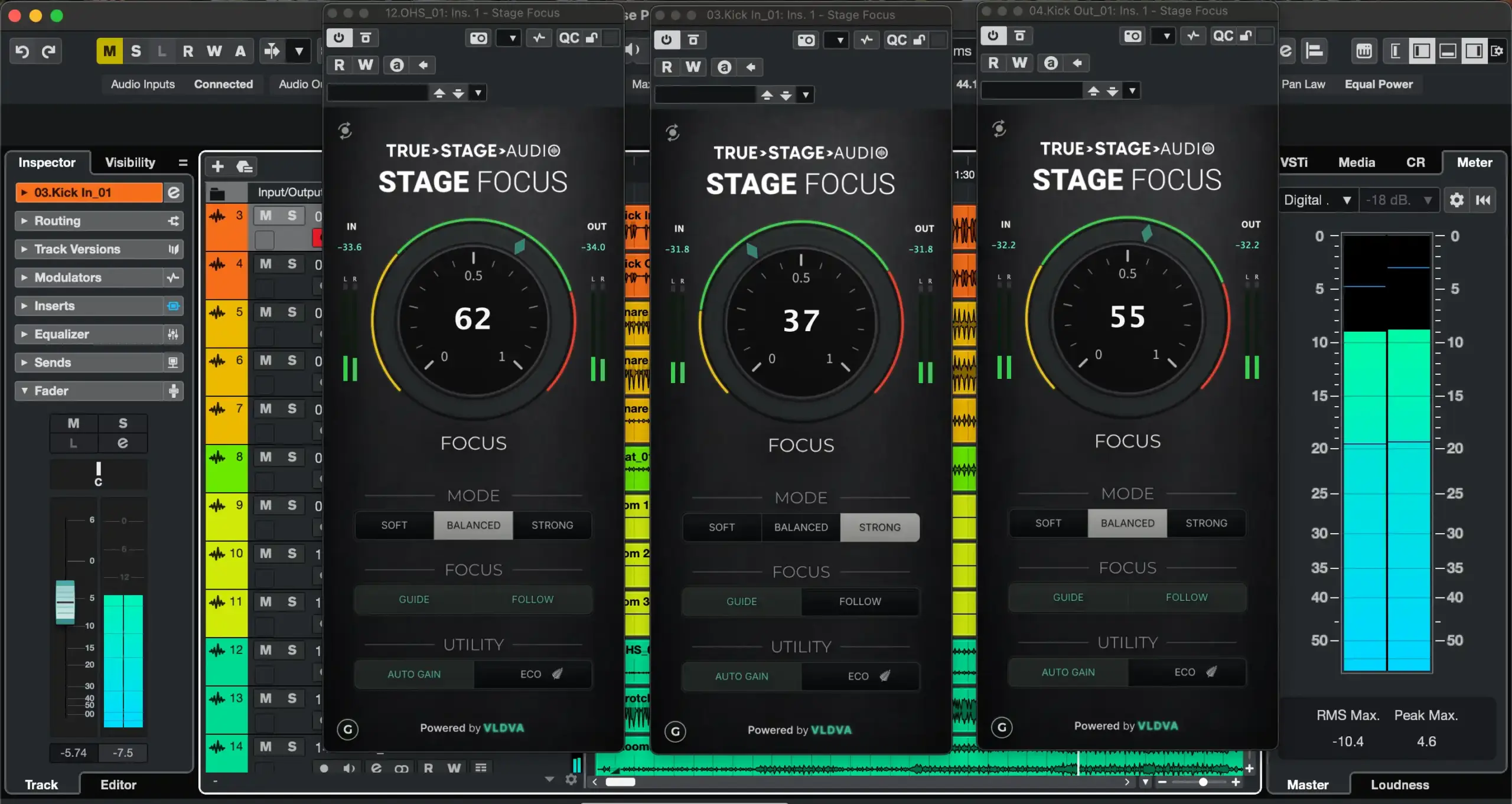
The main purpose of Stage Focus Pro is to help reduce masking between sounds. Masking happens when two sounds occupy similar frequency areas and one makes the other harder to hear. This is common with vocals competing with guitars, bass competing with kick drums, or multiple synth layers occupying the same range. Stage Focus Pro uses its adaptive focus engine to address this problem without requiring users to make a large number of manual EQ cuts. This makes it useful when you want to improve separation while keeping the original tone of the track.
Focus Guide
Focus Guide is part of the core Stage Focus processing. It helps you understand where the plugin is working and where the mix may need more attention. This is useful when you are trying to improve clarity but do not want to make random EQ adjustments. For beginners, a visual guide can also make it easier to understand how spectral processing is affecting the sound.
Focus Follow
Focus Follow is another part of the core processing system. The idea is to keep the processing focused on the important parts of the sound rather than applying the same treatment everywhere. This helps Stage Focus Pro maintain a more controlled result when the audio changes. It is particularly useful for sources with changing dynamics, such as vocals, full mixes, guitars, and live recordings.
Auto Gain
Stage Focus Pro includes Auto Gain to help maintain a more consistent output level while processing. This is important when judging a plugin because louder audio can often sound better even when the actual processing is not an improvement. Auto Gain makes it easier to compare the processed and unprocessed signals without being distracted by a large change in volume.
Focus Range
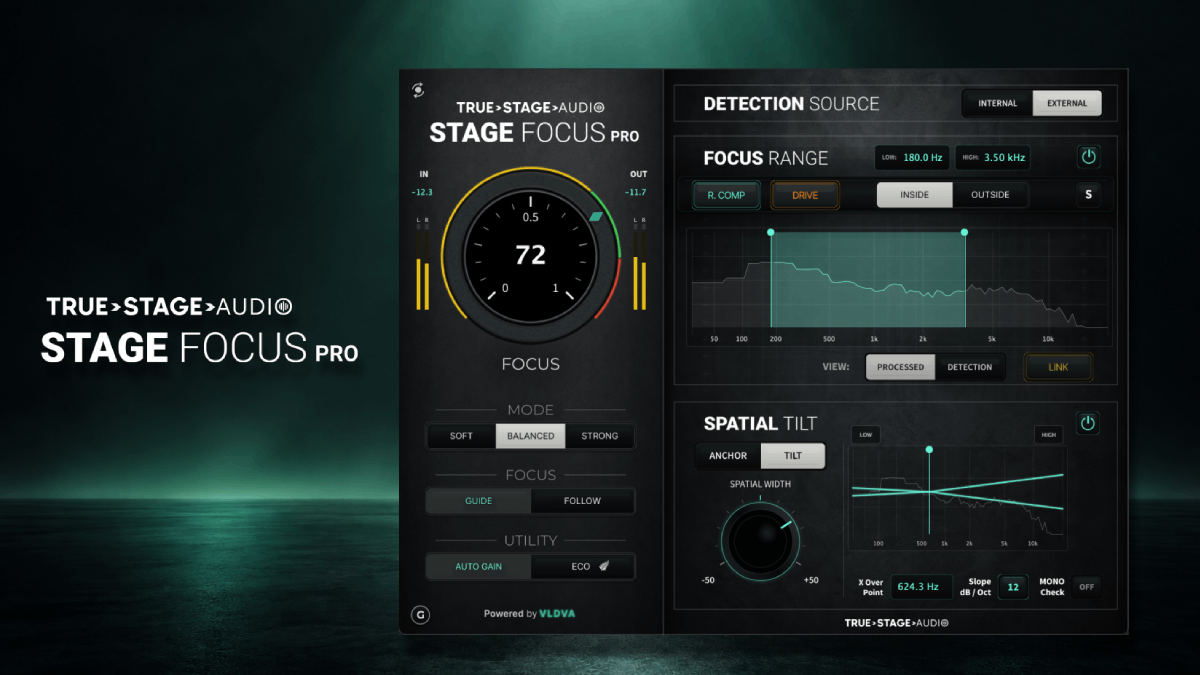
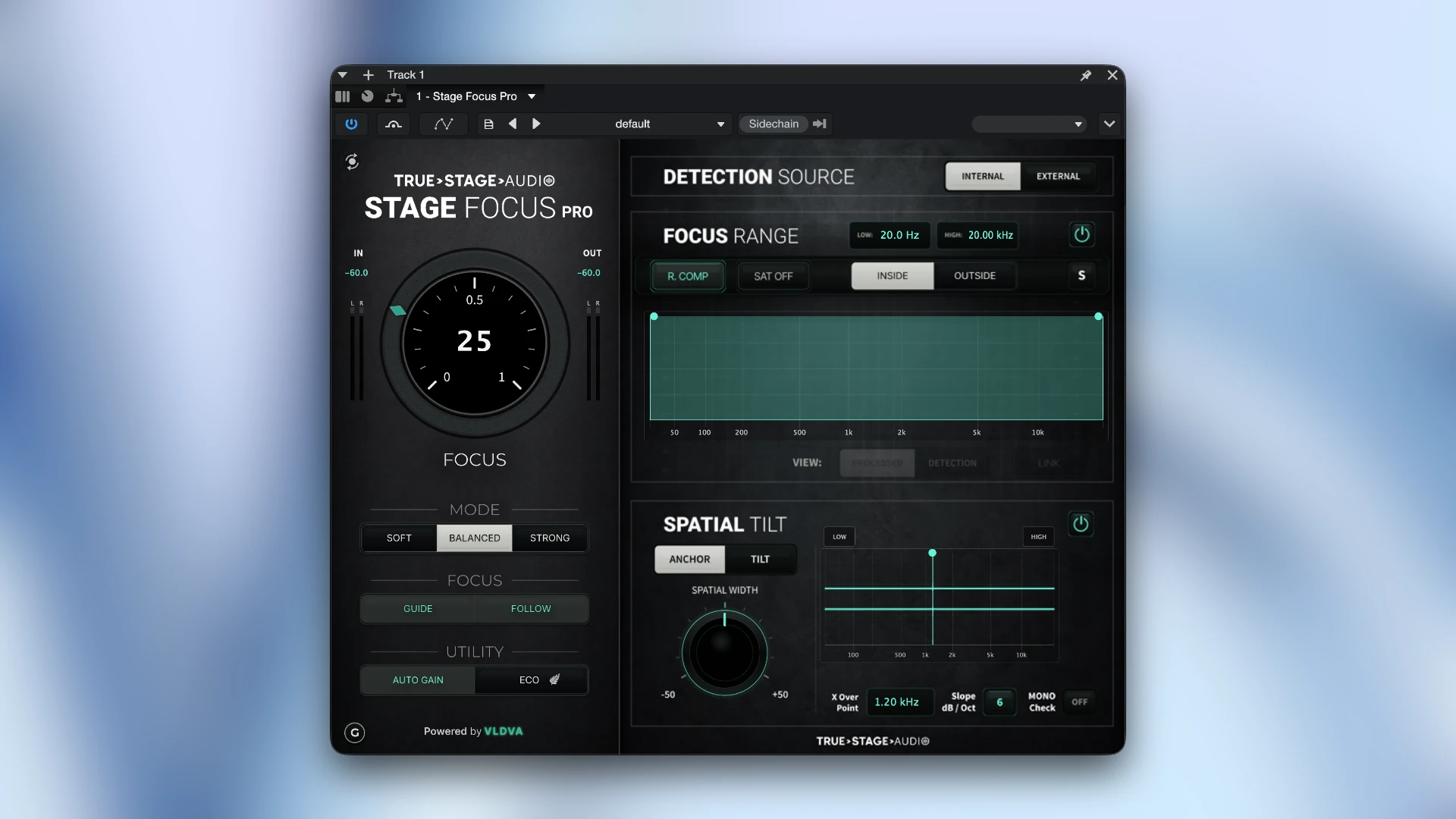
The Pro edition adds Focus Range controls. You can choose where Stage Focus Pro listens and where its processing is applied. The plugin provides Inside and Outside range modes. This gives you more control than simply turning the main processing amount up or down. For example, you can focus the processing on a specific frequency area or work outside a selected range depending on what the mix needs.
External Detection
One of the important Pro features is external detection. Instead of relying only on the audio passing through the plugin, Stage Focus Pro can use another signal as the detection source. This allows you to build a more creative sidechain-style workflow. For example, another track can influence where the processor reacts. This can be useful when you want one sound to create space for another without using a conventional sidechain compressor. Stage Focus Pro also provides separate processed and detection ranges, giving you more control over this relationship.
Drive and Saturation
Stage Focus Pro is not limited to transparent spectral processing. The Pro edition adds harmonic processing through Warm, Drive, and Edge modes. These controls can introduce additional weight, density, or bite into the selected range. This is useful when you want to combine clarity processing with some tonal character. Instead of adding a separate saturation plugin after the processor, you can use Stage Focus Pro to add controlled harmonic color as part of the same workflow.
Spatial Tilt
Spatial Tilt is one of the more distinctive features in Stage Focus Pro. It is designed to shape stereo width across the frequency spectrum. Rather than applying a single width adjustment to the entire track, the plugin lets you influence how width is distributed between different frequency areas. This can be useful for making a mix feel more focused in the center while allowing other frequencies to remain wider.
Mid-Side Anchored Processing
Stage Focus Pro also provides Mid-Side Anchored processing. Mid-Side processing separates the center information from the side information. This gives you a way to treat the central and wider parts of a stereo signal differently. The Spatial Tilt system adds Pivot, Slope, and Mono Check controls, giving you more control over the final stereo balance.
Mono Check
Stereo processing can sometimes create problems when a mix is played in mono. The Mono Check feature lets you monitor the result in mono while working with the spatial controls. This is useful for checking whether a wide mix still maintains its important elements when the stereo image is collapsed. For producers preparing music for different playback systems, this can be a useful part of the workflow.
Key Features of Stage Focus Pro
- Adaptive focus processing
- Dynamic clarity and masking reduction
- Focus Guide
- Focus Follow
- Auto Gain
- Eco Mode
- Focus Range control
- Inside and Outside processing modes
- Internal and External detection
- Separate detection and processed ranges
- Warm, Drive, and Edge saturation modes
- Harmonic range processing
- Spatial Tilt
- Mid-Side Anchored mode
- Pivot and Slope controls
- Mono Check
- VST3, AU, and AAX formats
- Universal 2 Mac build
Stage Focus Pro Alternatives
oeksound soothe3
oeksound soothe3 is one of the closest alternatives for users looking for intelligent spectral processing.
It is designed to control harshness and unwanted resonances while keeping the original sound natural. The current Mac version supports macOS 10.14 through macOS 26, with Apple Silicon support and VST3, AU, and AAX formats.
Best for: Controlling harsh frequencies and resonances with detailed spectral processing.
Soundtheory Gullfoss
Gullfoss is another intelligent processing plugin designed to improve clarity and balance automatically.
Its processing uses a perception-based approach to adjust the frequency balance while preserving perceived loudness and dynamics. The current download page lists macOS 10.9 or later and support for both Apple Silicon and Intel processors.
Best for: Users who want automatic clarity and tonal balancing.
Wavesfactory Trackspacer
Trackspacer takes a more direct sidechain approach.
It analyzes the sidechain signal and creates an inverse EQ curve on another track. This makes it particularly useful for creating space for vocals, kick drums, bass, and other important elements. It supports Mac systems and Apple Silicon.
Best for: Sidechain frequency carving and making space between competing tracks.
Conclusion
True Stage Audio Stage Focus Pro is an interesting new option for Mac producers who want to improve clarity and separation without relying entirely on traditional EQ cuts. Its adaptive focus engine handles the main clarity work, while the Pro controls give you more control over exactly where and how that processing happens. The external detection system is particularly useful for mixing because it allows another signal to influence the processing. Spatial Tilt also gives Stage Focus Pro an extra dimension that is not found in many basic clarity plugins.
Technical Details
- Full Name: True Stage Audio Stage Focus Pro
- Setup App File Name: True Stage Audio Stage Focus Pro
- Full Application Size: 73 MB
- Latest Version: 1.0.0
- Setup Type: AU, VST3
- Developers: True Stage Audio
System Requirements
- Operating System: macOS 10.13 (High Sierra) or later
- Memory (RAM): 4/8 GB
- Hard Disk Space: 106.9 MB
- Processor: Apple Silicon (M1-M6) and newer or Intel Core (64-bit)
Download True Stage Audio Stage Focus Pro Latest Version Free
Click on the button below to start True Stage Audio Stage Focus Pro Download for Mac OS X. This is completely Tested and Working Latest Version Mac OS App of True Stage Audio Stage Focus Pro. It is offline installer and standalone setup for True Stage Audio Stage Focus Pro for Apple Macintosh. We provide Resumeable single direct link True Stage Audio Stage Focus Pro Download for Mac.