Download Clipy Screen Recorder 2026 full latest version program free setup for Windows.
Clipy Screen Recorder 2026 for Windows Review
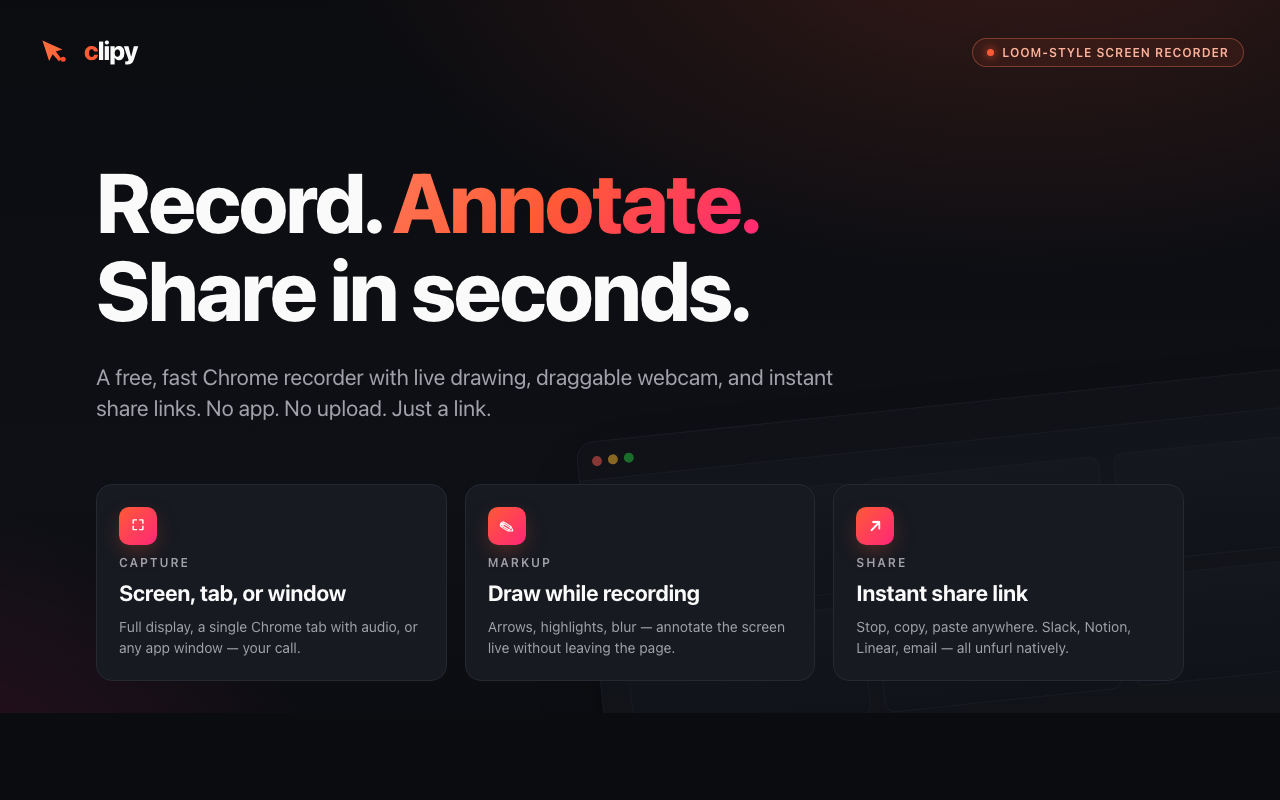
Clipy Screen Recorder 2026 is a screen-recording tool for Windows users who want to capture tutorials, software demonstrations, online meetings, and technical problems. It can record your screen with microphone audio, system sound, and an optional webcam overlay. After recording, Clipy creates a shareable link, making it easier to send videos to colleagues, clients, or support teams. Unlike traditional screen recorders that focus mainly on saving a video file, Clipy combines recording and sharing with transcripts, AI-generated summaries, and key moments. These features can help content creators, developers, remote workers, and support teams explain what happened on their screens without writing a separate report.
Clipy focuses on making screen recording and sharing simple. Its Windows desktop application runs from the system tray, allowing users to start or stop a recording without keeping a large recording window open. You can select a display, application window, or screen area, then enable your microphone, system audio, and webcam bubble according to your needs. One of Clipy’s main advantages is its sharing workflow. Recordings upload while you record, so a shareable link can be ready shortly after you stop. Viewers can watch through a browser without creating an account. This is useful when sending a software walkthrough, reporting a bug, explaining a process, or providing feedback to a remote team.
Clipy also adds AI-readable context to recordings, including transcripts, summaries, and key moments. These features can help users review a video quickly or provide screen activity context to supported AI tools. However, they do not replace careful review of the original recording, especially when explaining technical issues or handling confidential information. The software has some limitations. The native Windows version requires a 64-bit system, and its installer may display a Windows SmartScreen warning because the Windows release is not yet code-signed, according to the product documentation. Users should download it from the official website and verify the publisher and installer before proceeding. Clipy’s recording and sharing workflow also depends on an internet connection, so it may not be the best choice for confidential recordings that must remain entirely offline.
Key Features of Clipy Screen Recorder
- Screen recording: Capture a full display, selected application window, or specific screen area.
- Microphone recording: Add your voice to tutorials, presentations, and software demonstrations.
- System audio capture: Record computer sounds alongside supported screen captures.
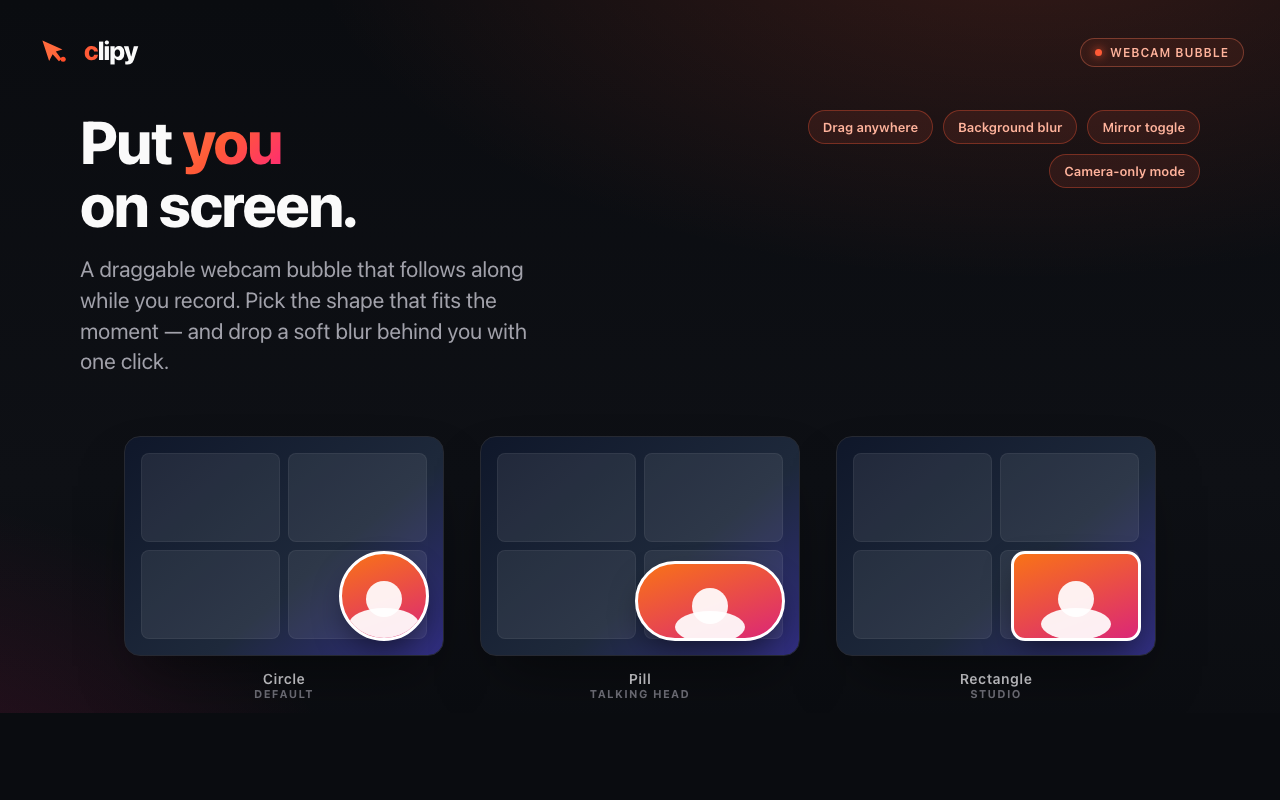
- Webcam overlay: Add a small camera view to make instructional videos more personal.
- System-tray controls: Start and stop recordings without repeatedly opening the main application.
- Global hotkeys: Use keyboard shortcuts for a quicker recording workflow.
- Instant share links: Share recordings without manually attaching large video files.
- AI-generated summaries: Review the main points of a recording more quickly.
- Automatic transcripts: Read spoken content instead of replaying the entire video.
- Key moments and chapters: Navigate important sections of supported recordings.
- No video watermark: Share clean recordings without a branded watermark.
- Browser-based access: Use Clipy’s web recorder or Chrome extension when you prefer not to install the desktop application.
How to Record Your Screen With Clipy
- Visit the official Clipy website and download the Windows installer or open its supported browser recorder.
- Install the desktop application if you choose that option, then sign in as required.
- Select the screen, window, or area you want to capture.
- Enable microphone audio, system sound, and the webcam overlay if needed.
- Start recording and perform the steps you want to demonstrate.
- Stop the recording and copy the generated share link.
- Review the video and its transcript or summary before sharing it with others.
Best Alternatives to Clipy Screen Recorder
- OBS Studio
OBS Studio is a free, open-source screen recorder and live-streaming application for Windows. It offers customizable scenes, multiple video and audio sources, webcam capture, and detailed recording controls. It is better suited to users who need advanced layouts or production options, although its setup can take longer.
- ShareX
ShareX is a free, open-source Windows capture tool that supports screenshots, screen-region recording, and animated GIF creation. It is useful for technical demonstrations, bug reports, and short instructional clips. Some recording configurations require FFmpeg setup.
- Xbox Game Bar
Xbox Game Bar is built into Windows and can record supported games and applications with system audio and microphone input. It is a convenient choice for quick local recordings without installing another application, but it does not offer Clipy’s same built-in transcript and share-link workflow.
- Loom
Loom is a screen and webcam recording platform designed for asynchronous communication. It is useful for sharing walkthroughs and feedback with teams. Compare its current plans and limits if you need more recording, collaboration, or management features.
- Clipchamp
Microsoft Clipchamp is useful when your workflow involves recording or creating videos and then editing them. It may be a better choice if trimming clips, arranging content, and preparing a polished video are more important than Clipy’s quick sharing and AI-readable context.
Conclusion
Clipy Screen Recorder 2026 is a practical option for Windows users who want to record their screens, add audio or webcam footage, and share the result with minimal effort. Its automatic links, transcripts, summaries, and key moments make it especially useful for software tutorials, team updates, troubleshooting, and remote collaboration. However, users who need advanced video production may prefer OBS Studio, while those who want simple local captures can start with Xbox Game Bar. Before choosing Clipy, consider its online workflow, Windows compatibility, and current installer-signing status. If those requirements fit your needs, it offers a convenient way to turn screen activity into a video that people and supported AI tools can review.
Clipy Screen Recorder 2026 Technical Setup Details
- Software Full Name: Clipy Screen Recorder 2026
- Setup File Name: Clipy_Screen_Recorder-06-10-2026.rar
- Setup Size: 57 MB
- Setup Type: Offline Installer / Full Standalone Setup
- Compatibility Mechanical: 32 Bit (x86) / 64 Bit (x64)
- Developers: Clipy
System Requirements for Clipy Screen Recorder 2026
- Operating System: Windows 7/8/10
- RAM: 1 GB
- Hard Disk: 200 MB
- Processor: Intel Dual-Core or higher processor
Clipy Screen Recorder 2026 Download
Download Clipy Screen Recorder 2026 free latest full version offline direct download link for full offline setup by clicking the button below.