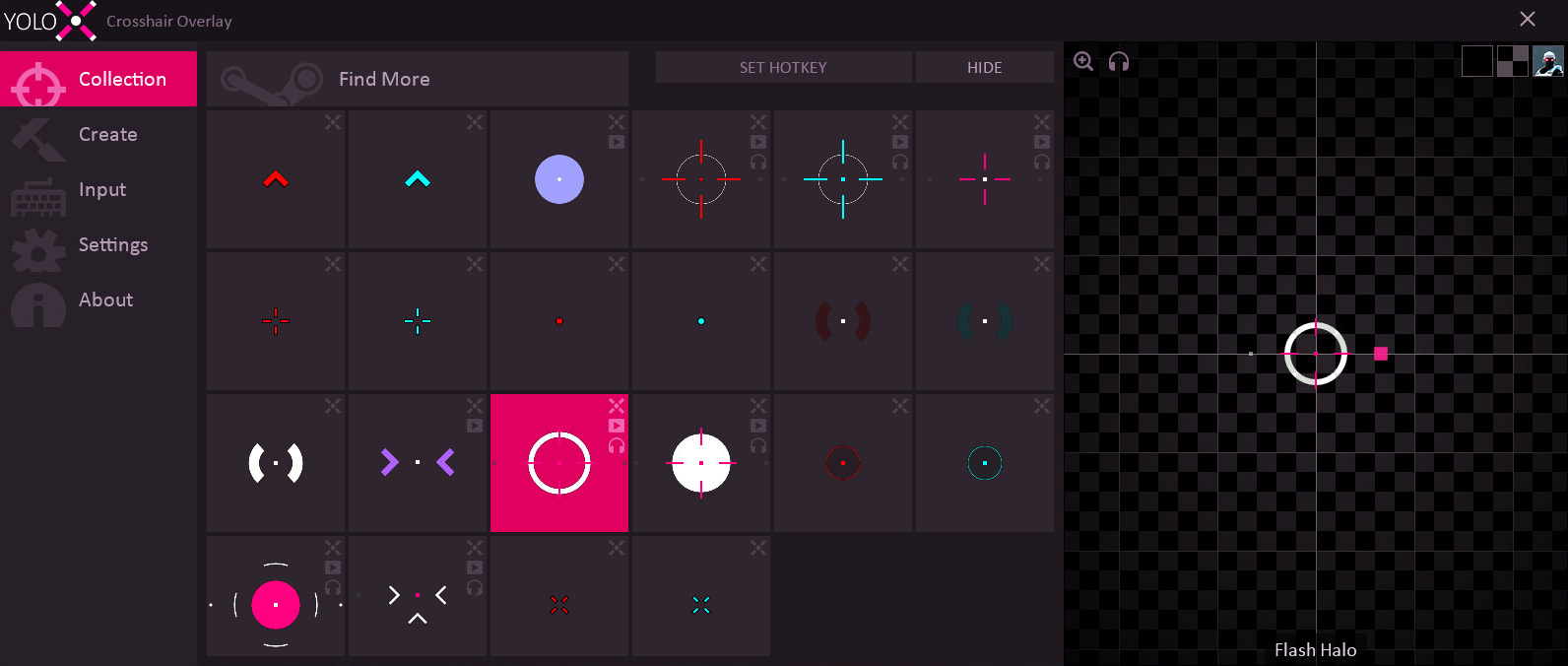
Download Dragonrise Games YoloX 2026 full latest version program free setup for Windows.
EduIQ Network LookOut Administrator Pro 2026 for Windows Review
EduIQ Network LookOut Administrator Pro 2026 is a Windows network monitoring and remote administration tool that helps IT administrators manage multiple computers from one central console. It allows administrators to view connected screens, control remote keyboards and mice, manage running applications, and perform common system tasks without visiting every workstation.
The software is designed for businesses, schools, computer labs, and organizations that manage several Windows PCs across a local network. Its main advantage is the ability to combine screen monitoring and remote administration in one interface. Users can organize computers into groups, provide remote assistance, restrict selected activities, and manage connected workstations more efficiently.
The product is also known as Network LookOut Administrator. The 2026 keyword refers to the software’s current availability during 2026, rather than a separately branded annual edition. It is important not to confuse it with EduIQ’s Net Monitor for Employees Pro, which offers additional employee activity recording, reporting, and cloud-monitoring features.
Live Screen Monitoring
The software provides a central view of connected computers through live screen thumbnails. Administrators can monitor several workstations at once and open an individual screen when they need a closer look. Computer groups also make it easier to organize systems by department, classroom, or location.
This feature is useful in computer labs and offices where administrators need to check workstation activity without walking between desks. The refresh interval can also be adjusted to reduce network usage when monitoring many computers.
Remote Desktop Control
Network LookOut Administrator allows administrators to control a connected computer’s keyboard and mouse remotely. This makes it easier to help users with technical problems, demonstrate a task, or make changes without sitting in front of the target machine.
The remote control feature is particularly useful for IT support teams managing computers across different rooms. Connections are password protected, and administrators can use the console to manage access to connected workstations.
Application and System Management
The software includes tools for managing running applications and processes on remote computers. Administrators can block selected applications, stop unwanted processes, launch programs, and execute supported command-line operations. These functions can help maintain consistent settings across managed workstations.
It also supports common administration tasks such as restarting, shutting down, hibernating, locking, and logging off remote computers. Other controls include muting sound, limiting audio volume, restricting printing, and disabling selected workstation functions.
File Transfer and Network Organization
Network LookOut Administrator supports sending and collecting files from connected computers. This is useful when administrators need to distribute a document, update a file, or retrieve information from several workstations.
Computer groups help organize larger networks and make it easier to apply administrative actions to selected systems. The software supports LAN, WLAN, and VPN environments, making it suitable for organizations that manage computers across more than one local network segment.
Setup, Security, and Limitations
The software uses two main components: a Console installed on the administrator’s computer and an Agent installed on each computer being managed. After installation, administrators add the connected computers to the console using the configured password. The official setup documentation also explains the network and firewall requirements.
Its security features include encrypted, password-protected agent settings and protected connections. However, administrators should still use strong passwords, restrict console access, and inform employees or students about monitoring policies. Remote monitoring should only be used on computers the organization owns or is authorized to manage.

One limitation is that Network LookOut Administrator does not include every feature found in its related Net Monitor for Employees Pro edition. Employee screen recording, microphone recording, camera monitoring, activity reports, and cloud monitoring are not included in the standard Administrator product. Organizations needing those capabilities should compare the editions before purchasing.
Key Features of EduIQ Network LookOut Administrator Pro
- Live Screen Monitoring:View multiple connected computer screens through a central console.
- Remote Desktop Control:Control remote keyboards and mice to provide technical assistance.
- Computer Groups:Organize workstations by classroom, department, or location.
- Application Blocking:Prevent selected applications from running on managed computers.
- Process Management:View and control running applications and processes.
- Remote Command Execution:Run supported CMD and PowerShell commands on connected systems.
- Power Management:Shut down, restart, suspend, or hibernate remote computers.
- User Session Control:Lock workstations and log off desktop users remotely.
- File Transfer:Send files to connected computers and collect files from them.
- Printing Restrictions:Disable printing on selected workstations.
- Audio Controls:Mute computers or limit their audio volume.
- Additional Workstation Controls:Manage screen blanking and selected system functions.
- Multi-Monitor Support:Work with remote computers using more than one display.
- Network Support:Manage connected computers across LAN, WLAN, and VPN environments.
- Password Protection:Secure console access, agent settings, and remote connections.
Best Alternatives to EduIQ Network LookOut Administrator Pro
- Veyon
Veyon is a free and open-source computer monitoring and classroom management solution. It allows administrators and teachers to view connected screens, control remote computers, share presentations, distribute files, send messages, and manage workstation power settings. It is a good alternative for schools and training centers that want an open-source option without purchasing a traditional commercial license.
- NetSupport School
NetSupport School is a classroom management platform designed for schools, teachers, and IT departments. It offers live screen monitoring, remote control, application and website restrictions, file distribution, and classroom presentation tools. It is a strong choice for educational environments that need more teaching-focused features than a general network administration application.
- ManageEngine Remote Access Plus
ManageEngine Remote Access Plus is a remote troubleshooting and IT support platform for administrators managing computers across an organization. It provides remote desktop access, system tools, command execution, and troubleshooting functions. It is more focused on technical support and endpoint administration than classroom supervision, making it suitable for IT teams that need centralized remote assistance.
Conclusion
EduIQ Network LookOut Administrator Pro 2026 for Windows is a practical solution for organizations that need to monitor and manage several connected computers from one place. Its live screen previews, remote desktop control, application management, file transfer, and system administration tools can simplify everyday IT work in offices, schools, and computer labs.
Its main limitation is that it does not include the advanced recording, reporting, and cloud features available in Net Monitor for Employees Pro. Still, administrators who mainly need local network monitoring and remote workstation control may find it a useful option. Before choosing a license, compare the included features with your organization’s actual monitoring and management requirements.
Dragonrise Games YoloX 2026 Technical Setup Details
- Software Full Name: Dragonrise Games YoloX 2026
- Setup File Name: Dragonrise_Games_YoloX_1.16.rar
- Setup Size: 9.7 MB
- Setup Type: Offline Installer / Full Standalone Setup
- Compatibility Mechanical: 32 Bit (x86) / 64 Bit (x64)
- Developers: Dragonrise Games
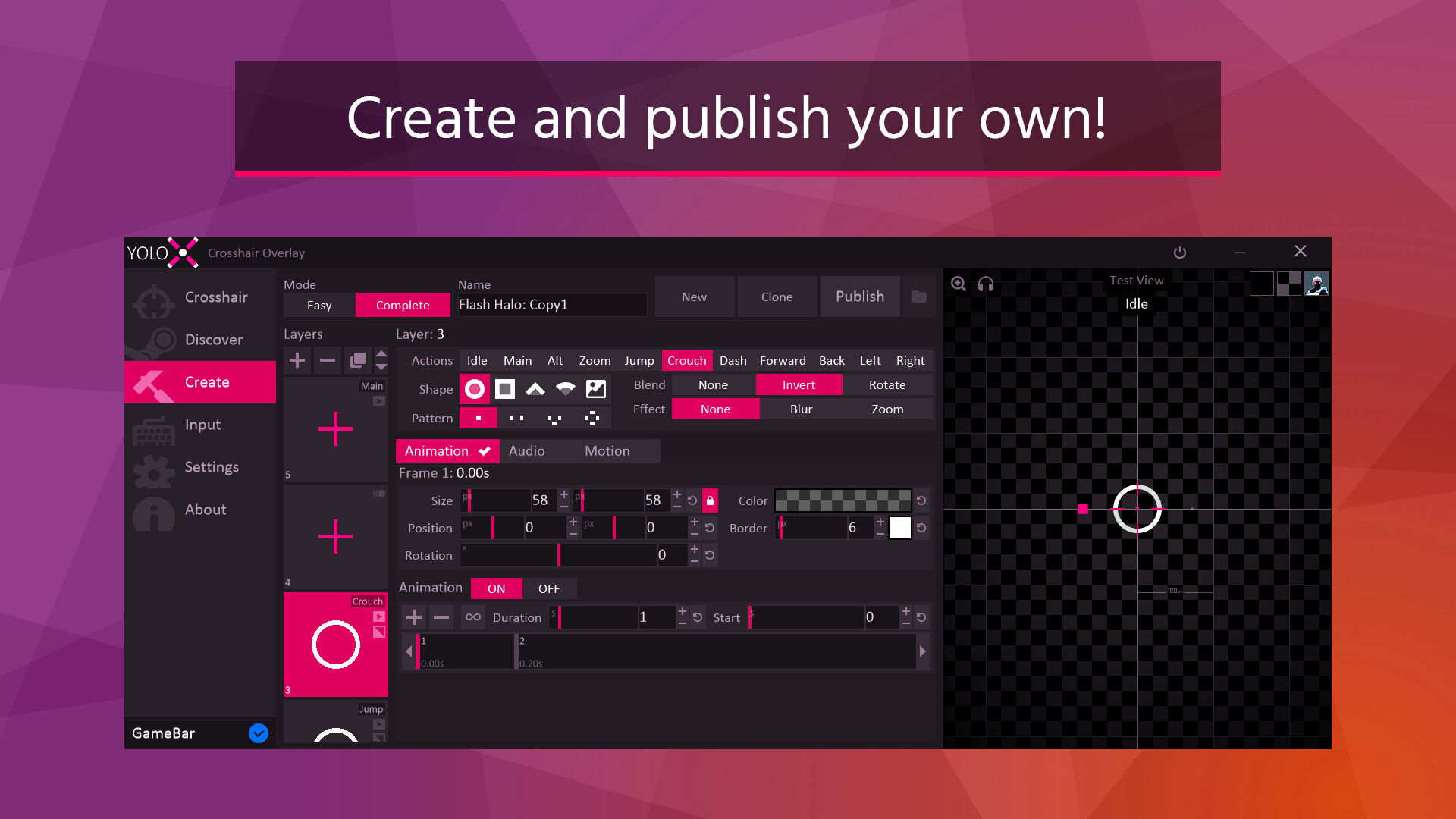
System Requirements for Dragonrise Games YoloX 2026
- Operating System: Windows 7/8/10
- RAM: 1 GB
- Hard Disk: 100 MB
- Processor: Intel Dual Core or higher processor
Dragonrise Games YoloX 2026 Free Download
Download Dragonrise Games YoloX 2026 free latest full version offline direct download link for full offline setup by clicking the button below.