Download Black NotePad 2026 full latest version program free setup for Windows. Black NotePad 2026 is a powerful yet lightweight plain-text editor designed which provides a simple and convenient environment for creating, opening, viewing, and editing text files.
Black NotePad 2026 Review
Black NotePad 2026 is a lightweight plain-text editor for Windows that offers more features than the standard Windows Notepad. It is designed for users who want a simple writing tool with better customization, multiple document tabs, text history, and useful text-processing tools.
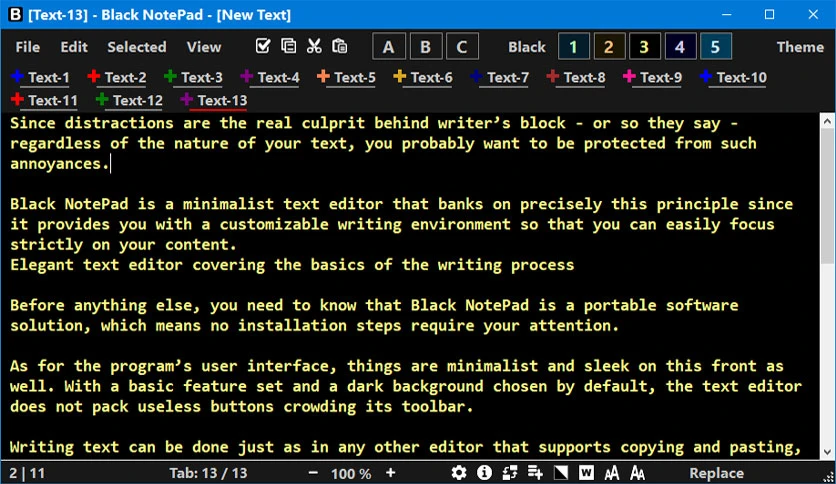
The main advantage of Black NotePad is its customizable writing environment. Users can switch between dark and light themes, change fonts and colors, and save display profiles. This makes the editor useful for people who find the standard Notepad interface too basic or uncomfortable for long writing sessions. Its configurable font and color profiles are also designed with accessibility in mind. Black NotePad is also helpful when working with several text files. Its tabbed interface keeps multiple documents inside one window. Each tab can maintain its own history after files are saved. This gives users a way to restore earlier document states during the current session. Closed tabs can also be restored through the Tab Restore feature.
For advanced text work, Black NotePad provides tools that are not normally found in a basic text editor. These include CSV and TSV View, Hex View, text statistics, text comparison, search and highlighting, sorting, duplicate-line removal, and line-processing tools. The 2026 update also added features such as Automatic CSV View, Quick Panel, Join Wrapped Lines, Natural Sort, and Settings Export/Import. Another useful feature is Text Memo. Users can save frequently used phrases and insert them through hotkeys or the context menu. This can save time for writers, developers, and users who often work with repeated text. Black NotePad also supports selected-text encryption and decryption, along with encoding and end-of-line tools.
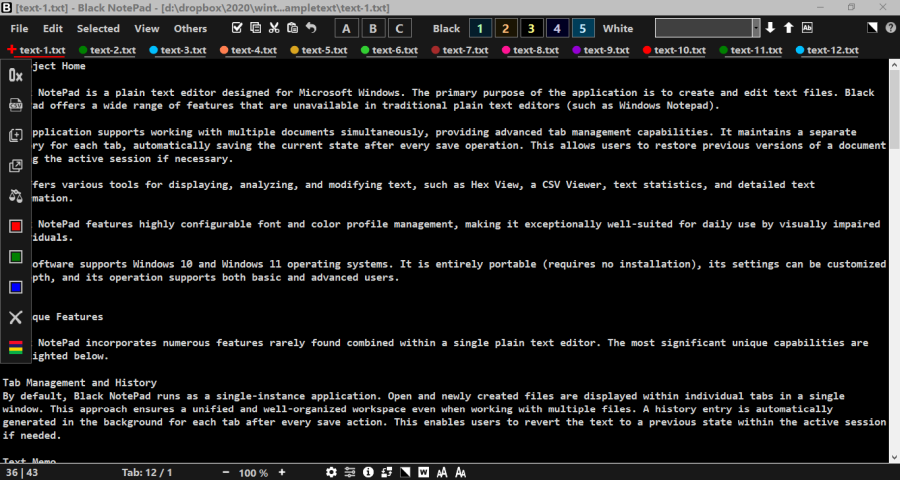
The software is portable, which is useful for users who do not want another traditional installation on Windows. You can run it from its folder and carry it between compatible systems. However, users should understand that its document history is session-based. According to the official known-issues page, history is cleared when the application is closed. Very large text files can also reduce performance. Overall, Black NotePad 2026 is a strong choice for users who want a lightweight Notepad alternative with advanced text tools. It is not a full word processor or a complete programming IDE. Its strength is simple text editing with useful extras. Writers, developers, students, and power users can benefit from its tabs, history, customizable appearance, CSV tools, Hex View, text processing, and portable design.
Key Features of Black NotePad 2026
- Lightweight plain-text editor.
- Supports Windows 10 and Windows 11.
- Portable design with no traditional installation.
- Tabbed document management.
- Separate history for individual tabs.
- Tab Restore for recently closed documents.
- Dark and light display themes.
- Custom color profiles.
- Custom font profiles.
- Font size and color customization.
- Text search and highlighting.
- Search and replace tools.
- Text comparison.
- Text statistics.
- Character count tools.
- CSV Viewer.
- TSV Viewer.
- Automatic CSV detection.
- Hex View.
- Text Memo for reusable snippets.
- Encryption and decryption.
- Encoding tools.
- End-of-line conversion tools.
- URL recognition.
- Case conversion.
- Natural Sort.
- Duplicate line removal.
- Join Wrapped Lines.
- Line-processing tools.
- Quick Panel.
- Settings Export and Import.
- Insert File Name.
- Insert File Path.
- Remove Accents.
- Always on Top option.
- File size information in the Tabs menu.
- Keyboard shortcut support.
- Customizable menus.
- Improved large-file handling.
Black NotePad 2026 Technical Setup Details
- Software Full Name: Black NotePad 2026
- Setup File Name: Black_NotePad_3.0.0.5.rar
- Setup Size: 1.4 MB
- Setup Type: Offline Installer / Full Standalone Setup
- Compatibility: 32 Bit (x86) / 64 Bit (x64)
- Developers: Black NotePad
System Requirements for Black NotePad 2026
- Operating System: Windows 7/8/10
- RAM: 2 GB
- Hard Disk: 200 MB
- Processor: Intel Dual Core or higher processor
Black NotePad 2026 Free Download
Download Black NotePad 2026 free latest full version offline direct download link for full offline setup by clicking the button below.