Download Boz Digital Labs Automator for Mac Free. It is full Latest Version setup of Boz Digital Labs Automator DMG for Mac OS X.
Boz Digital Labs Automator For Mac Review
Boz Digital Labs Automator is a music production plugin designed to make complex automation easier. Instead of creating separate automation lanes for EQ, gain, pan, and stereo width, it lets you control these changes from a single automation lane. This makes it useful for producers and mixing engineers who want different parts of a song to have different tones, levels, or stereo movement without filling the DAW with automation tracks. Automator is particularly useful for changing a mix between verses, choruses, bridges, and other sections. You can create different states and move between them using one control. On Mac, it supports both Intel and Apple Silicon processors and works as AU, VST2, VST3, and AAX. The main purpose of Automator is to simplify multi-parameter automation. Normally, automating an EQ curve can require several lanes because frequency, gain, Q, and filter type may all need separate changes.
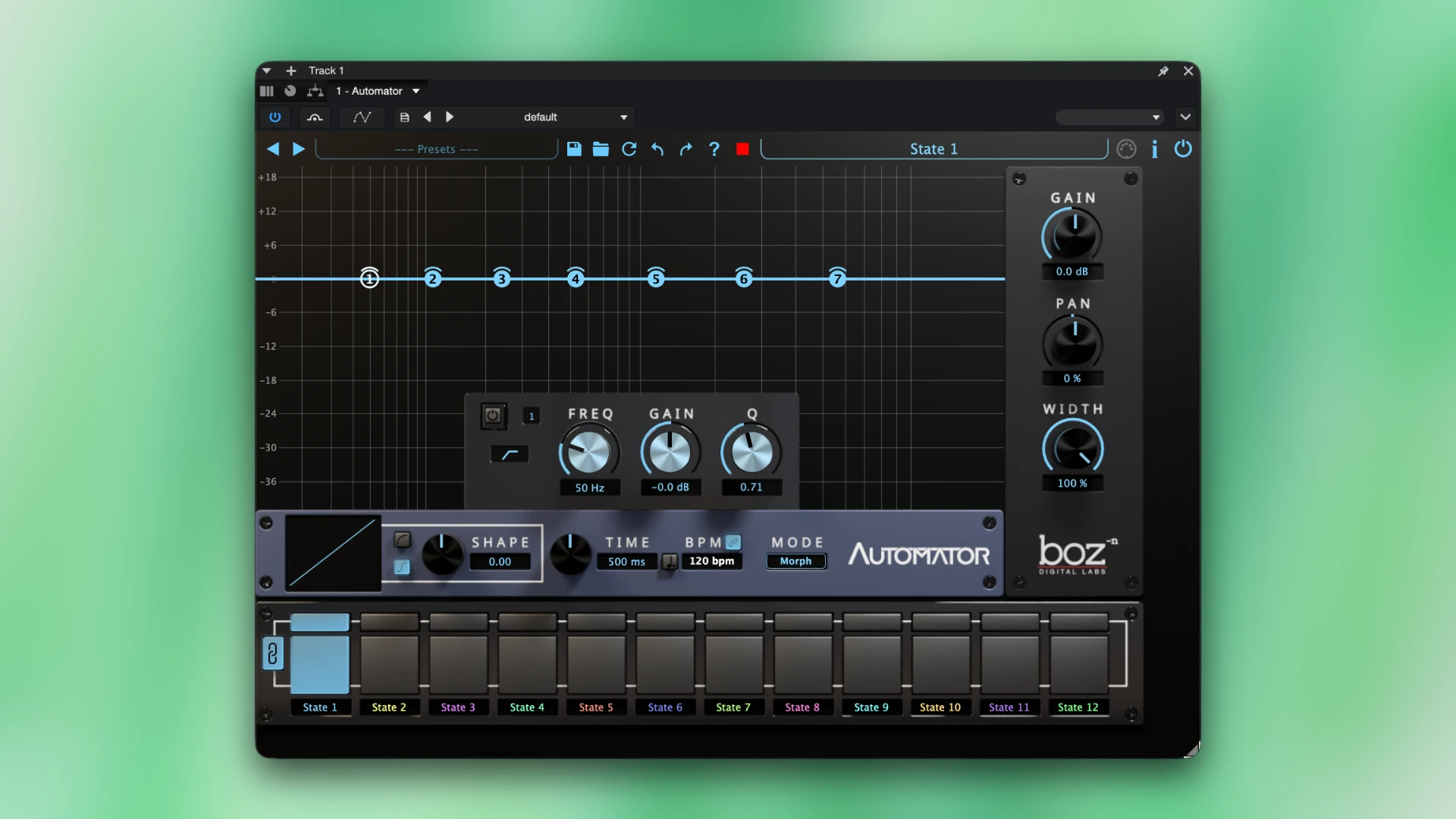
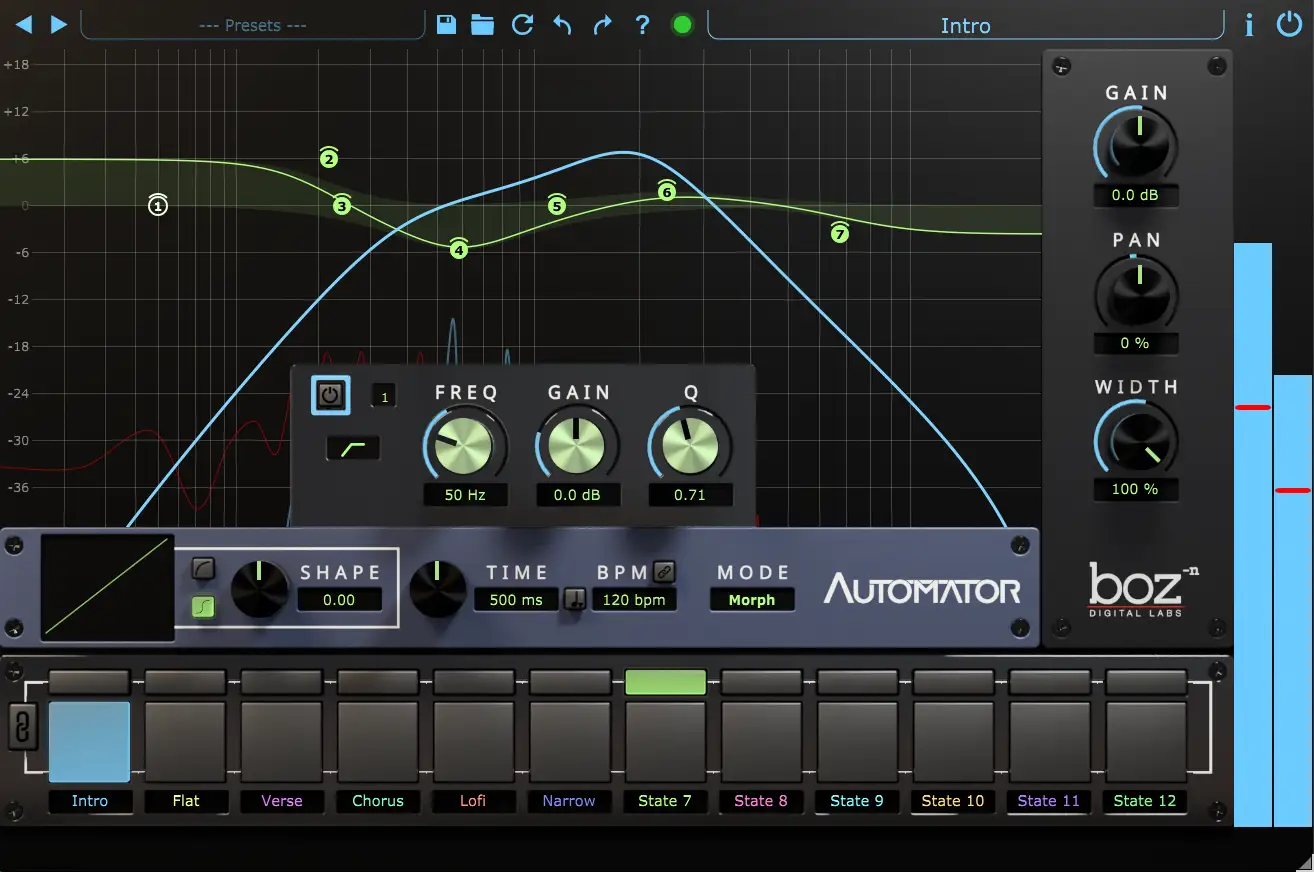
Automator stores these settings inside different states, so you can move between them using one automation lane. You can create up to 12 customizable states. Each state can contain its own EQ, gain, pan, and stereo-width settings. Automator can control up to 38 parameters from a single automation lane, keeping the project much cleaner. The built-in EQ has seven bands and supports different filter types. This is useful when you want the sound of a track to change during different parts of a song. For example, you could make a vocal slightly darker during a verse and brighter during a chorus, then automate the state selection instead of drawing every EQ parameter separately.
Automator also handles smooth transitions between states. You can choose between morphing, crossfading, or an instant change. The transition time can be adjusted, which gives you control over whether the change happens quickly or gradually. The plugin can also transition between filter types without an abrupt jump. The pan and stereo-width controls make it more than an EQ automation tool. A producer could use one state for a narrow verse and another for a wider chorus. Gain can also change with the state, allowing several mix adjustments to happen together.
This makes Automator useful for creative sound design as well. You can build different tonal states for a synth, guitar, drum track, vocal, or even a full mix. The same approach can be used for filter sweeps, transitions, builds, and section changes. A recent demonstration showed the plugin being used with drums, synths, guitars, and full mixes.
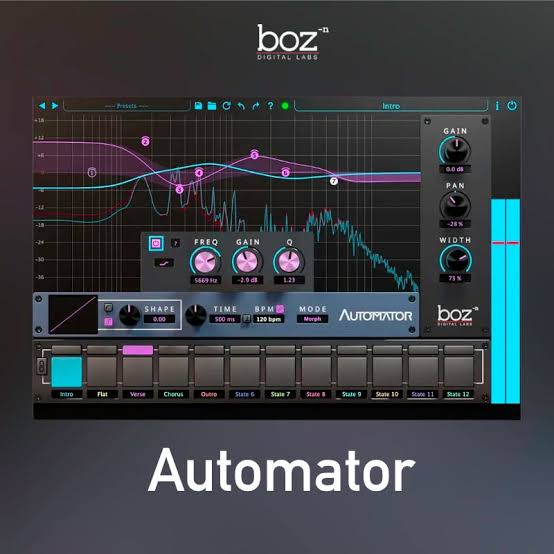
One thing to understand is that Automator is not intended to replace a full-featured professional EQ. Its main advantage is automation workflow, not having the largest collection of EQ controls. An independent review also noted that its seven-band EQ focuses on practical mixing functions rather than advanced features such as linear-phase processing or highly specialized EQ controls. For Mac users, compatibility is straightforward. Boz Digital Labs lists support for macOS 10.13 or higher, 64-bit systems, Intel processors, and Apple Silicon. The available plugin formats are AU, VST2, VST3, and AAX. Automator uses a perpetual license rather than a subscription, and Boz Digital Labs provides offline registration with a serial number. No iLok is required.
Key Features
- Simplifies complex automation
- Controls multiple parameters from one automation lane
- Supports up to 12 customizable states
- Can automate up to 38 parameters
- Seven-band built-in EQ
- Gain control
- Pan control
- Stereo-width control
- Automatable EQ filter types
- Morph transitions
- Crossfade transitions
- Instant state changes
- Adjustable transition time
- Useful for vocals, guitars, drums, synths, and full mixes
- AU, VST2, VST3, and AAX support
- Intel and Apple Silicon Mac support
- 64-bit plugin
- macOS 10.13 or higher
- Perpetual license
- No iLok required
Alternatives
FabFilter Pro-Q 4 is a strong alternative if the main requirement is detailed EQ automation. It provides much deeper EQ control and is useful when you need precise frequency shaping rather than state-based automation.
Soundtoys FilterFreak is another option for creative filter movement. It focuses more on filter effects and modulation, making it useful for rhythmic changes, sweeps, and sound-design automation.
Cableguys ShaperBox takes a different approach by combining multiple time-based shaping tools. It is useful for producers who want rhythmic volume, filter, width, and other effects that follow the timing of a song.
Minimal Audio Rift is aimed more at creative processing and modulation. It can be useful when the goal is to create dramatic tonal movement rather than simply automate standard mix parameters.
MeldaProduction MSuperLooper and modulation tools can also provide advanced parameter movement, although the workflow is more general and can require more setup than Automator.
Ableton Live automation is another alternative for users who already work inside Ableton. Its native automation system can control plugin parameters directly, but complex EQ changes can still require multiple automation lanes. Automator’s main difference is that it stores several settings together and exposes the state changes through one control.
Logic Pro automation provides similar native control for Mac users. It is suitable for detailed track automation without buying another plugin. Automator becomes more interesting when you specifically want several EQ, gain, pan, and width changes grouped into reusable states.
The biggest difference is workflow. Traditional EQ and DAW automation give you more direct control over individual parameters, while Automator focuses on changing groups of settings together. It is therefore more about keeping complex automation manageable than replacing every EQ or modulation plugin in a Mac setup.
Conclusion
Boz Digital Labs Automator is a focused plugin built around a simple but useful idea: control many mix changes from one automation lane. Its 12 states, seven-band EQ, gain, pan, stereo width, and flexible transitions make it useful for creating movement between different parts of a song. For Mac producers who regularly automate EQ and multiple mix parameters, Automator can save time and keep sessions cleaner. It is especially useful when a chorus needs more width, a verse needs a different tone, or a bridge needs a noticeable change in several parameters at once. Its main strength is not having the most advanced EQ or the largest effects collection. The strength is the state-based automation workflow. If your projects often become crowded with automation lanes, Automator offers a much simpler way to manage those changes.
Technical Details
- Full Name: Boz Digital Labs Automator
- Setup App File Name: Boz Digital Labs Automator
- Full Application Size: 42 MB
- Latest Version: 1.1.0
- Setup Type: AU, VST, VST3
- Developer: Boz Digital Labs
System Requirements
- Operating System: macOS 10.13 (High Sierra) or later
- Memory (RAM): 4/8GB
- Hard Disk Space: 65.5 MB
- Processor: Apple Silicon (M1-M6) and newer or Intel Core (64-bit)
Download Boz Digital Labs Automator Latest Version Free
Click on the button below to start Boz Digital Labs Automator Download for Mac OS X. This is completely Tested and Working Latest Version Mac OS App of Boz Digital Labs Automator. It is offline installer and standalone setup for Boz Digital Labs Automator for Apple Macintosh. We provide Resumeable single direct link Boz Digital Labs Automator Download for Mac.