Download Luma for Mac Free. It is full Latest Version setup of Luma DMG for Mac OS X.
Luma 2026 for Mac Review
Luma is a lightweight macOS menu bar utility that gives you one place to control the brightness of multiple displays. It is designed for Mac users who work with a built-in Mac display alongside external monitors and want their keyboard brightness controls to work across all screens. The current public beta is version 0.2.0 beta 2, and the app is free, open source, and built natively with Swift. Unlike larger display-management applications, Luma focuses on a simple job: controlling display brightness. It supports the built-in Mac panel, Apple Studio Display, and compatible external monitors using DDC. It can be controlled with keyboard keys, knobs, scrolling, and on-screen sliders. The current release is designed for Apple Silicon Macs running macOS 13 or later. Luma is useful for Mac users who regularly switch between different displays.
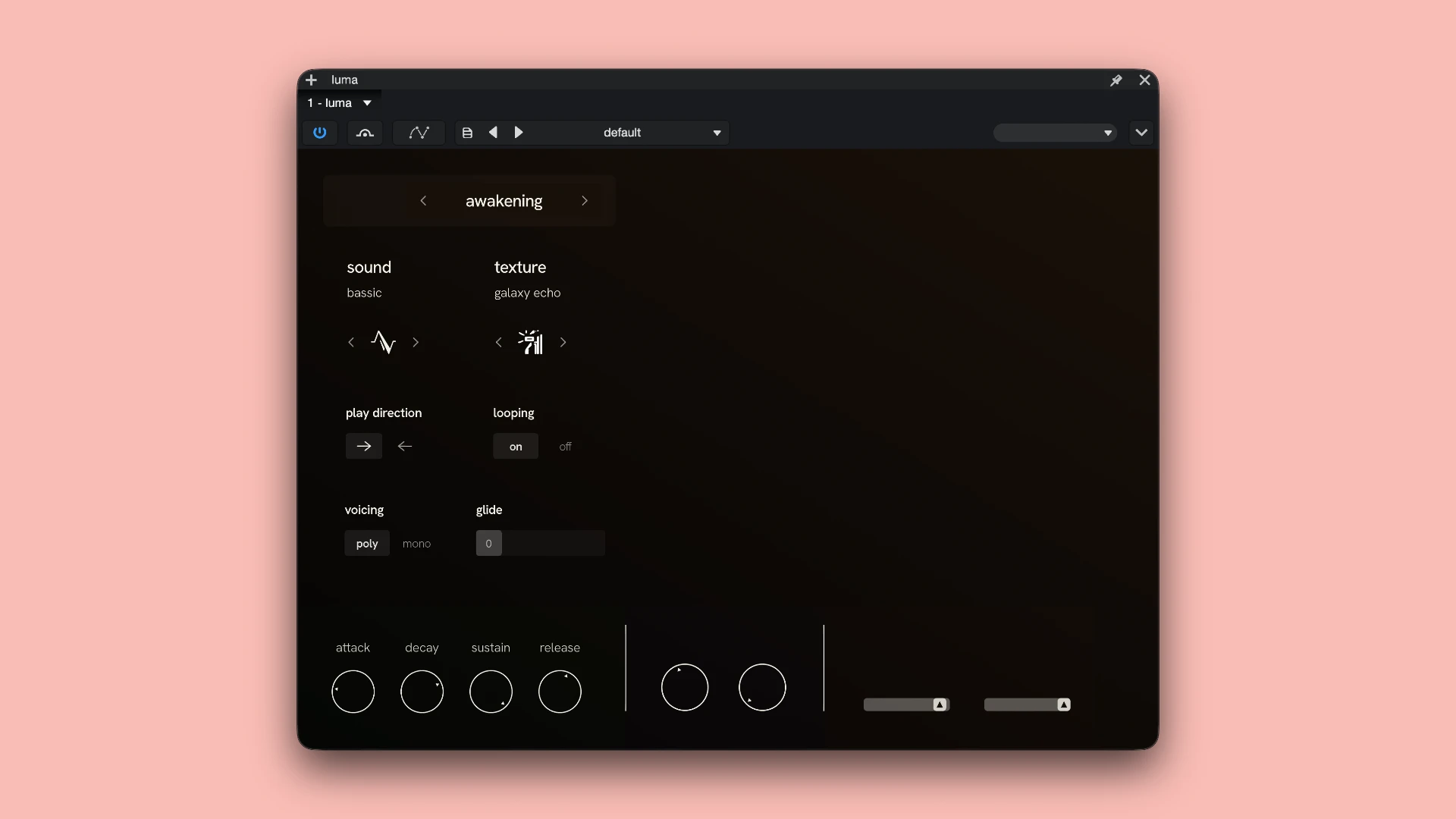
macOS handles brightness control naturally for the built-in screen, but external monitors can behave differently. Luma puts compatible displays behind the same brightness controls, making it easier to adjust a multi-monitor setup without reaching for individual monitor buttons. The application lives in the macOS menu bar instead of taking up workspace with a large control panel. From there, users can access brightness sliders and other display controls. Keyboard brightness keys can also be used to control supported screens.
External monitor support relies on DDC, or Display Data Channel. This means compatibility depends on the monitor and how its hardware implements DDC. Luma’s developer notes that DDC monitors can vary significantly, so users should check their particular display rather than assuming every external monitor will work perfectly. Luma also includes a warmth control for adjusting the display’s color temperature. Its Sunset schedule can use a one-time, low-accuracy location lookup to calculate local sunset and sunrise times. According to the developer, the location information is not transmitted or saved by Luma.
Another useful aspect is its very small footprint. The download is under 1 MB, and the application is native Swift software for Apple Silicon. This makes it considerably lighter than many full-featured display management utilities. The main limitation is that Luma is still a public beta. The developer specifically notes that display compatibility can vary, particularly with DDC monitors. Users may also need to grant Accessibility permission so Luma can intercept the brightness keys before macOS sends them to the built-in display. Luma is also unsigned, so macOS may show an unidentified-developer warning during installation. The official installation instructions explain how to open the application manually. This is something Mac users should know before installing the beta.
Key Features
- Lightweight macOS menu bar brightness utility
- Current public beta version 0.2.0 beta 2
- Free and open source
- MIT license
- Native Swift application
- Apple Silicon support
- Works with macOS 13 and later
- Controls built-in Mac displays
- Supports Apple Studio Display
- DDC external monitor support
- Keyboard brightness controls
- On-screen brightness sliders
- Support for knobs and scrolling controls
- Display warmth adjustment
- Sunset scheduling
- Accessibility integration for brightness keys
- Under 1 MB download
- Copy Diagnostics option for troubleshooting monitor issues
Luma Alternatives
MonitorControl is a popular Mac utility for controlling brightness and volume on external displays. It is a useful option for users who need broader external-monitor controls.
BetterDisplay provides a much larger collection of display-management features, including virtual displays, resolution controls, scaling, and detailed monitor configuration. It is better suited to users who need more than brightness control.
Lunar focuses on external monitor control and automation. It offers brightness management, DDC support, and additional tools for people running multiple displays.
DisplayBuddy provides centralized controls for brightness, contrast, volume, and other settings across external monitors. It is designed for users who want a more complete monitor-control interface.
MonitorControl Lite is another lightweight approach for controlling compatible external displays from macOS without installing a large display-management suite.
macOS Display Settings remains sufficient for users who only need basic controls for their built-in display or supported Apple displays. It avoids installing an additional utility but does not provide Luma’s unified approach to external monitor brightness.
Conclusion
Luma 2026 is a small and focused Mac utility for users who want easier brightness control across multiple displays. Its menu bar design, keyboard controls, Apple Silicon support, and DDC compatibility make it useful for Mac setups with both internal and external screens. Its biggest limitation is that it is still a public beta and external-monitor compatibility depends on DDC hardware. Users looking for advanced display management may need a more established tool such as BetterDisplay or Lunar. For someone who simply wants a lightweight way to control multiple displays from the Mac keyboard, Luma keeps the workflow straightforward.
Technical Details
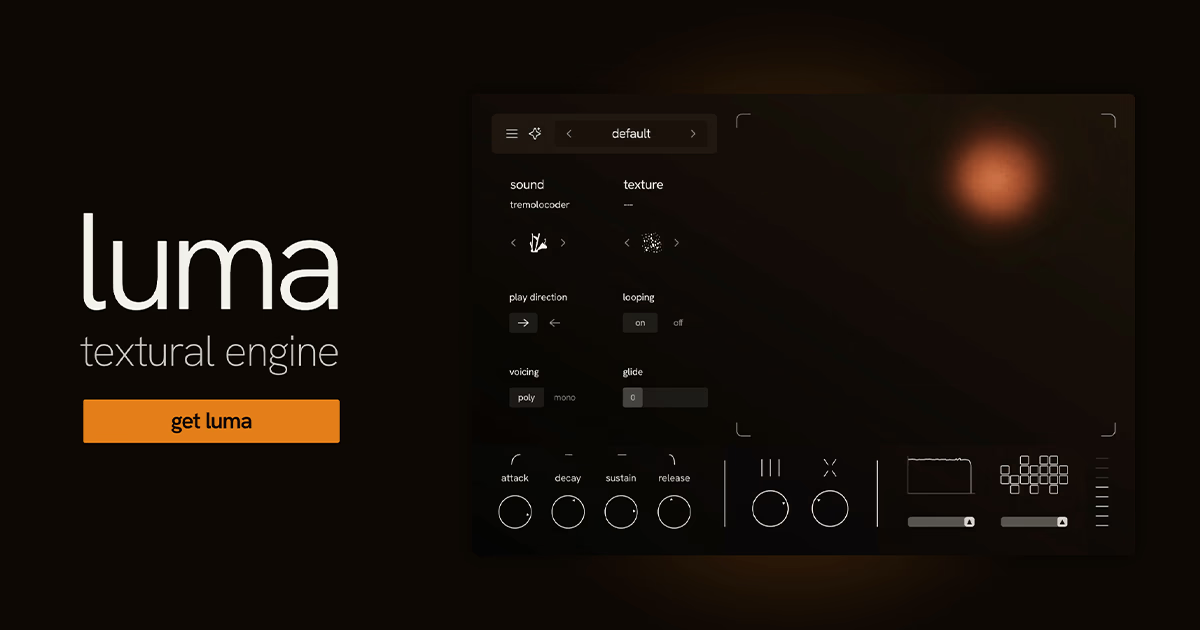
- Full Name: Luma
- Setup App File Name: Luma
- Full Application Size: 1 GB
- Latest Version: 1.1.1
- Setup Type: AU, VST3
- Developers: Luma
System Requirements
- Operating System: macOS 12 (Monterey) or later
- Memory (RAM): 8/16 GB
- Hard Disk Space: 1.38 GB
- Processor: Apple Silicon (M1-M6 and newer) and Intel (64-bit)
Download Luma Latest Version Free
Click on the button below to start Luma Download for Mac OS X. This is completely Tested and Working Latest Version Mac OS App of Luma. It is offline installer and standalone setup for Luma for Apple Macintosh. We provide Resumeable single direct link Luma Download for Mac.