Download RemObjects Elements 2026 full latest version program free setup for Windows. It is a development tool for Windows that lets programmers create software with different programming languages from one platform.
RemObjects Elements 2026 Review
RemObjects Elements takes a different approach from normal programming software. Most development programs are built around one main language or platform. Elements brings several languages together and gives them a shared set of development tools.The six main languages are Oxygene, RemObjects C#, Swift, Java, Mercury, and Go. Each language has its own style, but they can use the same Elements development system.This can be useful when a developer needs to work on different types of software. For example, someone might use Oxygene for one project and C# for another while keeping the same development setup. It supports Oxygene, C#, Swift, Java, Mercury, and Go. You can use it to build applications for Windows, .NET, Android, Linux, WebAssembly, macOS, iPhone, and other supported platforms.
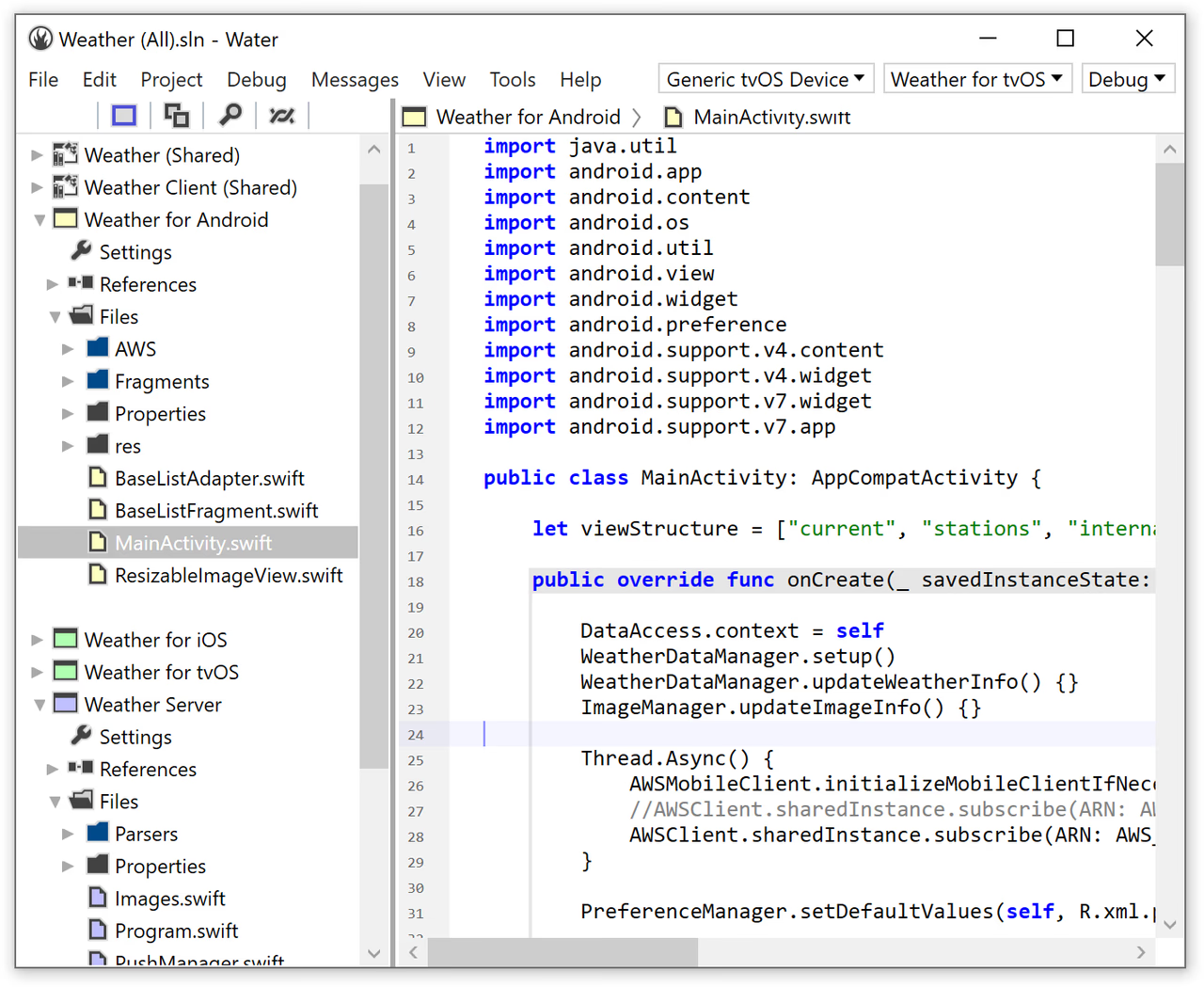
For Windows users, Elements provides the Water development environment and can also work with Microsoft Visual Studio. It includes tools for writing code, building applications, finding errors, testing, and preparing projects for release. This makes it useful for developers who don’t want to maintain a completely separate setup for every programming language or platform. Windows users have two main choices. Water is the dedicated Elements development environment, while Visual Studio integration lets developers work inside Microsoft’s familiar software.The platform also supports command-line tools. This is useful for developers who want to build projects using scripts instead of clicking through an IDE.
Six Programming Languages
One of the main features of Elements is that you aren’t limited to one programming language. Oxygene is RemObjects’ Object Pascal-based language. It can be a familiar choice for developers who have previously worked with Pascal or Delphi. RemObjects C# provides C# development within the Elements environment. Swift is included for developers who want to use Swift within the Elements platform. Java is also supported, giving developers another option for Java-based applications. Mercury is designed for developers who prefer a Visual Basic-style programming language. Go is included as another option for modern application development. The useful part is that these languages aren’t completely isolated. Elements is designed so that different supported languages can work together in the same project.
Water IDE for Windows
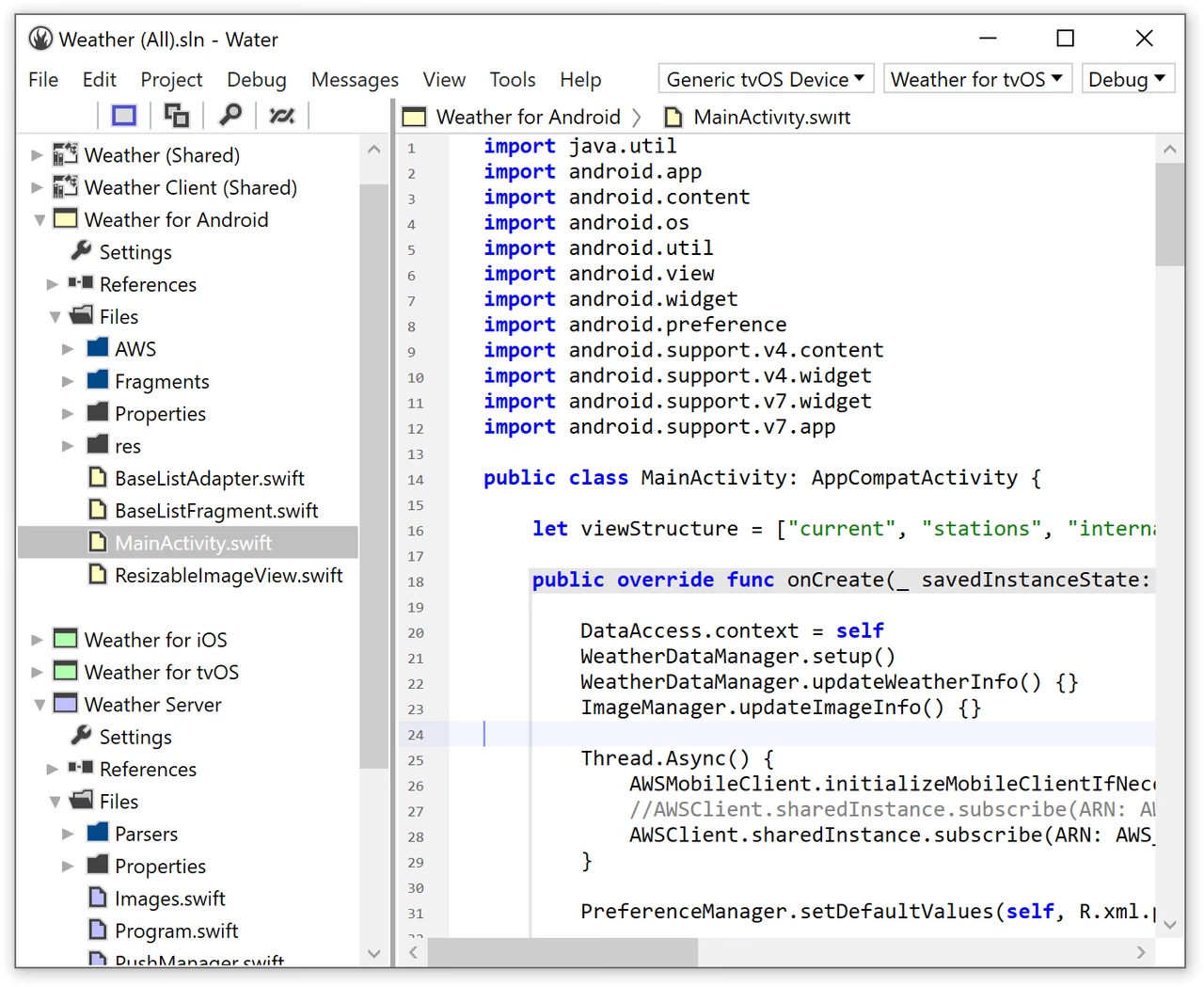
Water is the main Elements development environment for Windows. It gives developers a place to write code, open projects, build applications, run programs, and debug them. The interface is designed specifically for Elements, so you don’t need to install a separate development environment for every supported language. For someone who wants a focused Elements setup on Windows, Water is the simplest starting point.
Visual Studio Integration
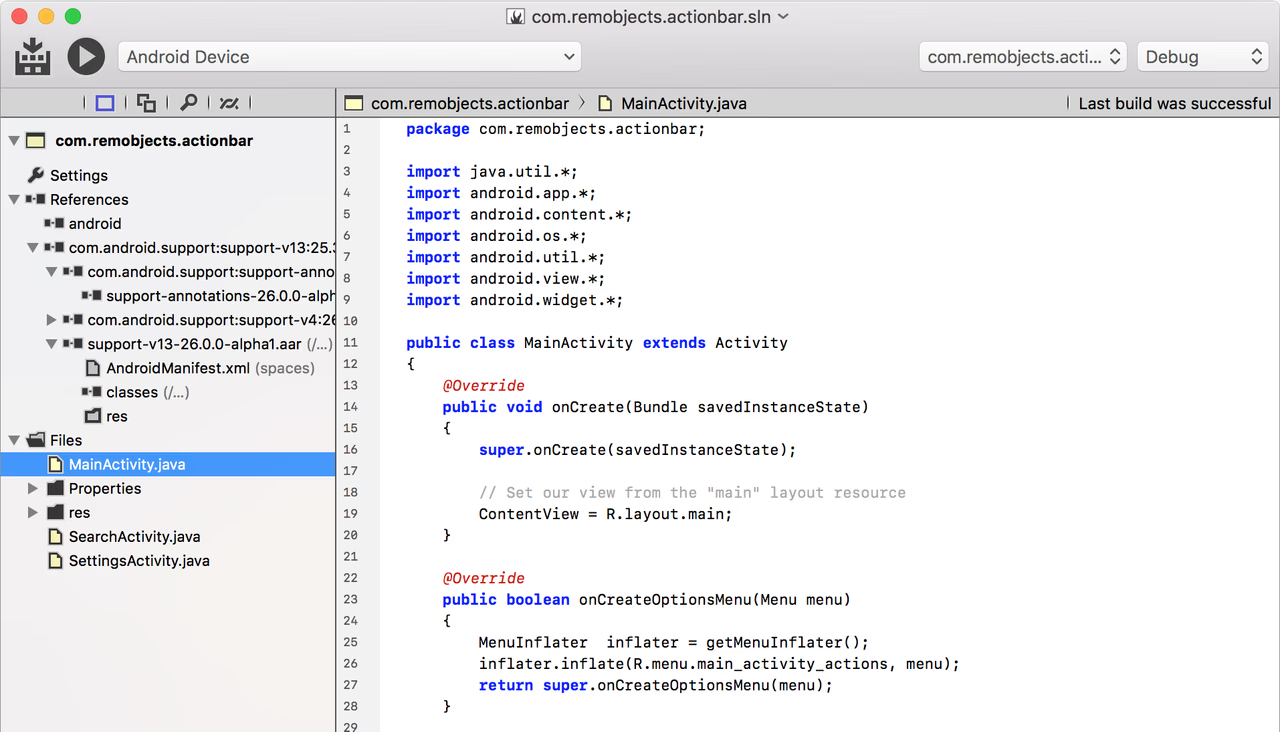
Developers who already use Microsoft Visual Studio don’t necessarily have to switch to Water. Elements can integrate with supported Visual Studio versions and add its development features to the Microsoft environment. This can be convenient for Windows and .NET developers who already have their projects and tools configured inside Visual Studio. Supported Visual Studio versions depend on the Elements release, but current Elements documentation includes Visual Studio 2026 along with several earlier versions.
Native Windows Development
Elements can also be used to create native Windows applications. This is useful when you want software that works directly with Windows rather than depending entirely on the .NET environment. Developers can work with Windows system functions and create 32-bit or 64-bit native applications where supported. For developers who want more control over Windows software, this is an important part of the platform.
EBuild Build System
EBuild is the system Elements uses to build projects. When you tell Elements to build your application, EBuild handles the required steps and produces the application or library. You don’t need to understand how EBuild works to use Water or Visual Studio. It works in the background. However, developers who use automated builds can also run EBuild from the command line.
Command-Line Tools
Elements can be used without opening a graphical development program. Its command-line tools allow developers to build projects using commands or scripts.This is useful for larger development teams and automated build systems. For example, a team can create a script that builds a project whenever new code is added. This can save time compared with manually opening the project and starting a build every time.
Key Features of RemObjects Elements 2026
- Supports six programming languages.
- Includes Oxygene.
- Includes RemObjects C#.
- Includes Swift.
- Includes Java.
- Includes Mercury.
- Includes Go.
- Provides the Water IDE for Windows.
- Works with Microsoft Visual Studio.
- Supports Visual Studio 2026.
- Includes command-line development tools.
- Supports Windows application development.
- Supports .NET applications.
- Supports Android.
- Supports Linux.
- Supports WebAssembly.
- Supports macOS.
- Supports iOS.
- Allows different Elements languages to work together.
- Includes tools for building applications.
- Provides debugging support.
- Includes the EBuild build system.
- Supports automated builds.
RemObjects Elements 2026 Alternatives
Microsoft Visual Studio
Microsoft Visual Studio is the most natural alternative for Windows developers. It has strong support for C#, .NET, C++, Windows applications, and many other development tasks. Choose Visual Studio if most of your work is focused on Windows or .NET and you don’t need Elements’ collection of programming languages.
JetBrains Rider
JetBrains Rider is a Windows development environment with strong support for C# and .NET. It offers tools for writing, testing, debugging, and managing software projects. Choose Rider if your main programming language is C# and you prefer JetBrains software.
Delphi
Delphi is another option for developers interested in Object Pascal and Windows application development. It is particularly relevant when comparing Elements’ Oxygene language with traditional Pascal-based development. Choose Delphi if Object Pascal is your main focus and you want Embarcadero’s development environment.
Free Pascal and Lazarus
Free Pascal and Lazarus offer a free way to develop applications with Object Pascal.They are suitable for users who want Pascal development without paying for a commercial development suite. Choose this option if cost is more important than Elements’ wider collection of languages and platforms.
Visual Studio Code
Visual Studio Code is a lightweight code editor that supports many programming languages through extensions. It doesn’t provide the same Elements toolchain, but it gives developers more freedom to choose their own tools. Choose Visual Studio Code if you want a simple editor and don’t need an all-in-one development platform.
RemObjects Elements 2026 Technical Setup Details
- Software Full Name: RemObjects Elements 2026
- Setup File Name: RemObjects_Elements_with_Water_11.0.0.2661.rar
- Setup Size: 923 MB
- Setup Type: Offline Installer / Full Standalone Setup
- Compatibility: 32 Bit (x86) / 64 Bit (x64)
- Developers: RemObjects
System Requirements for RemObjects Elements 2026
- Operating System: Windows 10/11, Server Editions
- RAM: 4 GB
- Hard Disk: 5 GB
- Processor: Intel Core i5 or higher processor
- .NET Framework 6.0 or higher
RemObjects Elements 2026 Download
Download RemObjects Elements 2026 free latest full version offline direct download link for full offline setup by clicking the button below.