Download PVS-Studio 2026 full latest version program for free setup for Windows. It is a code-checking tool for Windows that helps developers find programming mistakes, weak code, and some security problems before software is released.
PVS-Studio 2026 Review
PVS-Studio is useful when you want to find mistakes before they become difficult to track down. A debugger usually helps you investigate a problem after it appears. PVS-Studio takes a different approach by checking the source code for patterns that may indicate a mistake. This can be especially helpful with large projects. When a project contains thousands of files, manually checking every section isn’t realistic. PVS-Studio can highlight areas that deserve attention. Not every warning means your code is wrong. Some warnings may be intentional or may depend on information the software cannot fully understand. Developers should therefore review each warning before changing the code.
It supports languages such as C, C++, C#, Java, and other supported languages. It can also work with development tools including Visual Studio, Visual Studio Code, Rider, CLion, and Qt Creator. The main purpose is simple. PVS-Studio checks your source code and points out sections that may cause problems. It doesn’t replace testing or debugging. Instead, it gives developers another way to find issues while the code is still being developed.
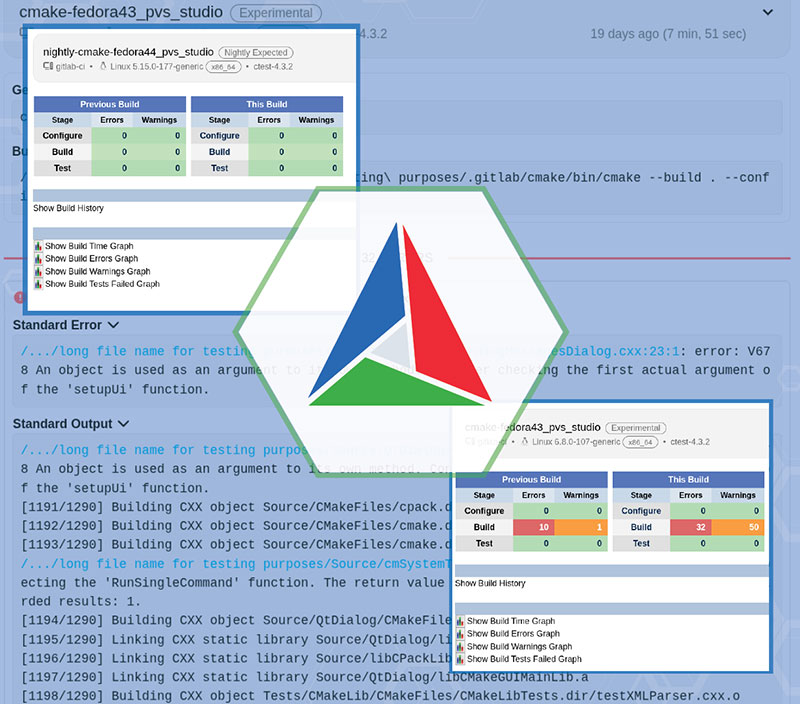
For Windows developers, the Visual Studio connection is one of its most useful features. You can check a project and review warnings without constantly moving between different programs. This is one of the most important things to understand when using PVS-Studio. The goal isn’t to make the warning count reach zero. The goal is to identify genuine problems and improve the code. Performance depends mainly on the size of your project and your computer’s hardware. Small projects should be relatively easy to analyze. Large projects with many source files can take considerably longer. More processor cores can help with analysis, but memory also matters. If you’re working on large projects, 16 GB to 32 GB of RAM is a practical target. The software can also be run from the command line, which makes it easier to include code checking in automated development processes.
Code Checking
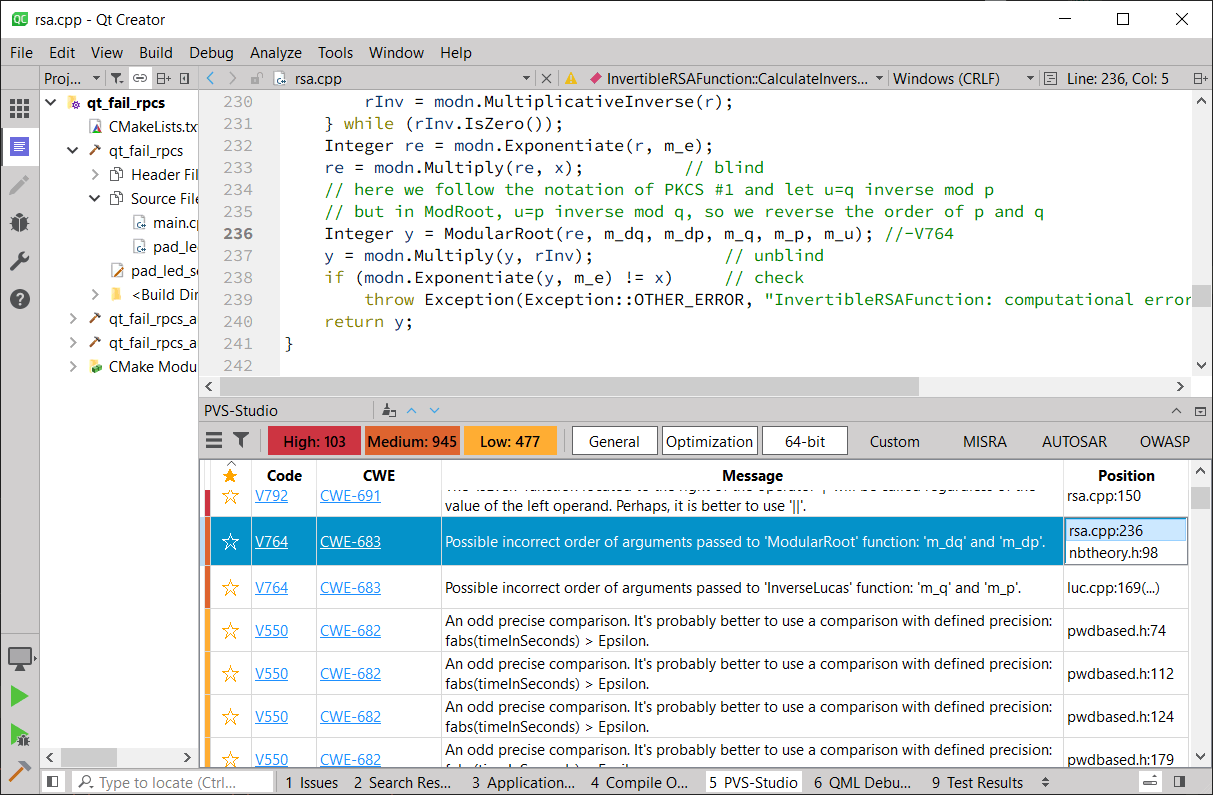
PVS-Studio examines your source code and reports sections that may contain problems. For example, it can identify code that looks suspicious because of an incorrect condition, possible memory problem, or other programming mistake. The important part is that the program reports possible problems. You still need to look at the code and decide what action is appropriate. This makes PVS-Studio most useful as part of the development process rather than as a tool you run once at the end of a project.
Security Checks
PVS-Studio also checks for certain security problems. These checks can help developers identify weaknesses earlier, but they shouldn’t be treated as a complete security test. A good software project still needs normal testing, security reviews, dependency checks, and other suitable checks before release. PVS-Studio works best as one additional layer of protection.
Visual Studio Integration
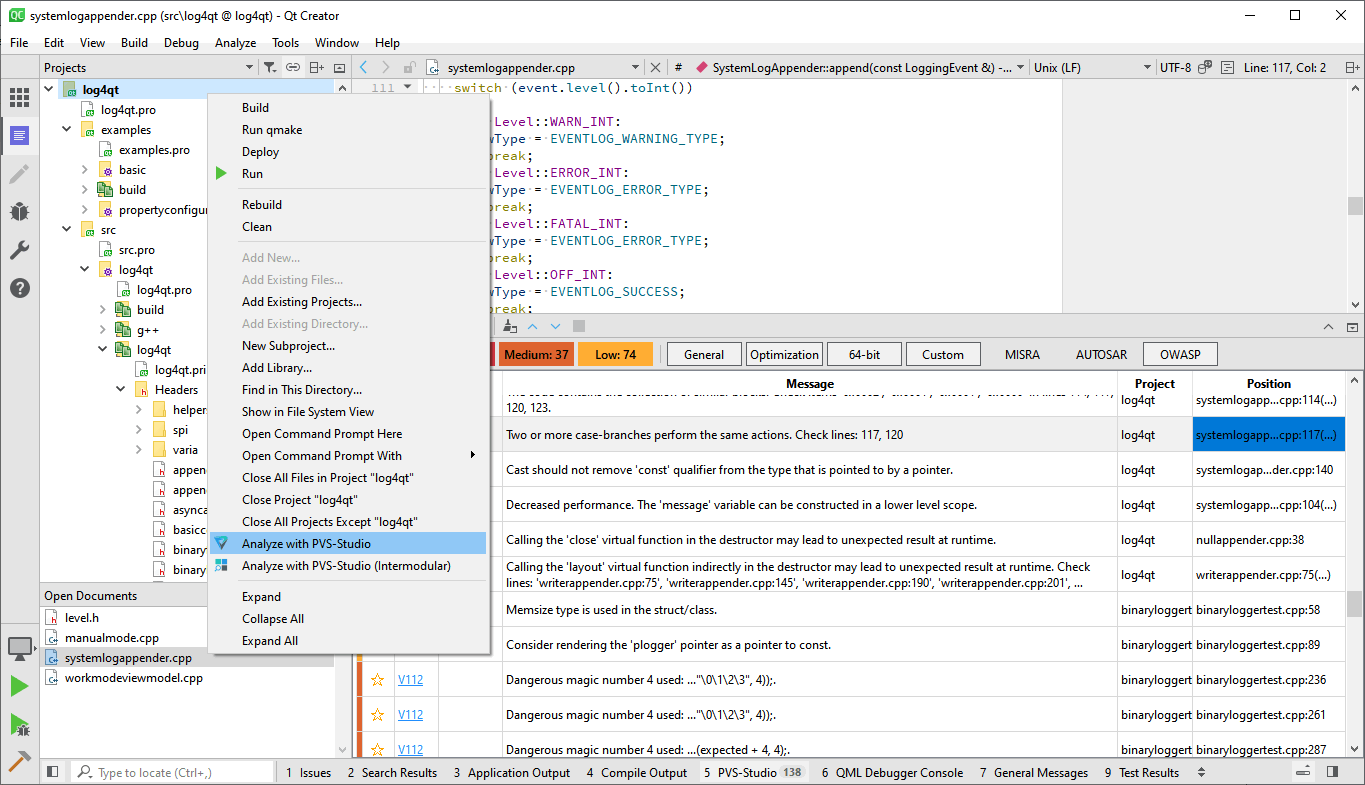
For Windows developers, Visual Studio integration is a major advantage. You can run PVS-Studio from within Visual Studio and review warnings alongside your source code. This means you don’t have to move your project into a completely separate application just to check for problems. It supports several Visual Studio releases, including Visual Studio 2026 and earlier supported versions. This is particularly convenient for developers who spend most of their working day inside Visual Studio.
Command-Line Support
PVS-Studio doesn’t require an IDE. Its Windows tools can also be run from the command line. This allows developers to check projects without manually opening Visual Studio. This feature is useful when you want code checking to become part of your regular development process. For example, a team can configure its development system to check new code automatically and review important warnings before changes are released.
Key Features of PVS-Studio 2026
- Checks source code for possible programming mistakes.
- Finds certain security-related problems.
- Supports C and C++.
- Supports C# and .NET projects.
- Supports Java.
- Supports other supported programming languages.
- Works with Windows 10 and Windows 11.
- Integrates with Visual Studio.
- Supports Visual Studio 2026.
- Works with Visual Studio Code.
- Supports JetBrains Rider.
- Supports CLion.
- Works with Qt Creator.
- Provides command-line analysis.
- Can analyze projects without opening an IDE.
- Supports automated development workflows.
- Can handle large codebases.
- Groups and filters warnings.
- Explains reported problems.
- Provides different warning levels.
- Allows analysis results to be exported.
- Can work with SonarQube.
- Suitable for individual developers and development teams.
PVS-Studio 2026 Alternatives
SonarQube
SonarQube is a popular option for checking code quality and security across many programming languages. It provides a wider set of tools for monitoring software projects and development teams. Choose SonarQube if you need a broader platform for managing code quality rather than a tool focused mainly on finding programming mistakes.
GitHub CodeQL
GitHub CodeQL is particularly useful for finding security problems in source code. It is a good option for teams that already use GitHub and want security checks built into their development workflow. Choose CodeQL if security testing is your main priority.
Synopsys Coverity
Coverity is an enterprise-focused code checking tool that looks for programming defects and security problems. It is more suited to larger organizations that need advanced reporting and team controls. Choose Coverity if you’re working in a large development environment and have the budget for an enterprise solution.
Semgrep
Semgrep checks source code using customizable rules. It can be used for both code quality and security checks and gives development teams considerable control over what they want to find. Choose Semgrep if you want to create or customize your own checking rules.
Checkmarx
Checkmarx focuses heavily on application security. It is aimed at organizations that need extensive security testing throughout the software development process. Choose Checkmarx if finding security weaknesses is more important than general code quality.
Final Verdict
PVS-Studio 2026 is a useful Windows code-checking tool for developers who want to find possible programming and security problems earlier. Its Visual Studio integration makes it convenient for everyday development, while command-line support makes it suitable for automated workflows. It takes some experience to judge the warnings correctly, but for medium and large software projects, it can be a valuable part of the development process.
PVS-Studio 2026 Technical Setup Details
- Software Full Name: PVS-Studio 2026
- Setup File Name: PVS_Studio_8.00.109113.2276.rar
- Setup Size: 249 MB
- Setup Type: Offline Installer / Full Standalone Setup
- Compatibility: 32 Bit (x86) / 64 Bit (x64)
- Developers: PVS-Studio
System Requirements for PVS-Studio 2026
- Operating System: Windows 7/8/10
- RAM: 4 GB
- Hard Disk: 2 GB
- Processor: Intel Core i5 or higher processor
- NET Framework 4.7
PVS-Studio 2026 Download
Download PVS-Studio 2026 free latest full version offline direct download link for full offline setup by clicking the button below.