Download MEmu Android Emulator 2026 full latest version program for free setup for Windows. MEmu Android Emulator 2026 is a professional Android emulator that can be used to run Android applications and games on a desktop or laptop computer.
MEmu Android Emulator 2026 for Windows Review
MEmu Android Emulator 2026 is a Windows program that lets you run Android apps and games on a PC. It is mainly aimed at users who want to play mobile games with a keyboard and mouse, use Android applications on a larger screen, or run several Android environments at the same time. The current version listed on the official MEmu website is 9.5.6.1, released on August 13, 2026. MEmu is free to use, although the developer states that the software may contain advertisements. MEmu supports both Intel and AMD processors and requires hardware virtualization to be enabled in the BIOS. The official minimum requirements include a two-core x86 or x86-64 processor, 2 GB of RAM, 5 GB of free storage, Windows 7 or newer, and graphics support for DirectX 11 with OpenGL 2.0. For a smoother experience, the developer recommends a newer Windows system with virtualization enabled.
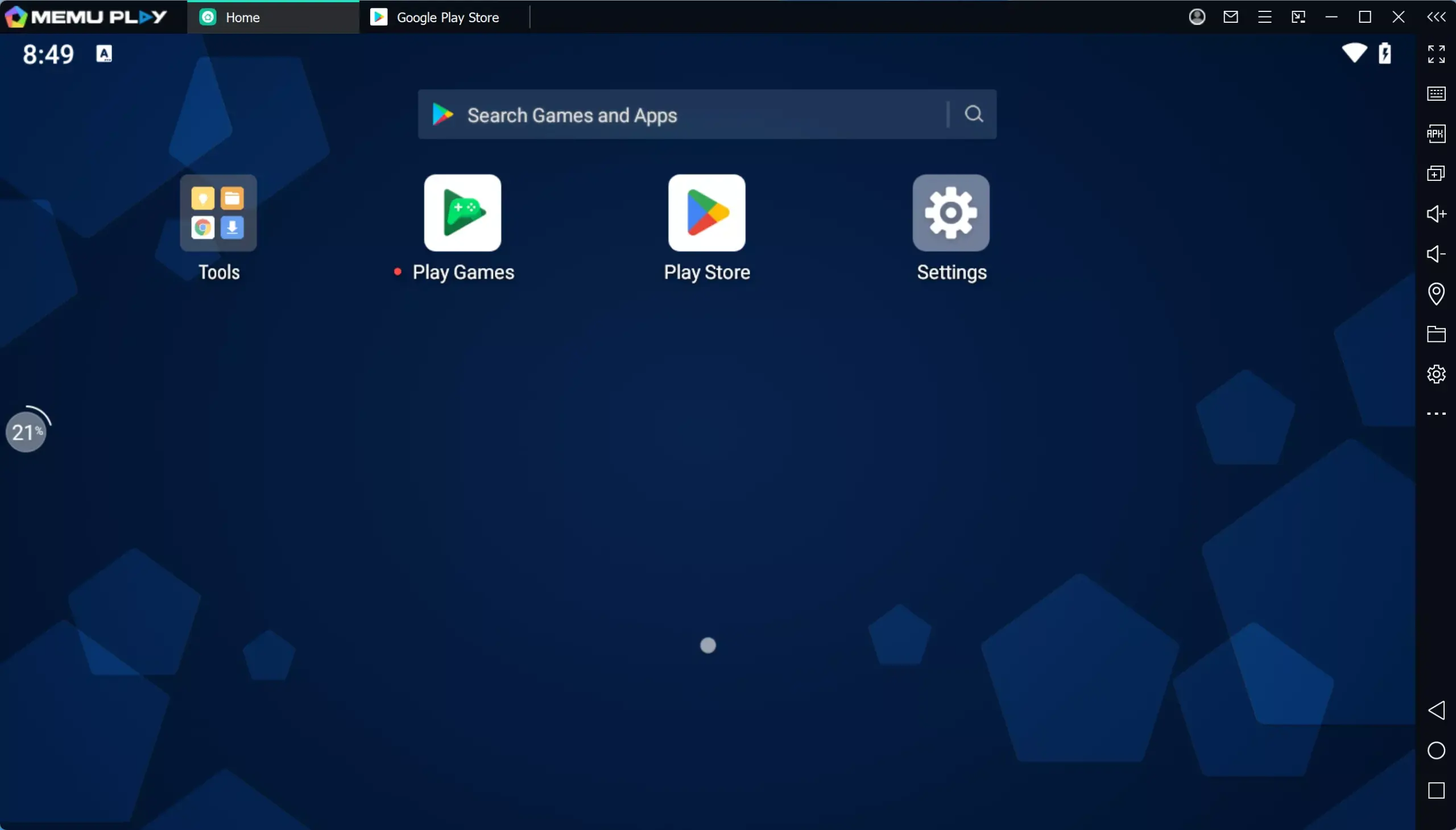
The main attraction is flexibility. You can adjust the virtual device, map keyboard controls, change graphics settings, install Android applications, and create multiple emulator instances. This makes MEmu useful for both casual Android users and people who need several Android environments on one Windows computer. MEmu is not limited to gaming, although gaming is clearly one of its main uses. It can also be used for testing applications, running Android utilities, accessing mobile-only services, and working with apps that don’t have a suitable Windows version. One of MEmu’s most useful features is its keyboard mapping system. Mobile games normally expect touchscreen input, but a Windows PC doesn’t have the same controls.
MEmu lets you assign keyboard and mouse actions to areas of the Android screen. This can make games that depend on repeated tapping or directional controls easier to operate on a desktop or laptop. The exact experience depends on the game. Some titles work immediately, while others may require manual control adjustments. Competitive games can also have their own emulator restrictions, so compatibility shouldn’t be assumed simply because an Android application installs successfully.
MEmu Android Emulator 2026 Multiple Instances
Multiple instances are one of MEmu’s stronger features. Instead of running only one Android environment, you can create separate instances for different games or applications. Each instance can have its own settings and installed applications. MEmu’s documentation explains that instances can be filtered by name, index, Android version, and status, and individual instances can have desktop shortcuts.
This is useful for users who maintain multiple accounts or need to test an application under different Android environments. There isn’t a practical fixed number of instances that every PC can run. MEmu states that the number depends heavily on available hardware, particularly RAM, CPU, and GPU resources. The company also notes that lighter applications can allow considerably more instances than demanding 3D games.
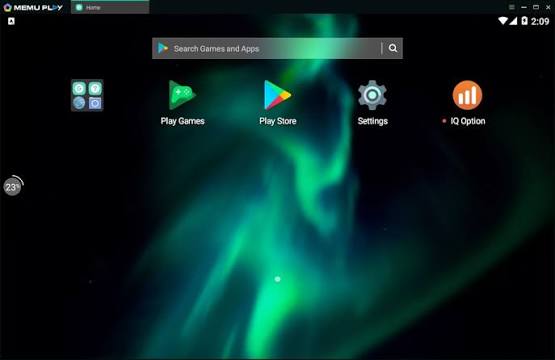
This is an important point because claims about running dozens of instances shouldn’t be treated as a normal expectation. A powerful desktop may handle many lightweight instances, while a typical laptop may struggle with only a few demanding ones. Lowering resolution, frame rate, and allocated resources can reduce the load when running several instances. MEmu itself recommends these types of adjustments when trying to increase the number of simultaneous environments.
MEmu Android Emulator 2026 Gaming Performance
MEmu is primarily known for Android gaming on Windows. The emulator provides graphics settings based around DirectX and OpenGL rendering, along with options for resolution and frame rate. The purpose is to let users adjust performance according to their computer and the requirements of the game. MEmu’s official download page currently displays performance comparisons from a third-party testing company. On the listed test system, MEmu scores higher than several competing emulators in the displayed Geekbench and AnTuTu comparisons. These figures are supplied by MEmu and should be treated as vendor-presented benchmark results rather than independent testing. Real-world performance can be very different.
A game with simple graphics may run comfortably on a modest PC, while a demanding 3D title can place considerable load on the processor and graphics card. Running several instances at once increases the demand further. Community reports also show that performance can vary from one game and hardware configuration to another. Some users report good results after adjusting graphics settings, while others experience crashes, compatibility problems, or poor performance. For that reason, the best MEmu settings aren’t universal. A configuration that works well for one game may be unsuitable for another.
MEmu Android Emulator 2026 Ease of Use
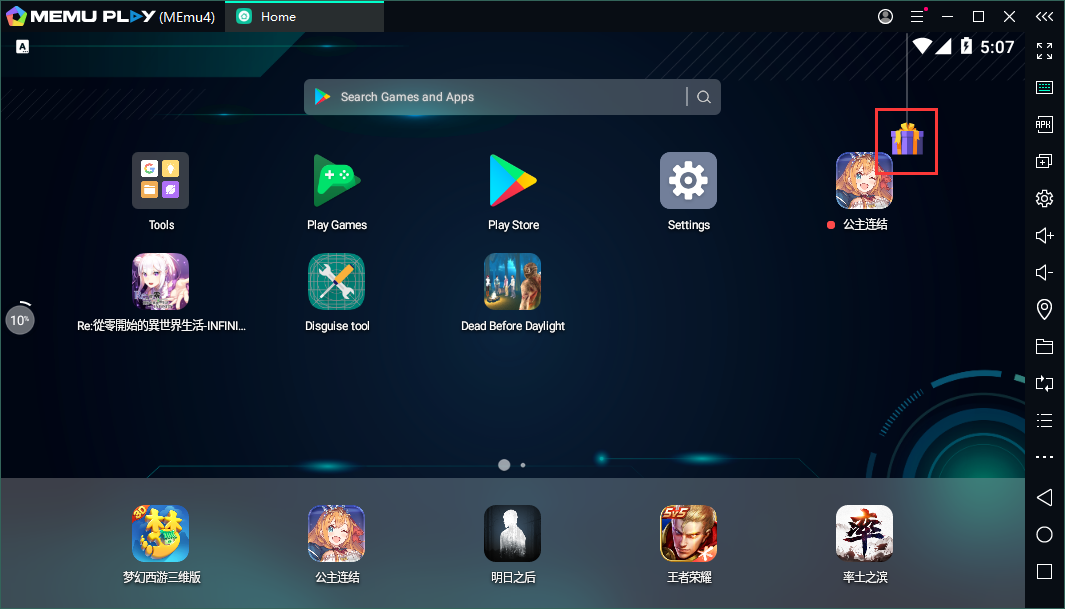
MEmu is relatively approachable once the emulator is installed. The main interface provides access to installed Android applications, settings, instance management, and common emulator controls. The more advanced settings require some understanding of virtual machines and Android environments. New users may also need to configure virtualization, graphics mode, CPU allocation, RAM, and keyboard controls before getting the best results. For normal Android gaming, however, you don’t need to understand every setting. A sensible starting point is to create one instance, install the required application, test it, and adjust performance only if you encounter a problem.
Key Features of MEmu Android Emulator 2026
- Runs Android apps and games on Windows PCs.
- Supports Intel and AMD processors.
- Supports hardware virtualization.
- Provides keyboard and mouse controls.
- Includes customizable key mapping.
- Supports multiple Android instances.
- Allows several Android environments to run simultaneously.
- Supports Android 32-bit applications.
- Provides an Android 64-bit version.
- Offers OpenGL and DirectX graphics rendering.
- Supports adjustable screen resolution.
- Allows users to change frame-rate settings.
- Supports gamepad controls.
- Provides GPS location simulation.
- Allows APK installation.
- Supports Google Play Store in supported configurations.
- Provides screen recording features.
- Supports screenshots.
- Allows creation of desktop shortcuts for individual Android apps.
- Provides instance management tools.
- Allows instances to be named and organized.
- Supports different Android versions depending on the selected instance.
- Provides device and performance settings.
- Includes tools for developers and testers.
- Supports Windows 7 and newer according to the current minimum requirements.
- Works with Windows 10 and Windows 11.
- Free version available.
- Offline installer available.
- Regular compatibility updates for selected Android applications.
MEmu Android Emulator 2026 Alternatives
BlueStacks
BlueStacks is one of the most established Android emulators for Windows. It offers gaming controls, multi-instance support, graphics settings, and compatibility with a large selection of Android games and applications. It is a strong alternative for users who want a polished gaming-focused emulator. The tradeoff is that some users dislike the amount of promotional content and advertisements. Community discussions frequently compare the ad experience of BlueStacks and MEmu.
LDPlayer
LDPlayer is another Windows Android emulator focused heavily on mobile gaming. It provides keyboard mapping, multiple instances, graphics settings, and game-specific controls. It is worth considering if a particular Android game performs better or has fewer compatibility problems on LDPlayer than on MEmu.
MuMu Player
MuMu Player is another option for Windows users who mainly care about Android gaming. Some recent community comparisons have favored MuMu for certain games and hardware combinations, although results vary by application.
Android Studio Emulator
The Android Emulator included with Android Studio is primarily intended for application development and testing rather than casual gaming. It provides detailed device profiles and Android-version choices, making it much more suitable for developers who need to test applications across different virtual devices. For someone who simply wants to play Android games on Windows, however, it can be more complicated than MEmu.
Genymotion
Genymotion is focused more heavily on Android development and testing. It provides virtual Android devices and tools aimed at developers and professional testing environments. It makes more sense when application testing is the main goal rather than gaming.
Conclusion
The MEmu Android Emulator 2026 is a useful Windows Android emulator for gaming, multiple accounts, and running mobile applications on a larger screen. Its performance can be good on suitable hardware, and its multiple-instance system is one of its strongest advantages. The main drawbacks are advertisements, hardware requirements for demanding workloads, and occasional compatibility differences between games and PCs. If your main goal is Android gaming on Windows, MEmu is worth testing, but the best emulator ultimately depends on the games, hardware, and Android applications you actually use.
MEmu Android Emulator 2026 Technical Setup Details
- Software Full Name: MEmu Android Emulator 2026
- Setup File Name: MEmu_Android_Emulator_9.5.6.1.rar
- Setup Size: 725 MB
- Setup Type: Offline Installer / Full Standalone Setup
- Compatibility Mechanical: 32 Bit (x86) / 64 Bit (x64)
- Developers: MEmu
System Requirements for MEmu Android Emulator 2026
- Operating System: Windows 7/8/10
- RAM: 2 GB
- Hard Disk: 5 GB
- Processor: Intel Dual Core or higher processor
MEmu Android Emulator 2026 Download
Download MEmu Android Emulator 2026 free latest full version offline direct download link for full offline setup by clicking the button below.