Download Superhive Market – Image to 3D full latest version program free setup for Windows.
Superhive Market – Image to 3D for Windows Review
Superhive Market – Image to 3D is an AI-powered Blender add-on that converts pictures and written prompts into textured 3D models. Developed by Milad Kambari, it allows users to generate 3D objects directly inside Blender instead of switching between different applications or relying on a cloud-based service. Its AI engines run locally on a compatible NVIDIA graphics card, so users do not need generation credits or a monthly subscription.
The latest version, Image to 3D 2, expands the original add-on with a node-based Canvas workspace, text-to-image generation, additional AI models, and automated enhancement tools. It is designed for Blender users, 3D artists, game developers, and hobbyists who want to turn visual ideas into editable 3D assets. However, it requires a capable Windows computer and considerable storage space for its AI models.
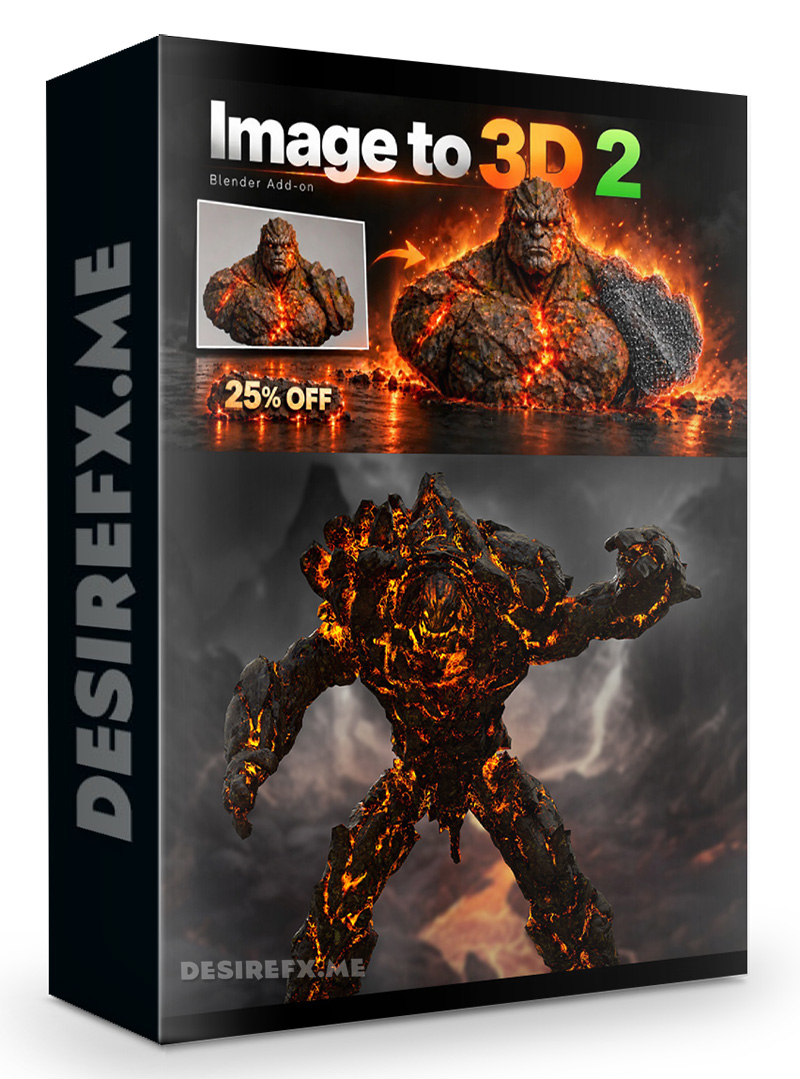
Image and Text to 3D Generation
The main purpose of Image to 3D is to turn a reference picture into a textured 3D object. Users can drag an image into Blender, select an AI engine, adjust the quality and face count, and start generation. The finished mesh is imported directly into the Blender scene, where it can be inspected and edited.
Version 2 also supports text-based workflows through its Canvas tools. Users can describe an object, generate a suitable reference image, and pass it through the 3D generation process. This makes it useful when starting with an idea rather than an existing photograph.
Multiple AI Engines
Image to 3D includes three main generation engines: TRELLIS, Pixal3D, and Hunyuan. Each has a different purpose. TRELLIS focuses on fast generation with detailed results, Pixal3D aims to stay close to the reference image, and Hunyuan supports additional reference views for better coverage of an object.
The add-on also includes Hi3D for its Enhance Detail feature. Users can choose the engine that best fits their project instead of relying on one generation method for every object.
Canvas and Multi-View Tools
The new Canvas workspace is one of the biggest improvements in Image to 3D 2. It provides a node-based area where users can connect different operations, from image preparation to final model enhancement. Available nodes include Prompt, Upload, Image, Upscale, Multi View, Find Parts, Generate 3D, Enhance Detail, and Enhance Texture.
Multi View can generate additional views of an object from a single reference image. These views can then help Hunyuan create a more complete model. Auto Run can execute a connected workflow automatically, reducing the need to perform every step separately.
Model Enhancement and Customization
Generating a model is only part of the process. Image to 3D includes Enhance Detail and Enhance Texture tools to improve the result. Enhance Detail uses Hi3D to add surface information to an existing model, while Enhance Texture focuses on improving its appearance without rebuilding the entire shape.
Users can also control the face count, choose Fast, High, or Ultra quality where supported, and select texture resolutions up to 4K. The maximum face count reaches two million, giving artists room to create detailed assets for close-up renders and other demanding projects.
Local Processing and Limitations
A major advantage is that generation takes place on the user’s own computer. After downloading the required AI models, users can work offline without uploading their reference images to a cloud service. This also removes the need for generation credits, although the initial model downloads require substantial disk space. The hardware requirements are important. The add-on needs an NVIDIA GPU with at least 8 GB of VRAM and 16 GB of system memory. Blender 4.2 or newer is required, and the supported operating systems include Windows 10 and Windows 11. Results also depend on the input image, and generated models may need cleanup, retopology, or manual adjustments before professional production use.
Key Features of Superhive Market – Image to 3D
- Image to 3D:Convert reference pictures into textured 3D models directly inside Blender.
- Text-Based Creation:Start a workflow with a written description and generate a reference image.
- Three Main Generation Engines:Choose TRELLIS, Pixal3D, or Hunyuan for different modeling needs.
- Hi3D Enhancement:Add more surface detail to existing models.
- Enhance Texture:Improve model textures without rebuilding the geometry.
- Canvas Workspace:Connect image, generation, and enhancement operations through nodes.
- Multi-View Generation:Create additional object views to help improve model reconstruction.
- Find Parts:Identify separate parts of an object and prepare images for further processing.
- Auto Run:Execute connected Canvas operations in one workflow.
- Quality Controls:Choose available quality levels and adjust the model’s face count.
- 4K Texture Support:Generate detailed textures for suitable projects.
- Local AI Processing:Run generation on a compatible NVIDIA GPU without cloud uploads or generation credits.
- Blender Integration:Import generated models directly into the active Blender scene.
Best Alternatives to Superhive Market – Image to 3D
- Meshy AI
Meshy AI is a browser-based 3D generation platform that converts images and text prompts into textured models. It also offers AI texturing, animation, model refinement, and different export formats. It is a good choice for users who prefer an online service and do not want to download large AI models to their computers. However, its cloud-based workflow differs from Image to 3D’s local processing.
- Tripo AI
Tripo AI provides image-to-3D, text-to-3D, and multi-view generation tools. It also includes options for mesh optimization, texturing, segmentation, and rigging. Its clean-topology options make it useful for users preparing models for games and animation. Unlike the Superhive add-on, Tripo works through an online platform rather than generating everything directly inside Blender.
- ZEG Image to 3D – Local AI for Blender
ZEG’s Image to 3D is another Blender add-on focused on local AI model generation. It offers engines such as TRELLIS.2, Hunyuan, UltraShape, and TripoSR, depending on platform support. It is a relevant option for Blender users who want to experiment with locally generated models, although its available engines, hardware support, and licensing requirements differ from Milad Kambari’s Image to 3D 2.
Conclusion
Superhive Market – Image to 3D for Windows is a useful Blender add-on for turning pictures and written ideas into textured 3D assets. Its multiple AI engines, Canvas workspace, Multi View, and enhancement tools provide more control than a basic image-to-model generator. Local processing is another major advantage for users who prefer not to upload their images or depend on cloud generation credits. The main drawbacks are its demanding hardware requirements, large model downloads, and the need to refine some generated results before using them in production. Users should also review the individual AI model licenses before using generated assets commercially. Overall, Image to 3D 2 is worth considering for Blender artists who want an integrated local AI workflow for creating and improving 3D models.
Superhive Market – Image to 3D Technical Setup Details
- Software Full Name: Superhive Market – Image to 3D
- Setup File Name: Superhive_Market_Image_to_3D_v2.0.9.rar
- Setup Size: 28 MB
- Setup Type: Offline Installer / Full Standalone Setup
- Compatibility Mechanical: 32 Bit (x86) / 64 Bit (x64)
- Developers: Superhive Market
System Requirements for Superhive Market – Image to 3D
- Operating System: Windows 7/8/10
- RAM: 16 GB
- Hard Disk: 10 GB
- Processor: Intel Core i5 or higher processor
- Blender 4.2 or newer
Superhive Market – Image to 3D Free Download
Download Superhive Market – Image to 3D free latest full version offline direct download link for full offline setup by clicking the button below.