Download AtlasDSP DI Crank for Mac Free. It is full Latest Version setup of AtlasDSP DI Crank DMG for Mac OS X.
AtlasDSP DI Crank for Mac Review
AtlasDSP DI Crank is a guitar and bass tone-shaping plugin designed for musicians who want tighter, heavier, and more aggressive sounds from their amp simulations. It is especially aimed at low-tuned guitars and basses used in modern metal styles such as djent, thall, and other heavy genres. Instead of replacing an amp simulator, DI Crank works before it in the signal chain, helping shape the incoming sound so the amp sim receives a cleaner and more focused signal.
One of its main strengths is its combination of EQ and drive controls. The 100 Hz, 250 Hz, and 500 Hz controls let you adjust important low and mid-frequency areas. These adjustments can help reduce muddiness, control excessive low-end energy, and give palm-muted guitar parts a tighter response. The controls around 1 kHz, 2 kHz, and 4 kHz add another level of tone shaping through subtle saturation. They can help bring out pick attack and note definition, which is useful when playing fast riffs or working with dense guitar arrangements.
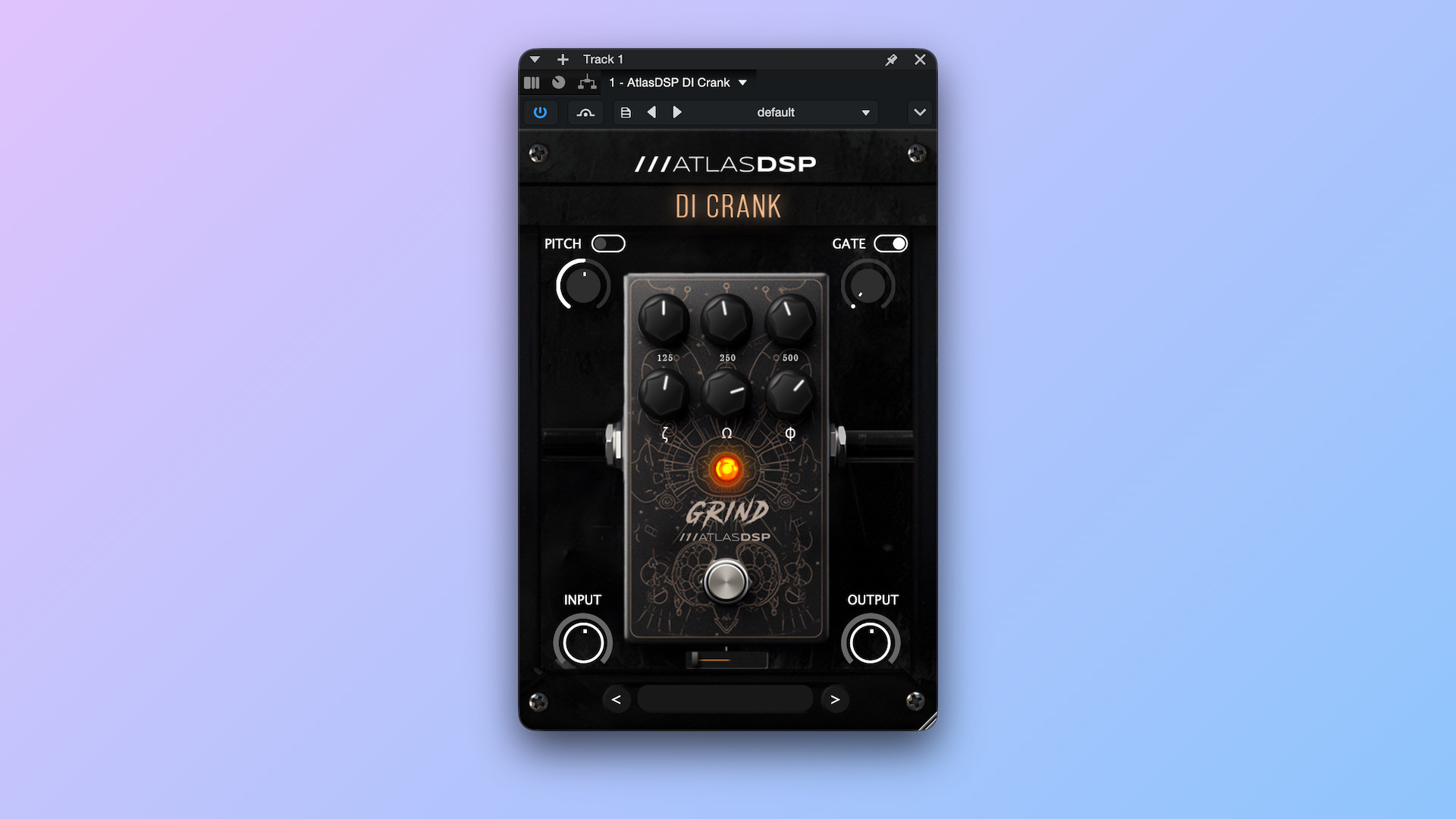
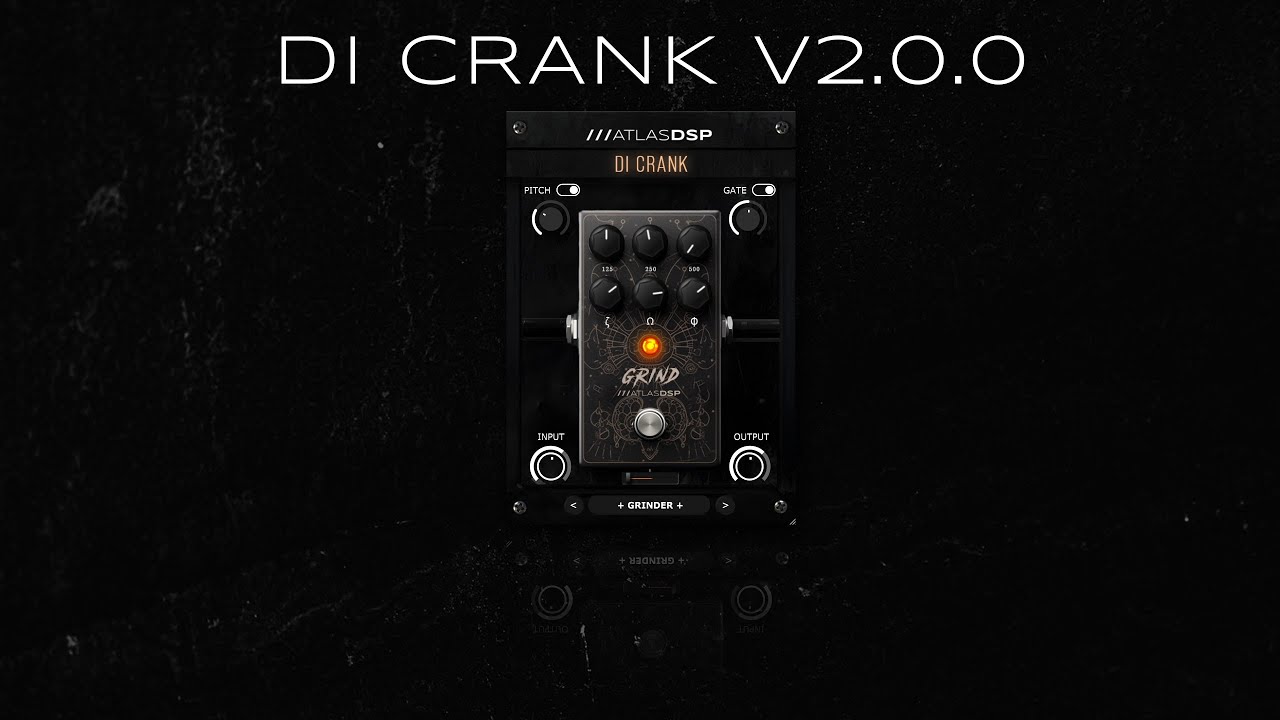
DI Crank also includes a Drive slider that adds grit and bite to the signal. You can use it to push an amp simulator harder and create a more aggressive response. The built-in pitch shifter provides another useful option for changing the pitch of the incoming signal, while the noise gate helps control unwanted noise between notes. These tools make the plugin useful for players who want to prepare their guitar or bass tone before it reaches the main amp and cabinet processing.
For Mac users, AtlasDSP lists DI Crank in 64-bit Audio Unit and VST3 formats. Its product page specifies macOS 10.11 or later, 4 GB of RAM with 8 GB recommended, a four-core 2 GHz CPU, and 100 MB of free storage. However, the developer does not clearly confirm native Apple Silicon support on the individual product page. Mac users with M-series processors should check compatibility with AtlasDSP before purchasing. Pro Tools and Maschine are not supported, so it is important to check your DAW’s plugin requirements first.
DI Crank is best suited to guitarists who already have an amp simulator and want more control over the signal entering it. It is not a complete amp simulator, cabinet loader, or full guitar production suite. Its focused controls make it easy to understand, but musicians who want a complete recording setup will need additional plugins for amplification, cabinet simulation, and other effects.
Key Features of AtlasDSP DI Crank
- EQ Controls:Adjusts 100 Hz, 250 Hz, and 500 Hz frequencies to help tighten the low end and reduce muddiness.
- Saturation Controls:The 1 kHz, 2 kHz, and 4 kHz controls add tonal character and help improve articulation.
- Drive Slider:Adds grit and aggression while pushing an amp simulator harder.
- Pitch Shifter:Lets you shift the incoming guitar or bass signal up or down.
- Built-in Noise Gate:Helps control unwanted noise and keep pauses between notes cleaner.
- Low-Tuned Guitar Support:Designed with modern low-tuned guitar and bass sounds in mind.
- Mac Plugin Formats:Available in 64-bit AU and VST3 formats.
- Simple Workflow:Combines EQ, drive, pitch shifting, and gating in one focused plugin.
Best Alternatives to AtlasDSP DI Crank
- AtlasDSP DI Hell
AtlasDSP DI Hell is a useful alternative for guitarists looking for a more aggressive high-gain tone-shaping tool. It focuses on heavy guitar and bass sounds, with controls designed to add attack, tightness, and intensity. It is worth considering if you want a more specialized metal tone rather than DI Crank’s combination of EQ and drive. Both plugins come from the same developer, but they approach tone shaping differently.
- Neural DSP Archetype: Gojira X
Neural DSP Archetype: Gojira X is a more complete guitar production solution. It includes three amplifier models, cabinet simulation, pre-effects, pitch effects, delay, reverb, and additional tools. It is suitable for players who want to create complete guitar tones without building a chain from separate plugins. Compared with DI Crank, it offers a much wider range of sound options but serves a different purpose.
- Bogren Digital AmpKnob RevC
AmpKnob RevC is designed for guitarists who want a ready-to-use high-gain amp sound with minimal adjustments. It features an amp and cabinet setup prepared by producer Jens Bogren, along with an option to load custom impulse responses. Its simple workflow makes it useful for recording heavy guitar parts quickly. Unlike DI Crank, it focuses on delivering an amp tone rather than preparing a DI signal with separate EQ and drive controls.
Conclusion
AtlasDSP DI Crank is a focused tone-shaping plugin for Mac guitarists and bassists who want tighter low frequencies, stronger attack, and more aggressive amp-sim tones. Its EQ, drive, pitch shifter, and noise gate cover several useful tasks without requiring a complicated interface. It makes the most sense for musicians who already use an amp simulator and want more control before the signal reaches it. However, it is not a complete guitar rig, and Apple Silicon users should confirm native compatibility before buying. For modern metal and low-tuned guitar production, DI Crank is a useful option to consider.
Technical Details
- Full Name: AtlasDSP DI Crank
- Setup App File Name: AtlasDSP DI Crank
- Full Application Size: 11 MB
- Latest Version: 2.0.0
- Setup Type: AU, VST3
- Developers: AtlasDSP
System Requirements
- Operating System: macOS 11 (Big Sur) or later
- Memory (RAM): 4/8 GB
- Hard Disk Space: 22.9 MB
- Processor: Apple Silicon (M1-M6 or newer) and Intel Core (64-bit)
Download AtlasDSP DI Crank Latest Version Free
Click on the button below to start AtlasDSP DI Crank Download for Mac OS X. This is completely Tested and Working Latest Version Mac OS App of AtlasDSP DI Crank. It is offline installer and standalone setup for AtlasDSP DI Crank for Apple Macintosh. We provide Resumeable single direct link AtlasDSP DI Crank Download for Mac.