Download JetBrains GoLand 2026 full latest version program free setup for Windows. JetBrains GoLand 2026 is a professional application which allows developers to write, test, debug, and maintain Go code in a hassle-free manner.
JetBrains GoLand 2026 for Windows Review
JetBrains GoLand 2026 is a professional development environment made for Go programming. It gives Windows users a complete place to write, test, debug, manage, and improve Go applications without relying on several separate tools. The 2026 releases add better support for newer Go versions, code improvements, performance analysis, Git features, and AI-assisted development. The latest 2026.2 release also adds a new Go Optimization tool window for finding performance problems and improving applications. GoLand is mainly aimed at developers who work with Go regularly. It can be useful for beginners too, but its large feature set makes more sense once you are working on real projects. It supports Windows 10 and Windows 11 and requires a 64-bit or ARM64 processor, 8 GB of total RAM, at least 3 GB available for the IDE, and 10 GB of free disk space.

The main advantage of GoLand is that it understands Go projects instead of treating your code as simple text. It can detect problems while you work, suggest corrections, help you move around a large project, and make changes across files. This becomes particularly useful when working on larger applications where manually finding related code can take a lot of time. GoLand 2026 also keeps up with newer Go releases. Version 2026.1 added support for Go 1.26 improvements and could identify older code that could be updated. The latest 2026.2 release goes further by bringing the official go fix tool into the editor. This lets you review recommended code updates directly in GoLand instead of running the tool separately from the command line.
Performance checking is one of the most useful additions in GoLand 2026.2. The new Go Optimization tool brings several performance tools together. Developers can inspect CPU and memory use, check how values are handled, examine program profiles, and connect performance information back to the source code. This is much more useful when an application already works but has become slow or uses more resources than expected. GoLand also works well with Git. The 2026 releases added support for Git worktrees, which can be useful when you need to work on several branches at the same time. For example, you can keep your main development work open while handling a separate urgent fix without constantly switching the same project between branches.
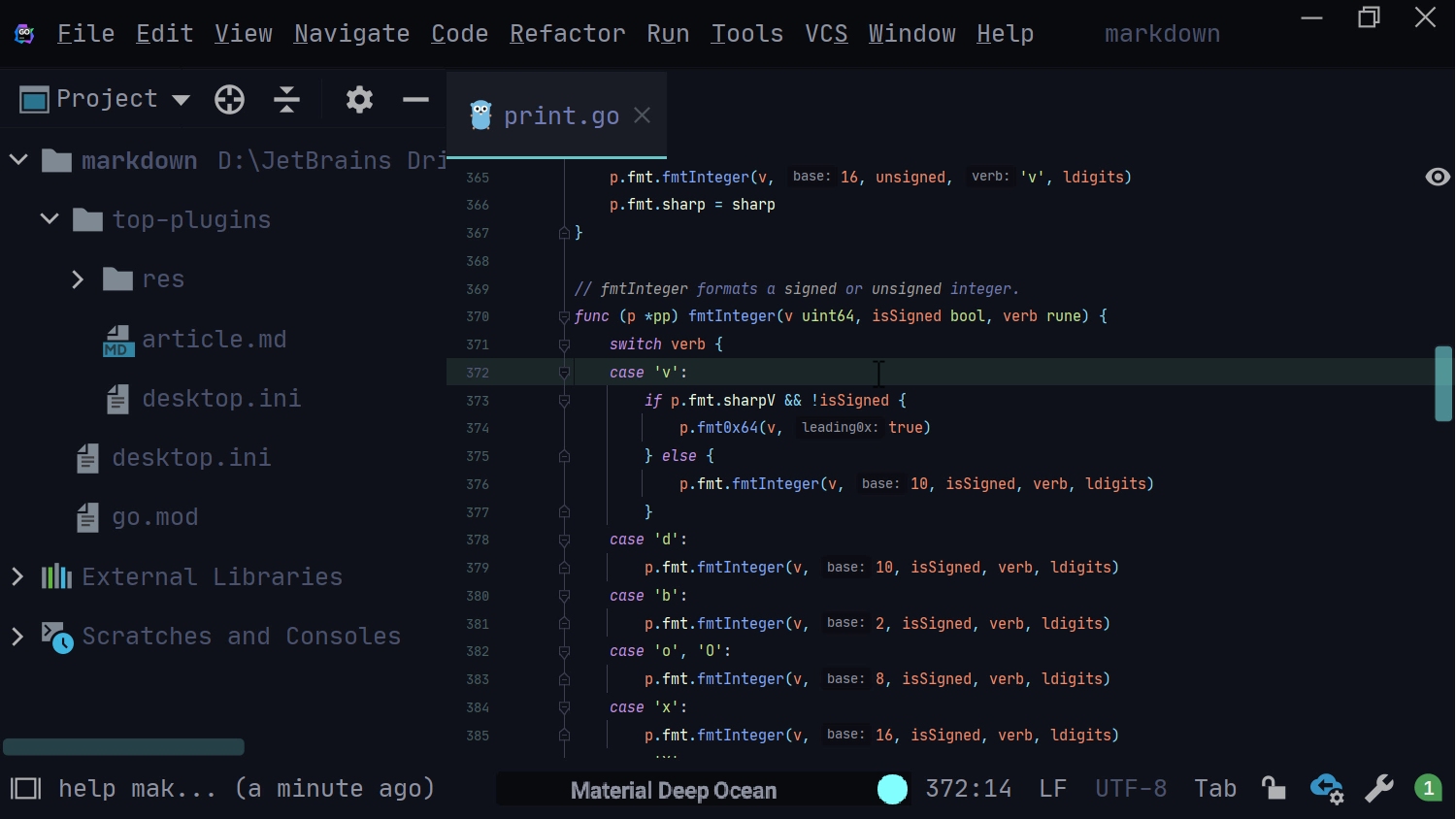
The editor provides code suggestions, error checking, navigation, code cleanup, and refactoring tools. These features can save a lot of manual work. You can rename code elements, move code, find where a function or type is used, and inspect related parts of a project without searching through every file yourself. AI features are also part of the current GoLand experience. JetBrains has expanded support for AI agents and added tools that can help with coding tasks. GoLand 2026.2 also includes updated support for AI-assisted development and modern Go guidelines, helping coding agents work with newer Go language features. These features are useful when treated as assistants rather than replacements for checking your own code.
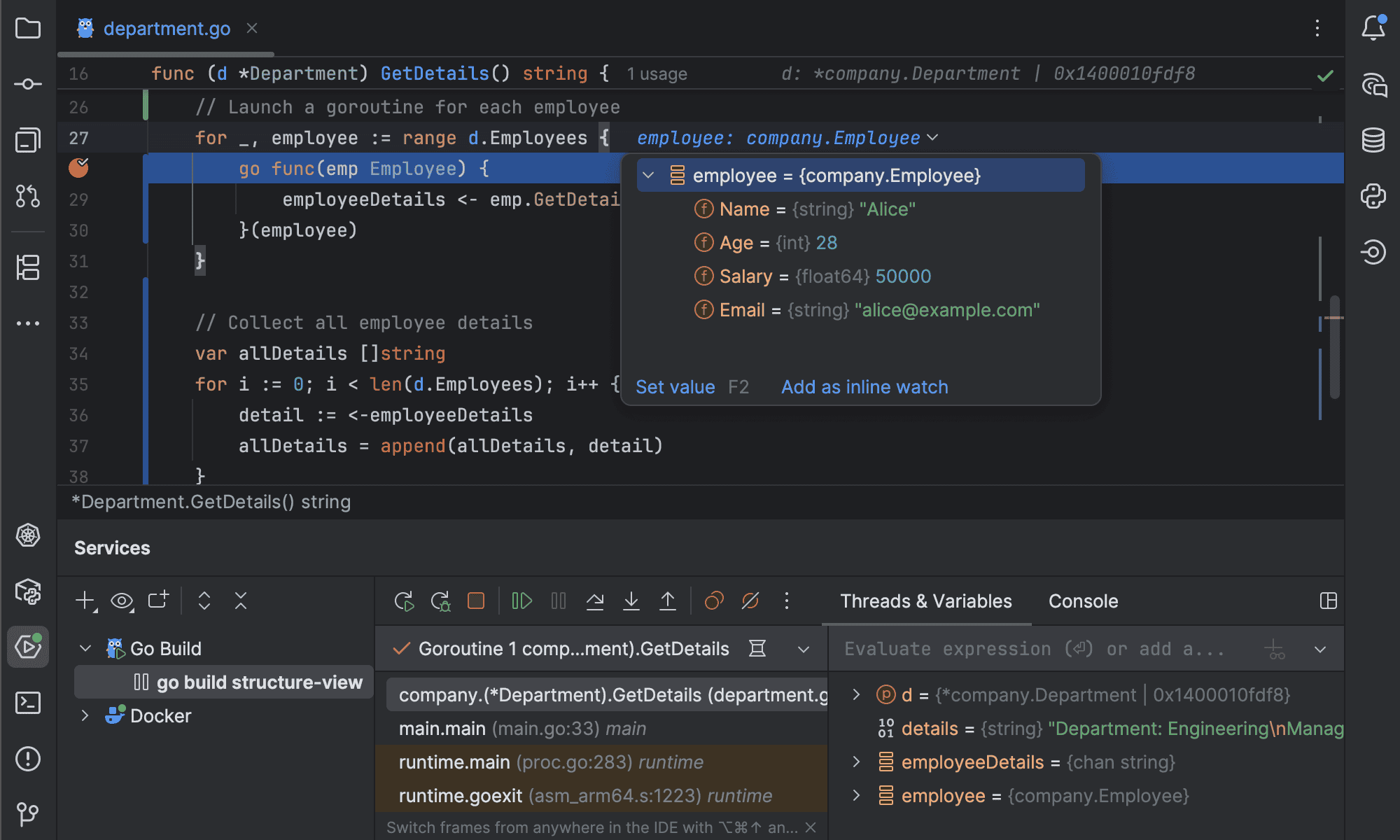
Another practical feature is support for remote development. Windows users can work with projects running on remote machines through JetBrains Gateway and SSH. GoLand can also work with WSL 2, which is useful for developers who prefer Linux-based Go tools while keeping Windows as their main desktop system. Project management is straightforward. You can create a new Go project, open an existing project, or get a project from a version control system. GoLand works around the project rather than treating individual source files separately, which helps it understand how different parts of an application are connected.
The main drawback is resource usage. GoLand is a full development environment, so it needs more memory and storage than a basic text editor. The official requirements list 8 GB of total RAM, with 3 GB available for the IDE itself. Developers working on large projects may benefit from a computer with more RAM than the minimum. Another consideration is that GoLand may offer more features than a beginner needs. If you only write small Go programs, a lightweight editor and the standard Go tools may be enough. GoLand becomes more attractive when you need project-wide code help, debugging, testing, Git tools, performance checks, remote development, and a single place to manage your development work.
Key Features
- Designed specifically for Go development
- Supports Windows 10 and Windows 11
- Works with current Go releases
- Code completion and code checking
- Finds coding problems while you work
- Quick fixes for common code issues
- Tools for cleaning up older Go code
- Built-in support for the official go fix tool
- CPU and memory performance analysis
- Go application profiling
- Support for goroutine leak analysis
- Git and Git worktree support
- Debugging and testing tools
- Code navigation across large projects
- Refactoring tools
- AI-assisted coding features
- Support for AI coding agents
- Remote development through SSH
- WSL 2 support on Windows
- Project management tools
- Support for Go modules
- JetBrains Toolbox support
- Windows, macOS, and Linux versions
Alternatives
Visual Studio Code: A lighter option for Go development. It can be expanded with Go extensions and is a better fit for users who prefer a simple editor.
Cursor: A good option for developers who want AI-assisted coding to play a larger role in their workflow.
IntelliJ IDEA: Worth considering if you work with several programming languages and want a broader JetBrains development environment instead of one focused mainly on Go.
Conclusion
JetBrains GoLand 2026 is a strong choice for Windows developers who work seriously with Go. Its biggest advantage is that many development tasks are available in one application. Writing code, finding problems, testing, debugging, working with Git, checking performance, and managing projects can all be handled without constantly switching between different programs. The 2026.2 update makes the software more useful for experienced developers in particular. The new performance tools, go fix integration, support for Go 1.27, improved Git workflow, and expanded AI features give developers more help when maintaining larger applications.
For small Go projects, GoLand may feel heavier than necessary. But if you work on large applications, APIs, backend services, or long-term Go projects, its project-wide tools can save considerable time. Overall, JetBrains GoLand 2026 is one of the strongest dedicated Go development environments for Windows. It is best suited to developers who want more than a basic code editor and need reliable tools for building, maintaining, testing, and improving Go applications.
JetBrains GoLand 2026 Technical Setup Details
- Software Full Name: JetBrains GoLand 2026
- Setup File Name: JetBrains_GoLand_2026.1.3.rar
- Setup Size: 871 MB
- Setup Type: Offline Installer / Full Standalone Setup
- Compatibility: 32 Bit (x86) / 64 Bit (x64)
- Latest Version Release Added On: 13th Sep 2026
- Developers: JetBrains
System Requirements for JetBrains GoLand 2026
- Operating System: Windows 7/8/10
- RAM: 8 GB
- Hard Disk: 10 GB
- Processor: Intel Core i5 or higher processor
JetBrains GoLand 2026 Download
Download JetBrains GoLand 2026 free latest full version offline direct download link for full offline setup by clicking the button below.