Download DbVisualizer Pro 2026 full latest version program free setup for Windows. DbVisualizer Pro 2026 is a popular cross-platform database management and SQL development tool that allows users to connect to, explore, manage, and query multiple database systems from one interface.
DbVisualizer Pro 2026 for Windows Review
DbVisualizer Pro 2026 is a professional database management and SQL development tool for Windows. It gives developers, database administrators, analysts, and other database users one interface for connecting to databases, writing SQL queries, browsing database objects, editing data, creating charts, and managing database structures. The software supports a wide range of database systems through JDBC and database-specific integrations. It can work with platforms such as MySQL, PostgreSQL, Oracle, SQL Server, SQLite, MariaDB, Snowflake, Google BigQuery, MongoDB, Redshift, and several others. The main advantage is that users can work with different database technologies from one application instead of switching between separate database clients.

Database Connection Management
DbVisualizer Pro is designed to handle multiple database connections from one workspace. Users can organize connections into folders, open several connections at the same time, and configure settings for individual databases. The software uses JDBC for database connectivity and provides a range of database drivers. It also supports SSH connections, which can be useful when a database is protected behind a remote server. This makes DbVisualizer practical for developers who regularly work with databases hosted on different servers or use more than one database platform.
Wide Database Support
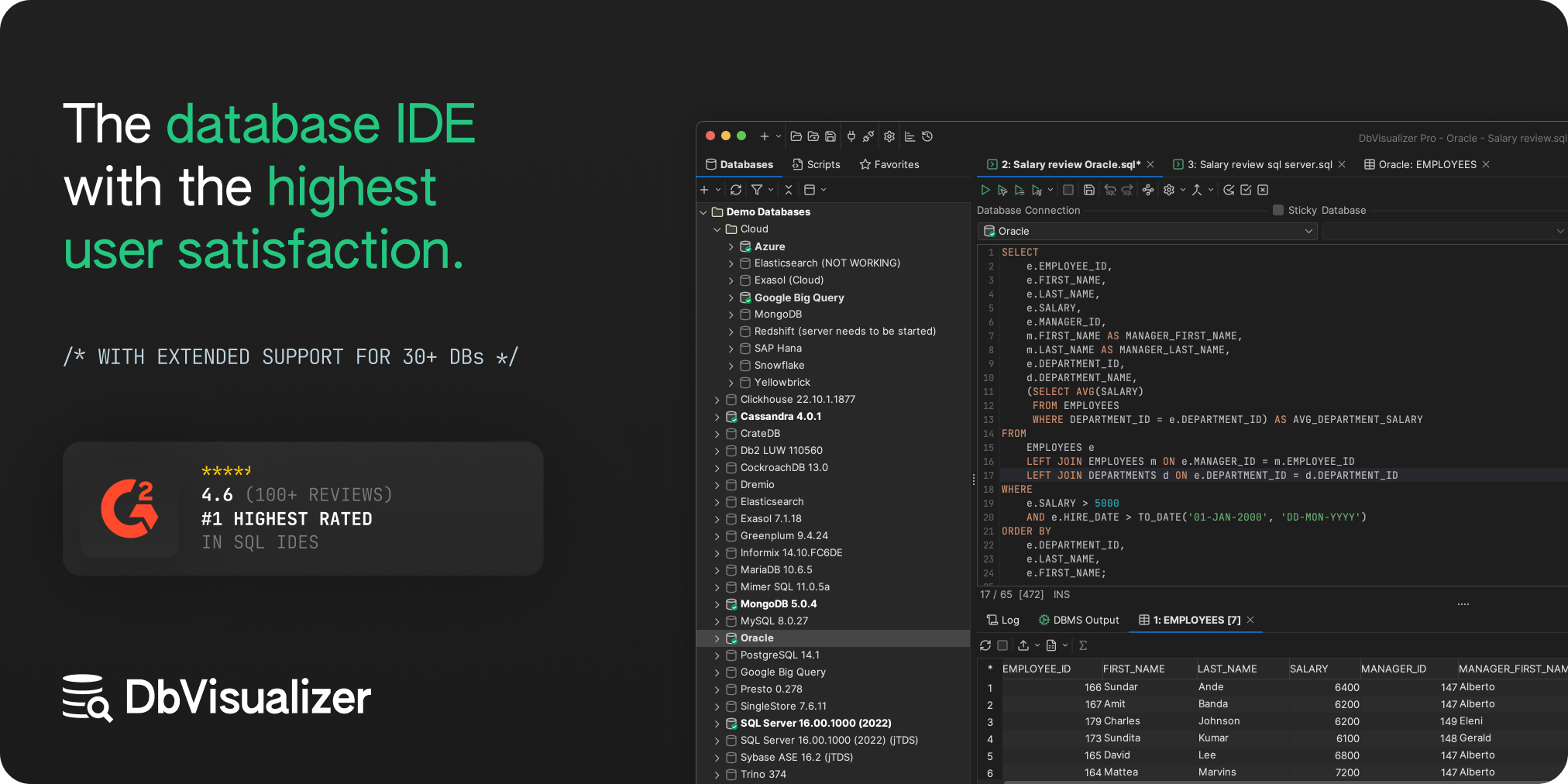
One of DbVisualizer Pro’s biggest strengths is its broad database support. The current feature list includes support for databases and platforms such as MySQL, PostgreSQL, Oracle, SQL Server, SQLite, MariaDB, IBM Db2, Snowflake, BigQuery, Redshift, MongoDB, Cassandra, Elasticsearch, Trino, Presto, Vertica, and others. Generic JDBC support also allows connections to additional database systems. This makes the software particularly useful for teams that work across different database technologies.
SQL Editor
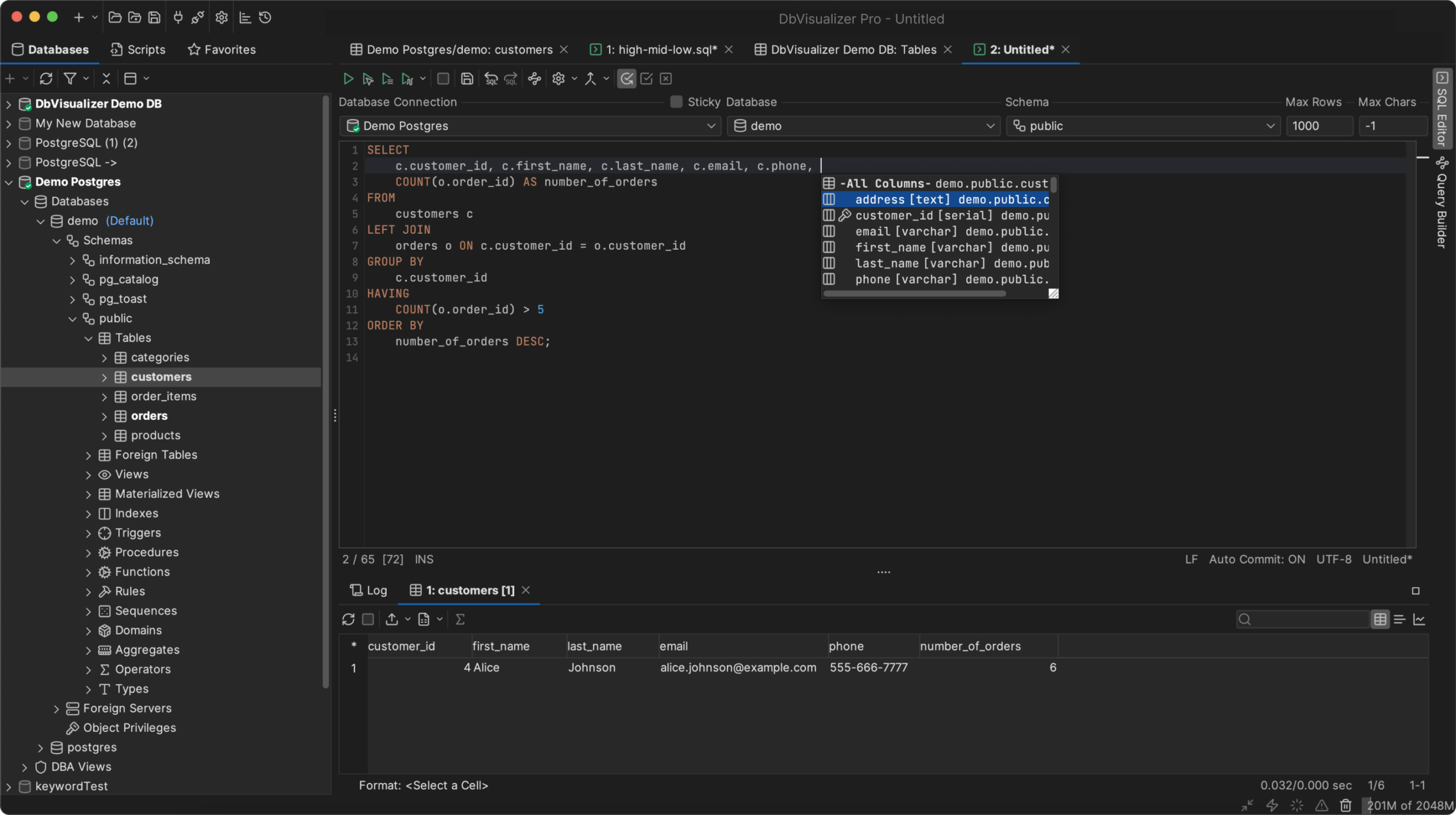
The SQL editor provides the main workspace for writing and executing database queries. DbVisualizer Pro includes syntax highlighting, code completion, multiple SQL editors, SQL formatting, execution controls, error highlighting, and SQL history. Users can execute individual statements, selected statements, or complete scripts. The editor can also display query results in different formats, including grids, text, and charts.
Query Builder
The built-in Query Builder can help users create SQL queries through a visual interface. Tables and relationships can be selected through the interface, while DbVisualizer generates the SQL statement. The tool can also automatically join columns using primary keys, foreign keys, or column names. This is useful for users who understand database structures but do not want to manually write every part of a complex SELECT query.
Explain Plan
DbVisualizer Pro includes Explain Plan tools for analyzing how a database intends to execute a query. The plan can be displayed as a graph, tree, or text view. This can help developers identify expensive operations and understand why a query may be taking longer than expected. Explain Plan is especially useful when optimizing SQL queries on larger databases.
Database Browser
The Database Browser provides a structured view of database objects. Users can browse tables, indexes, schemas, databases, procedures, functions, triggers, privileges, and other objects. Pro also adds object filtering and searching, making it easier to locate specific objects in large database environments. This is helpful when working with databases containing hundreds or thousands of tables and other objects.
Table Data Editing
DbVisualizer Pro allows users to edit table data directly through a spreadsheet-style grid or form editor. You can filter data, modify values, work with references, and inspect different data types without leaving the application. The Pro edition also supports viewing BLOB, CLOB, binary, image, PDF, and XML data in supported situations.
Data Import and Export
Data handling is another major Pro feature. Users can export table data and query results to formats such as CSV, HTML, SQL, XML, XLS, XLSX, and JSON. The application can also import table data from CSV and Excel files. Automatic data type detection and column mapping can make imports easier, especially when moving structured data into an existing table.
Database Reference Graphs
DbVisualizer Pro can visually display relationships between database tables. Reference graphs can show foreign-key relationships and provide different layout options. This is useful when learning an unfamiliar database or checking how tables are connected. For large schemas, a visual relationship map can be easier to understand than reading individual table definitions.
User Interface
The interface is designed around tabs, database connections, SQL editors, result sets, and object views. Users can rearrange tabs, detach tabs into separate windows, pin important tabs, and customize keyboard shortcuts. Both light and dark themes are available. The interface can feel busy at first because DbVisualizer exposes many database tools in one application. However, it becomes more useful as projects grow and database tasks become more varied.
Key Features of DbVisualizer Pro 2026
- Support for multiple database platforms
- JDBC-based database connections
- Multiple simultaneous database connections
- SQL editor with code completion
- SQL formatting
- Query Builder
- Explain Plan
- Database object browser
- Table and data editing
- Data import and export
- SQL, CSV, Excel, JSON, XML, and other export formats
- Database reference graphs
- SQL history
- Database monitoring
- Database charts
- Command-line interface
- Git version control
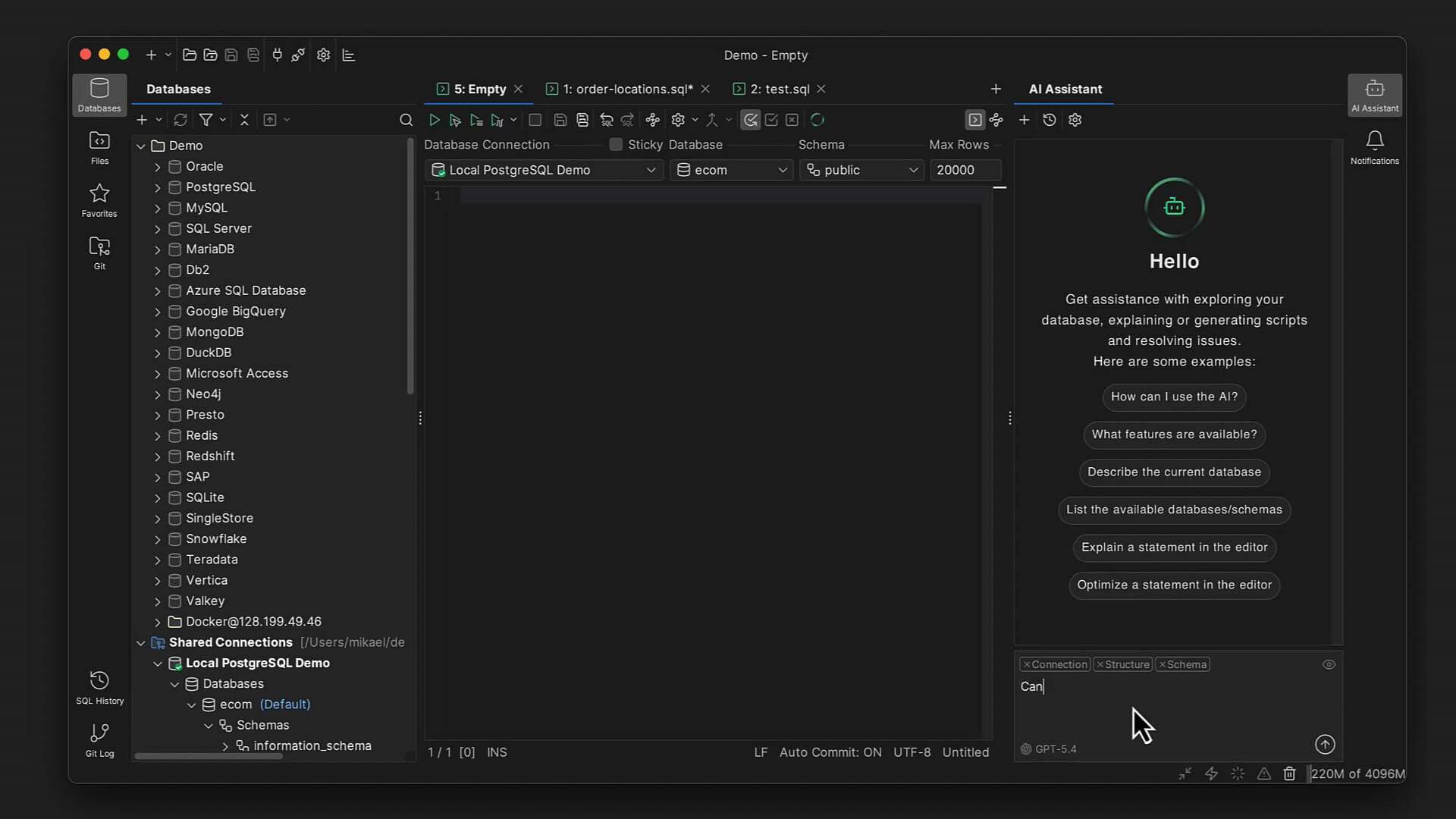
- AI Assistant
- SSH support
- Strong password protection
- Windows, macOS, and Linux support
DbVisualizer Pro 2026 Alternatives
DBeaver
DBeaver is one of the strongest alternatives for users who want a multi-database desktop client. It supports many database systems and provides SQL editing, database browsing, data editing, and other development features. Its large feature set makes it a strong competitor to DbVisualizer, particularly for users looking for a flexible database tool with a free edition.
DataGrip
JetBrains DataGrip is a database IDE aimed at developers who want advanced SQL development features. It provides intelligent code completion, database navigation, SQL editing, and integration with the JetBrains development environment. It is particularly appealing to developers already using other JetBrains products.
HeidiSQL
HeidiSQL is a lightweight Windows database client focused on practical database management. It is simpler than DbVisualizer and can be a good choice for users who mainly work with supported MySQL, MariaDB, Microsoft SQL Server, and related databases.
MySQL Workbench
MySQL Workbench is designed specifically around MySQL development and administration. It provides SQL development, database modeling, server administration, and other MySQL-focused tools. It is a better choice when your work is almost entirely based on MySQL.
Azure Data Studio / SQL-focused Microsoft Tools
Microsoft’s SQL-focused tools are useful for developers and administrators working mainly with SQL Server and Microsoft’s database ecosystem. They can be preferable when your environment is centered around Microsoft technologies rather than a mixture of database platforms.
Conclusion
DbVisualizer Pro 2026 is a powerful database client for Windows users who work with multiple database platforms or need advanced SQL and database-management features in one application. Its biggest strength is breadth. You can connect to different database systems, browse schemas, edit table data, build queries, analyze execution plans, create charts, import and export data, manage SQL scripts with Git, and use the built-in AI Assistant without constantly moving between different applications. The main drawback is the Pro licensing cost. Users who only need basic SQL queries may find the free edition or another free database client sufficient. However, database professionals who need advanced editing, query analysis, data management, and multi-database support can get considerably more value from Pro.
DbVisualizer Pro 2026 Technical Setup Details
- Software Full Name: DbVisualizer Pro 2026
- Setup File Name: DbVisualizer_Pro_26.2.rar
- Setup Size: 209 MB
- Setup Type: Offline Installer / Full Standalone Setup
- Compatibility: 32 Bit (x86) / 64 Bit (x64)
- Latest Version Release Added On: 03rd Sep 2026
- Developers: DbVisualizer Pro
System Requirements for DbVisualizer Pro 2026
- Operating System: Windows 7/8/10
- RAM: 2 GB
- Hard Disk: 1 GB
- Processor: Intel Dual-Core or higher processor
DbVisualizer Pro 2026 Download
Download DbVisualizer Pro 2026 free latest full version offline direct download link for full offline setup by clicking the button below.