Download Xojo 2024 full latest version program free setup for Windows. It is a cross-platform rapid application development (RAD) environment which allows developers to create native desktop, web, mobile, console, and Raspberry Pi applications in a professional manner.
Xojo 2024 for Windows Review
Xojo 2024 is a cross-platform development environment that lets you create desktop, web, mobile, and console applications from one development tool. It combines a visual interface designer, programming language, compiler, debugger, and framework in the same IDE. For Windows users, it provides a practical way to create native desktop applications without having to work directly with the Windows API for every common task.
The 2024 release series brought several useful improvements throughout the year. Xojo 2024 R1 added barcode support for Windows, macOS, and iOS, updated SQLite, improved project and debugger features, and added other framework changes. R2 introduced database connection project items for desktop and other project types. R3 introduced preemptive threading and started the deprecation of 32-bit Windows builds. R4 added Windows ARM64 support for XojoScript, updated Windows runtime files, and improved performance.

What Is Xojo 2024?
Xojo 2024 is an integrated development environment, commonly called an IDE, for building applications. Instead of using one program to design an interface, another to write code, another to compile the project, and another to debug it, Xojo brings these parts together. Its visual design system lets you place controls on windows and dialogs, while the Xojo programming language handles application logic. This approach makes Xojo particularly interesting for developers who want to build working applications without dealing with large amounts of platform-specific code. Xojo supports projects for Desktop, Web, Console, iOS, and Android. Desktop projects can target Windows, macOS, and Linux, while web projects run through web browsers.
Visual App Development
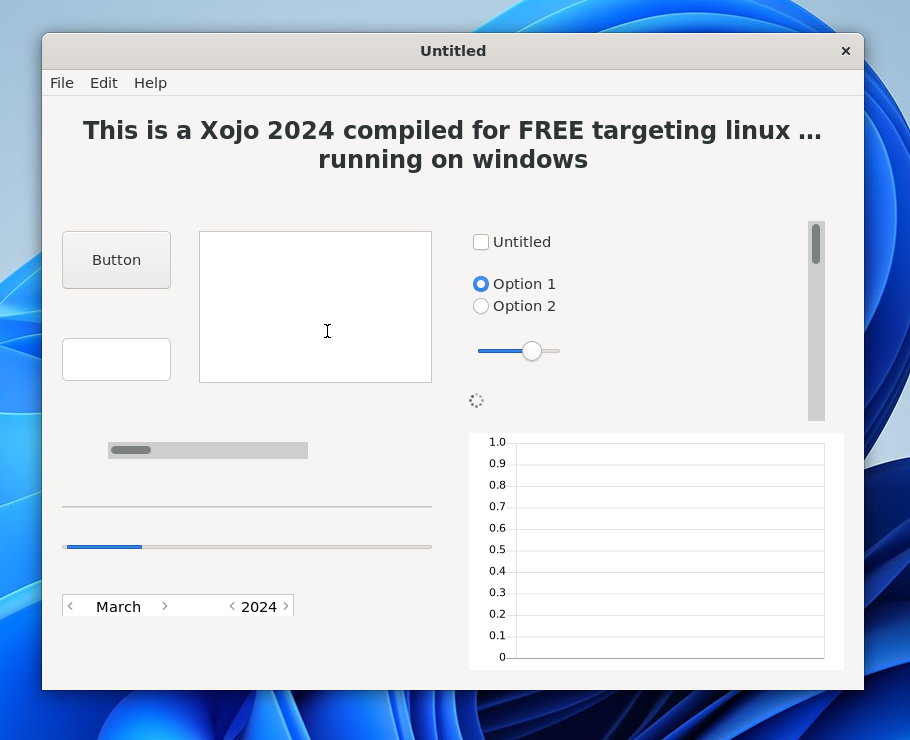
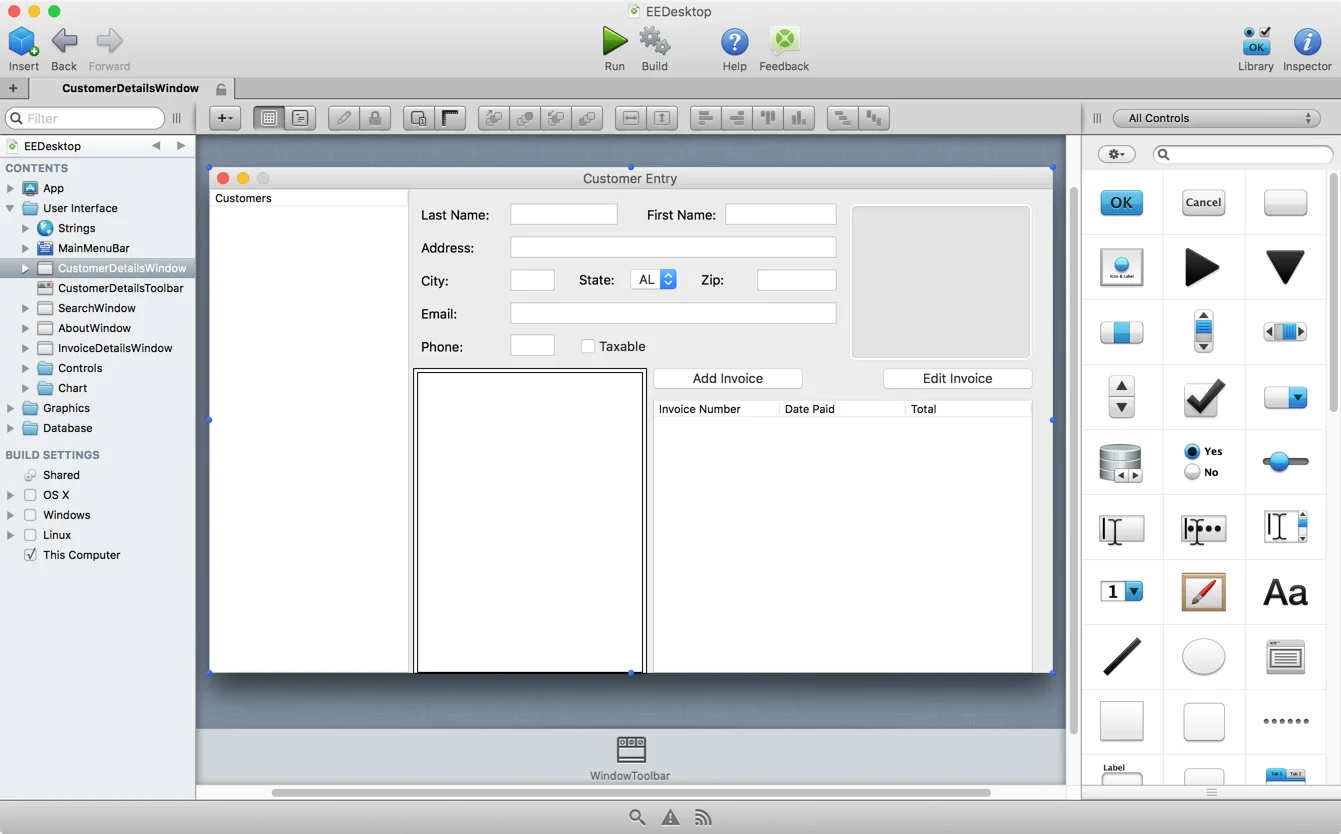
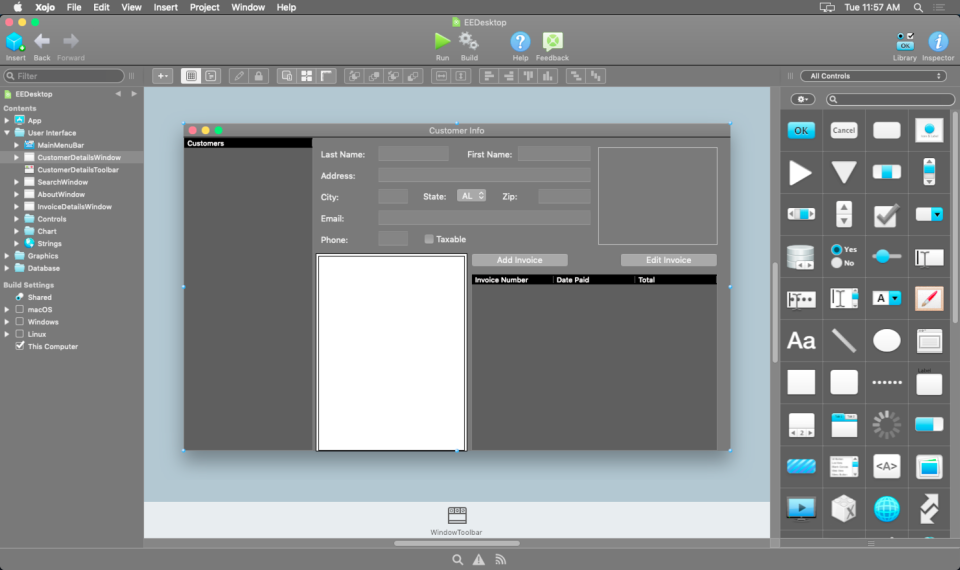
One of Xojo’s biggest advantages is its visual development workflow. You can create a desktop window and place buttons, text fields, list boxes, menus, images, and other controls onto it. After designing the interface, you add code to the relevant controls and events.This makes the development process easier to understand than starting with a completely empty code file. For beginners, the visual approach can reduce the amount of code required for basic interfaces. Experienced developers can also use the same system to build larger applications with custom classes, modules, databases, and reusable components.
Xojo Programming Language
Xojo is not only an IDE. It also includes its own object-oriented programming language. The language is designed to work closely with the Xojo framework, so developers can use common classes and methods for files, networking, graphics, databases, windows, controls, strings, arrays, and other application tasks. This means you do not need to learn the Windows API for every basic application function. For developers coming from languages such as Visual Basic, the general programming approach can feel familiar. At the same time, Xojo provides object-oriented features for developers building larger applications.
Desktop App Development
Xojo 2024 is especially useful for Windows developers who want to create desktop applications. You can create the interface visually, add application logic, connect databases, debug the project, and then compile a Windows application from the same environment. Desktop projects can also be designed for multiple operating systems. This is one of Xojo’s main selling points because developers can share much of their project code between Windows, macOS, and Linux. This can reduce the need to maintain completely separate application projects for each desktop platform.
Web App Development
Xojo is not limited to Windows desktop software. The same development environment can be used to create web applications. Users access these applications through a web browser instead of installing a traditional desktop program. Xojo provides web controls and features for handling web sessions, browser communication, web layouts, and other common web application requirements. This makes Xojo useful for developers who want one development environment for both desktop and web projects.
SQLite Improvements
SQLite received attention during the Xojo 2024 development cycle. Xojo 2024 R1 updated SQLite to version 3.45.1. R2 also introduced better handling of SQLite database connection items by bundling the database file into the Resources folder of the built application. R3 added support for the SQLite SOUNDEX function. These changes are useful for developers creating desktop applications that rely on local databases.
Preemptive Threading
Preemptive threading was one of the more important technical additions in Xojo 2024 R3. Threads allow applications to perform work without making the main interface feel frozen. With preemptive threads, work can potentially execute on a separate CPU core rather than sharing the same core with the application. This can be useful for processing-heavy tasks. However, preemptive threads require more care than normal cooperative threads. They do not share memory with the application in the same way, and developers must take additional precautions when working with shared data or user-interface controls. For simple projects, developers may not need this feature. For larger applications performing calculations, file processing, or other intensive operations, it can become more important.
Windows Application Deployment
After developing an application, Xojo can compile it for Windows. Windows applications created with Xojo are normally distributed through installers. Xojo’s documentation lists installer tools such as Inno Setup, Advanced Installer, NSIS, InstallForge, CreateInstall, and InstallShield. A Windows installer needs to include the executable and the required Libs and Resources folders. Xojo also notes that the required Visual C++ runtime components need to be included appropriately. This is an important point for new developers. Building an EXE is only one part of delivering a Windows application. The installer also needs to provide the required runtime files and resources.
Key Features of Xojo 2024
- Visual application design
- Xojo object-oriented programming language
- Integrated code editor
- Integrated debugger
- Multi-platform compiler
- Desktop application development
- Web application development
- Console application development
- Database connectivity
- SQLite support
- Version control-ready project format
- Preemptive threading
- Barcode creation and scanning
- Windows ARM64 XojoScript support
- Windows runtime support
- Built-in project templates
- Cross-platform application framework
- Custom controls and classes
- Application deployment tools
Xojo 2024 Alternatives
Microsoft Visual Studio
Microsoft Visual Studio is one of the strongest alternatives for Windows development. It supports C#, C++, Visual Basic and other technologies and provides extensive debugging, project management, database, web, desktop, and cloud development tools. Visual Studio is a better fit if your priority is deep Windows integration and access to Microsoft’s development ecosystem.
Best for: Professional Windows and .NET development.
JetBrains Rider
JetBrains Rider is a cross-platform IDE focused heavily on .NET development. It provides advanced code navigation, debugging, refactoring, testing, and project management features. Rider is a strong choice for developers who prefer C# and the .NET ecosystem while working across Windows, macOS, and Linux.
Best for: Professional .NET and C# development.
Lazarus
Lazarus is an open-source development environment based on Free Pascal. It follows a visual development approach and can be used to create native applications for multiple platforms. For users who like the general idea of visual application development but want an open-source alternative, Lazarus is worth considering.
Best for: Open-source cross-platform desktop development.
Delphi
Delphi is another long-established rapid application development environment. It provides visual development tools and focuses strongly on native application development. Developers who want a commercial RAD tool with a mature ecosystem may find Delphi a closer alternative to Xojo than a general-purpose code editor.
Best for: Native desktop and business application development.
Conclusion
Xojo 2024 is a capable development environment for users who want to build Windows applications without dealing with every low-level detail of native Windows programming. Its biggest advantage is the complete development workflow. You can design the interface, write code, connect databases, debug the application, and compile the final program from one environment. The 2024 series was also more than a small maintenance update. Across R1 through R4, Xojo added barcode functionality, database project improvements, preemptive threading, code-editor improvements, Windows ARM64 XojoScript support, and updated Windows runtime handling.
Xojo 2024 Technical Setup Details
- Software Full Name: Xojo 2024
- Setup File Name: Xojo_2024.3.26_Release_1.rar
- Setup Size: 1.3 GB
- Setup Type: Offline Installer / Full Standalone Setup
- Compatibility Mechanical: 32 Bit (x86) / 64 Bit (x64)
- Latest Version Release Added On: 11th Sep 2026
- Developers: Xojo
System Requirements for Xojo 2024
- Operating System: Windows 7/8/10
- RAM: 4 GB
- Hard Disk: 2 GB
- Processor: Intel Dual-Core or higher processor
Xojo 2024 Download
Download Xojo 2024 free latest full version offline direct download link for full offline setup by clicking the button below.